
Multi-currency accounting software
Multi-currency accounting for small business: invoice and pay in their currency, keep books in yours
Set a customer or vendor to their own currency and their invoices, bills, payments and credit memos are entered in it. AcboBooks posts the ledger in your home currency at the exchange rate, keeps the customer's or vendor's balance in their currency, and posts the gain or loss when the payment comes in at a different rate.
It suits a Canadian business with US customers, a US business buying from Canada, or an importer paying suppliers abroad, and it is part of AcboBooks for $399.99 once.
No card, no account. Windows 10 and 11. United States and Canada.

What it means
In practice
One home currency, many partners
Choose the home currency in company settings. Customers, vendors and bank or card accounts can each be set to one of 15 currencies, including USD, CAD, EUR, GBP, MXN and CNY. The general ledger and the reports are always in the home currency.
Rates you control
Get the Bank of Canada's official daily rates with one click, or enter your own in the Exchange Rates list. A foreign document uses the latest rate on file, and you can type the day's rate on the document instead. AcboBooks will not post a foreign document at 1:1 if no rate is on file.
Gains and losses posted for you
When a customer pays, or you pay a bill, at a different rate from the invoice, the difference goes to Exchange Gain or Loss. At period end, revalue open receivables and payables and your foreign bank and card accounts, every currency at once, to post the unrealised gain or loss as an adjusting entry.
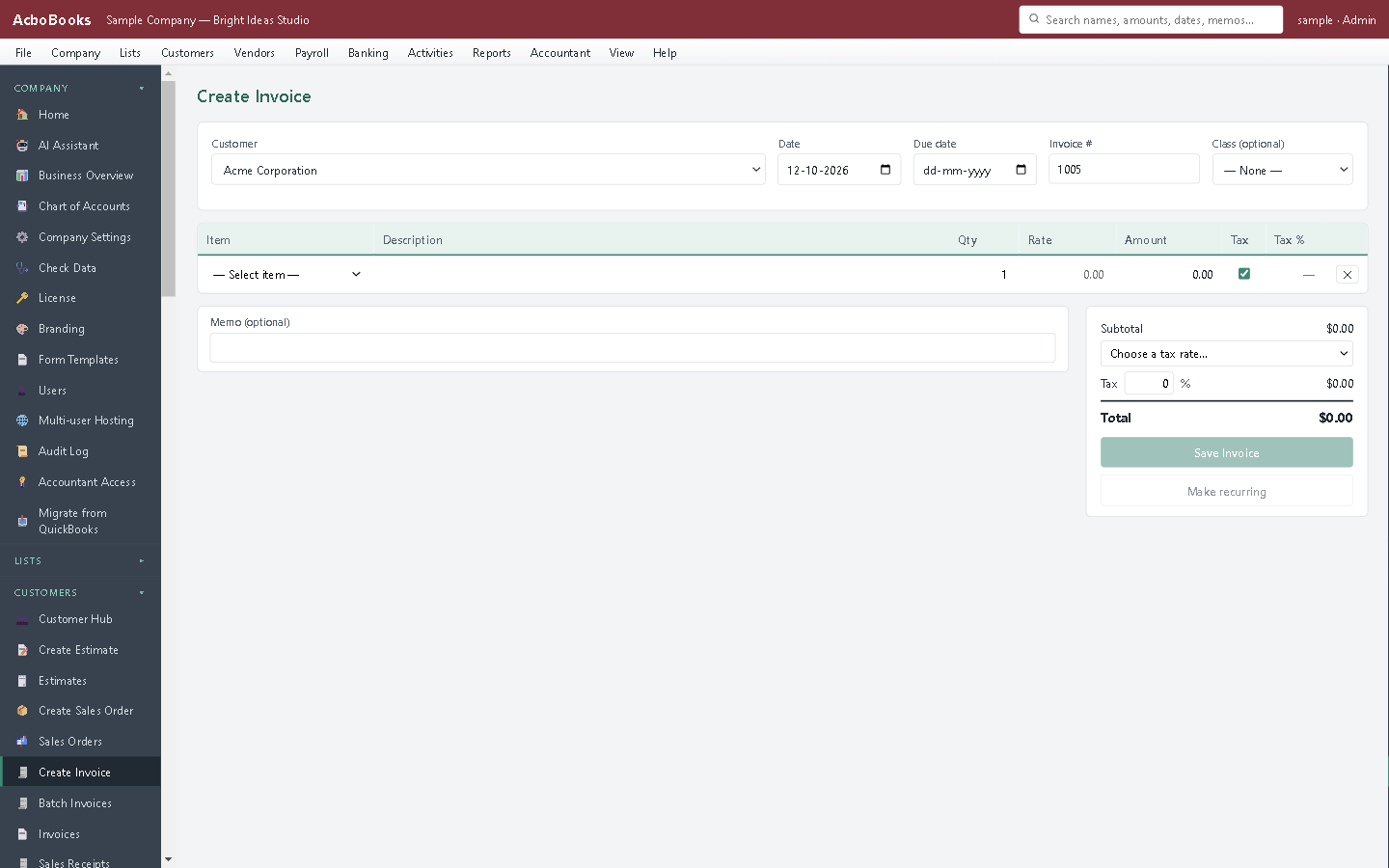
Invoice a foreign customer in their own currency.
The supplier bills in dollars, you report in yours
Enter the supplier's bill in their currency, exactly as it reads. The bill sits in payables in that currency, and your books show what it costs you at today's rate.
When you pay it, the rate has moved. AcboBooks posts the difference to Exchange Gain or Loss, so the payable clears to zero and the profit and loss shows what the currency cost or saved you.
What is in the licence
The whole job, in one price
Documents in their currency
Rates
Gains and losses
Foreign accounts
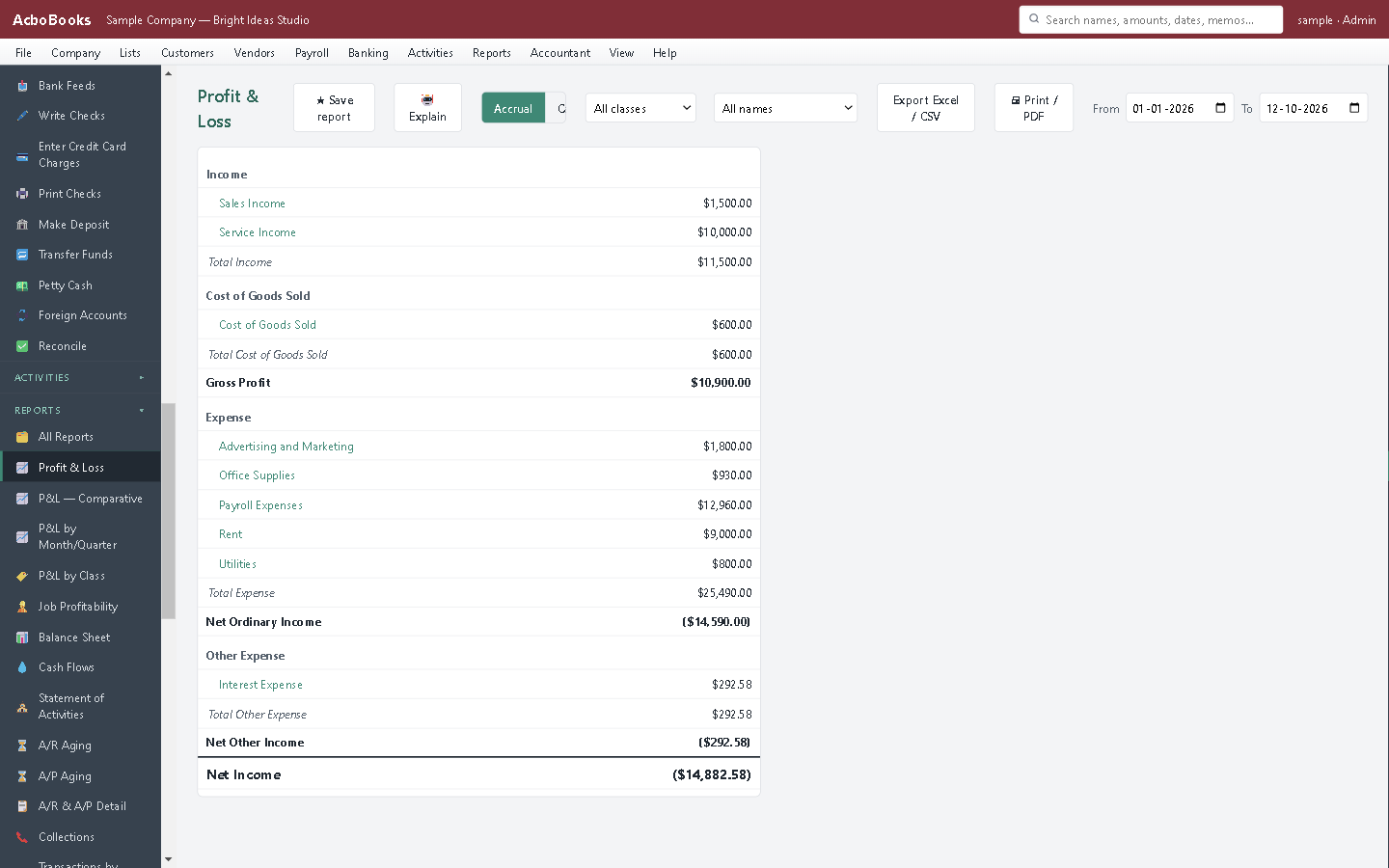
Reports in your home currency, with exchange gains and losses.
What it does not do
· Rates come from the Bank of Canada or from you; there is no automatic daily download.
· Payments waiting in Undeposited Funds are in the home currency, so they are deposited into a home-currency bank account; foreign payments can go straight into a foreign account.
· Reports, customer statements and payment receipts are in the home currency. Invoices, estimates, orders, sales receipts and credit memos in a foreign currency print with its currency code.
· One home currency per company file.
· Windows 10 and 11 for now (no Mac version yet); no phone app.
· One company per file; open as many files as you have businesses.
Questions people ask
Before you download
Can a Canadian company invoice US customers in US dollars?
Yes. Set the customer's currency to USD and their invoices are in US dollars. Your books stay in Canadian dollars, and the gain or loss is posted when they pay.
Where do the exchange rates come from?
Click Get Bank of Canada rates in the Exchange Rates list for the official daily rates, or enter your bank's rate yourself, and type the actual rate on a payment when it differs. AcboBooks only connects to the Bank of Canada when you click.
What is the difference between realised and unrealised gains?
Realised gains and losses happen when an invoice or bill is settled at a different rate. Unrealised ones are the change in value of what is still open at period end; the revaluation posts them as an adjusting entry you can reverse later.
Are reports shown in the foreign currency?
No. All reports are in the home currency. Customer and vendor balances are kept in their own currency on their records.
Coming from something else?
How it compares to what you use now
Keep reading
Guides, tools and templates for this
Get started
Invoice a foreign customer in the trial.
Set a customer's currency, enter a rate and save an invoice.
No card. No account. Nothing to cancel.