
AcboBooks Academy · 10 lessons · about 69 min
Reports and year-end
Everything you enter ends up in a report. This track shows where the reports live, how to read the two that matter most (Profit & Loss and the Balance Sheet), how to filter, drill into, export and save any report, how to keep an eye on who owes what, how to set a budget, and how to close the year and lock it once your accountant is done. The screenshots use the sample company, Bright Ideas Studio.

Lessons
Lesson 1 · 4 min · Beginner
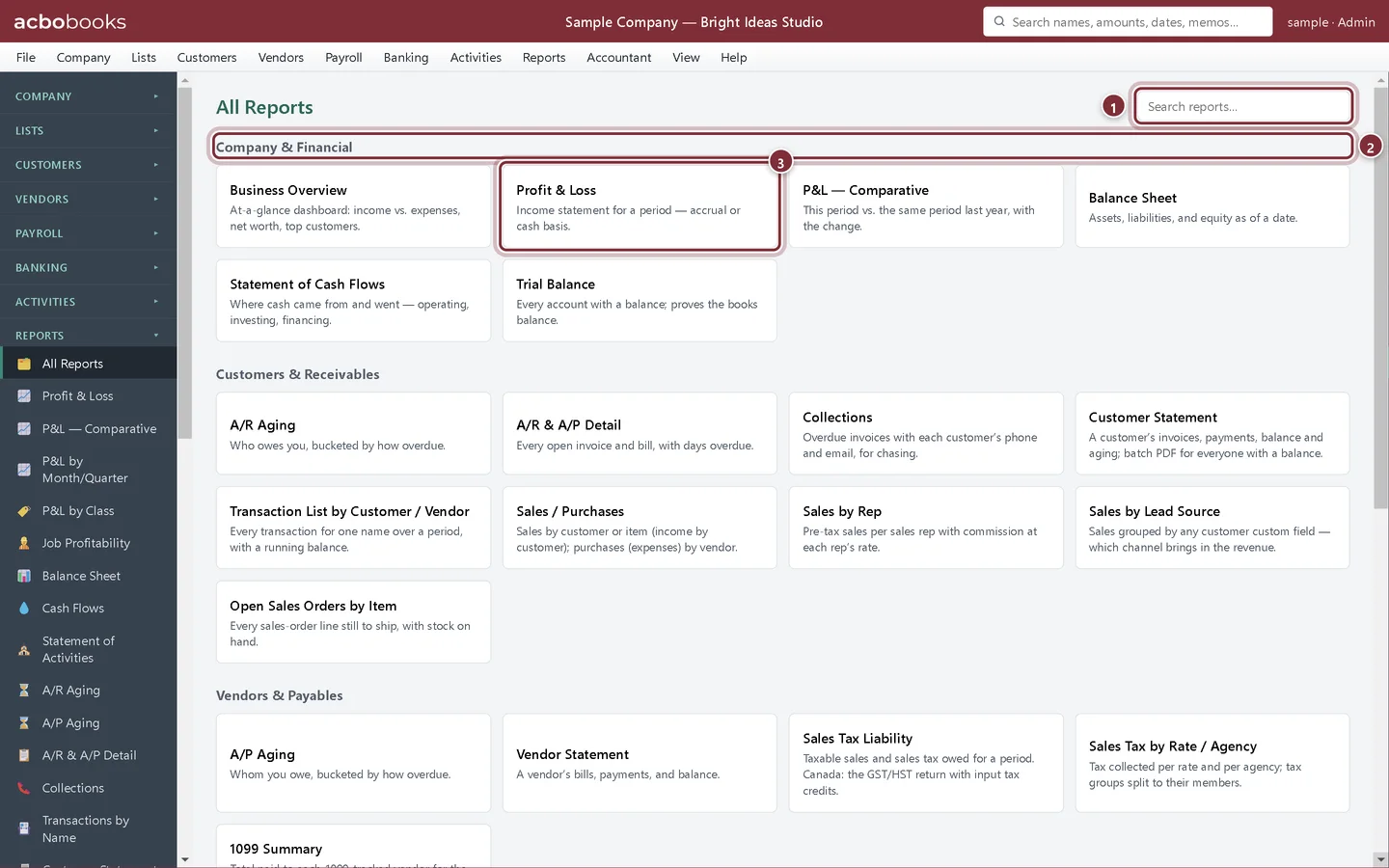
Find the report you need
Open any report in AcboBooks from the Reports menu or the All Reports page, grouped by topic and searchable by name or purpose.
Lesson 2 · 9 min · Beginner
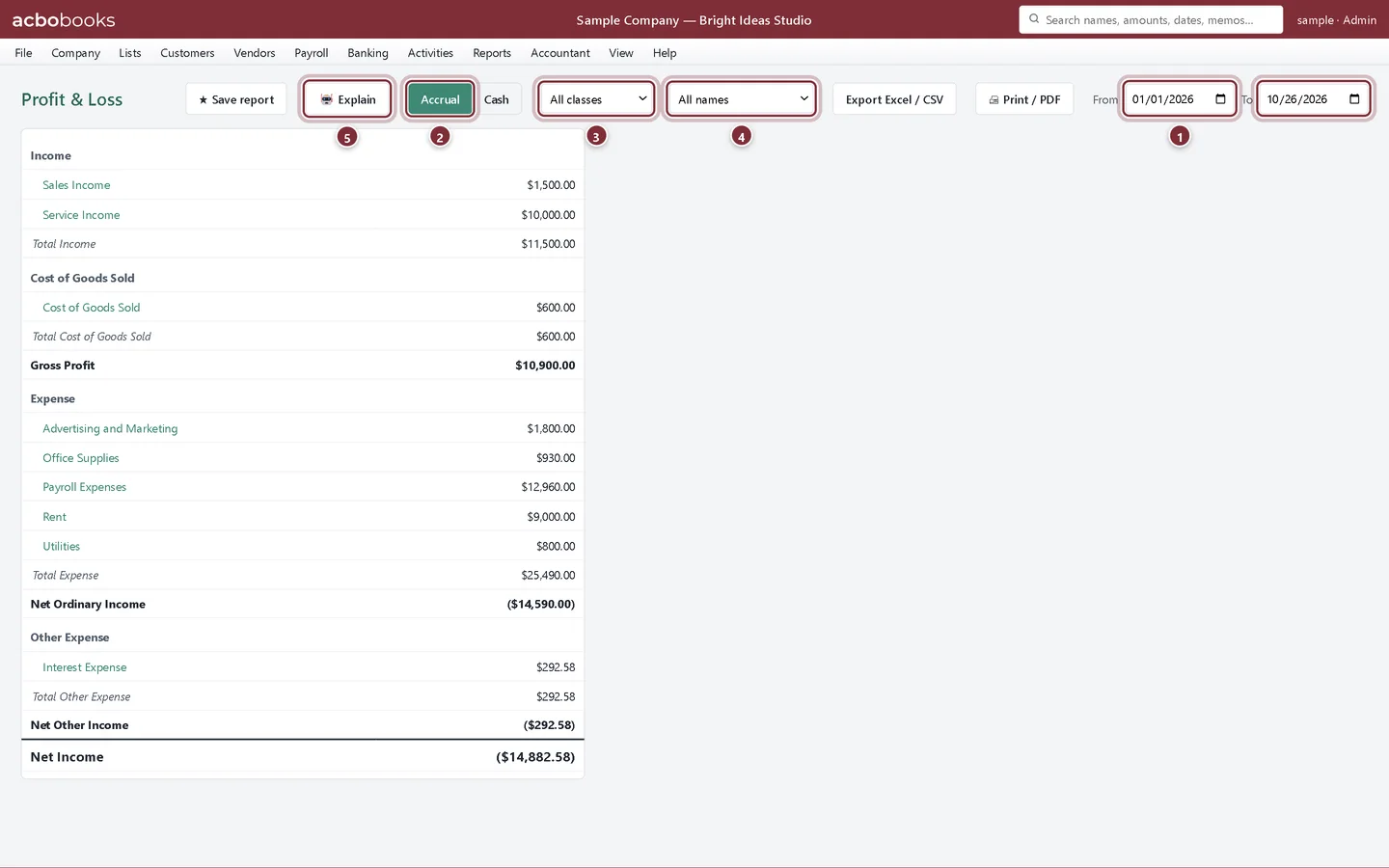
Run a Profit & Loss report
Run a Profit & Loss in AcboBooks for any dates, switch between accrual and cash basis, compare with last year and break it down by month or quarter.
Lesson 3 · 6 min · Beginner
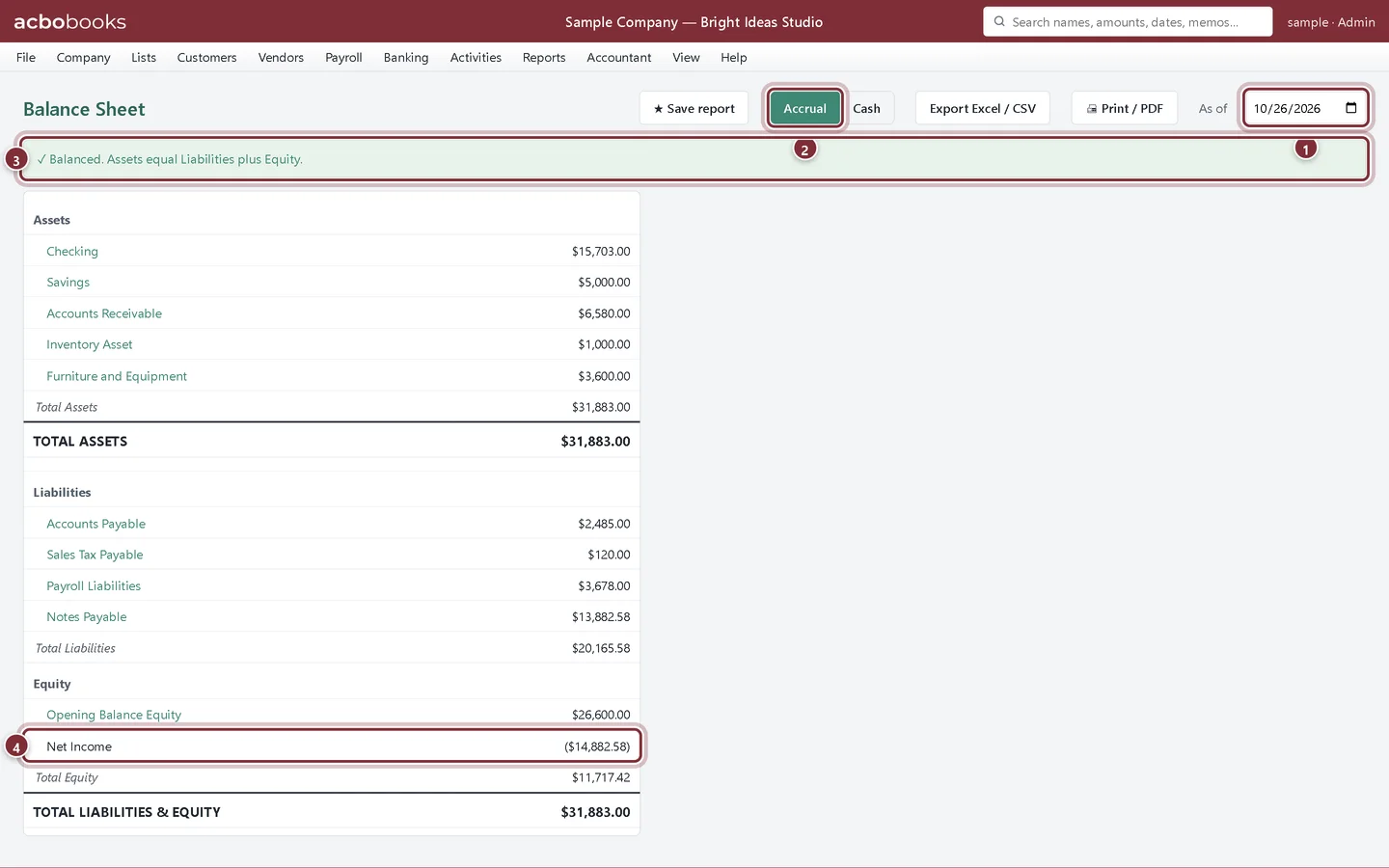
Read the Balance Sheet
Run the Balance Sheet in AcboBooks for any date, check that it balances, and understand assets, liabilities, equity and the net income line.
Lesson 4 · 8 min · Intermediate
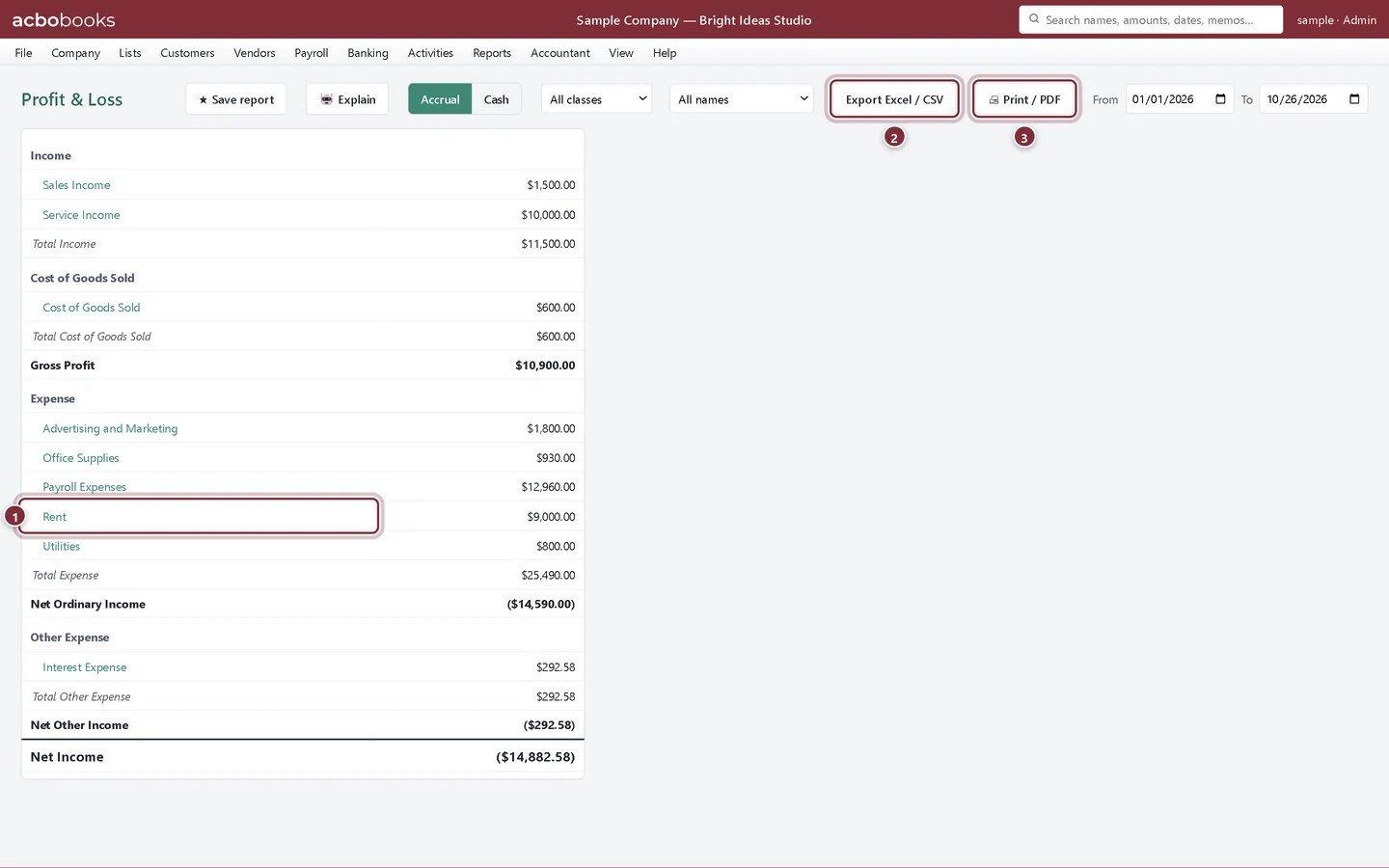
Filter, drill down and export reports
Filter an AcboBooks report by customer or class, click through to the transactions behind a number, and export to Excel, CSV or PDF with your own report header.
Lesson 5 · 5 min · Beginner
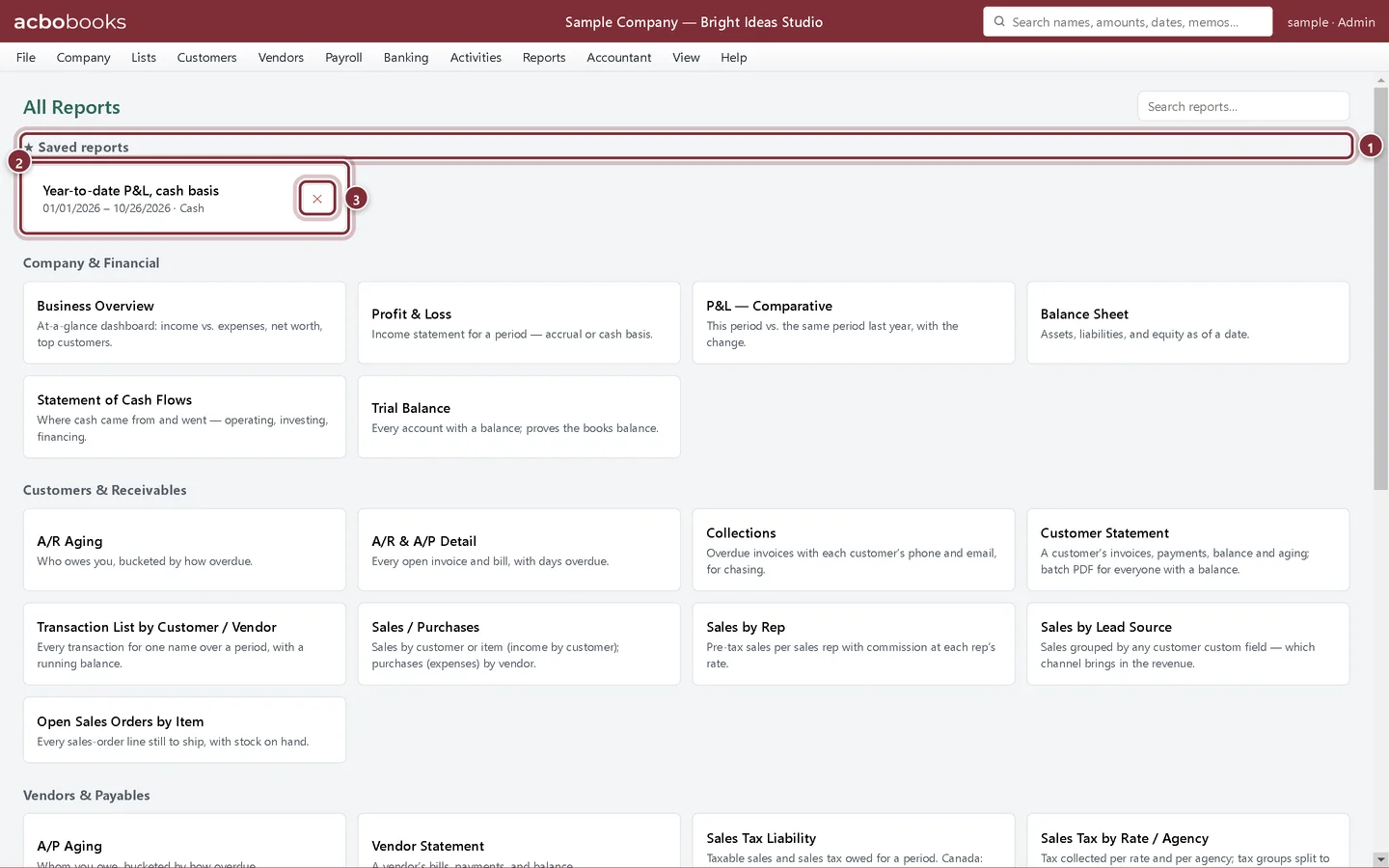
Save a report and open it again
Save a Profit & Loss or Balance Sheet with its dates and basis in AcboBooks, then reopen it in one click from Saved reports on the All Reports page.
Lesson 6 · 7 min · Beginner
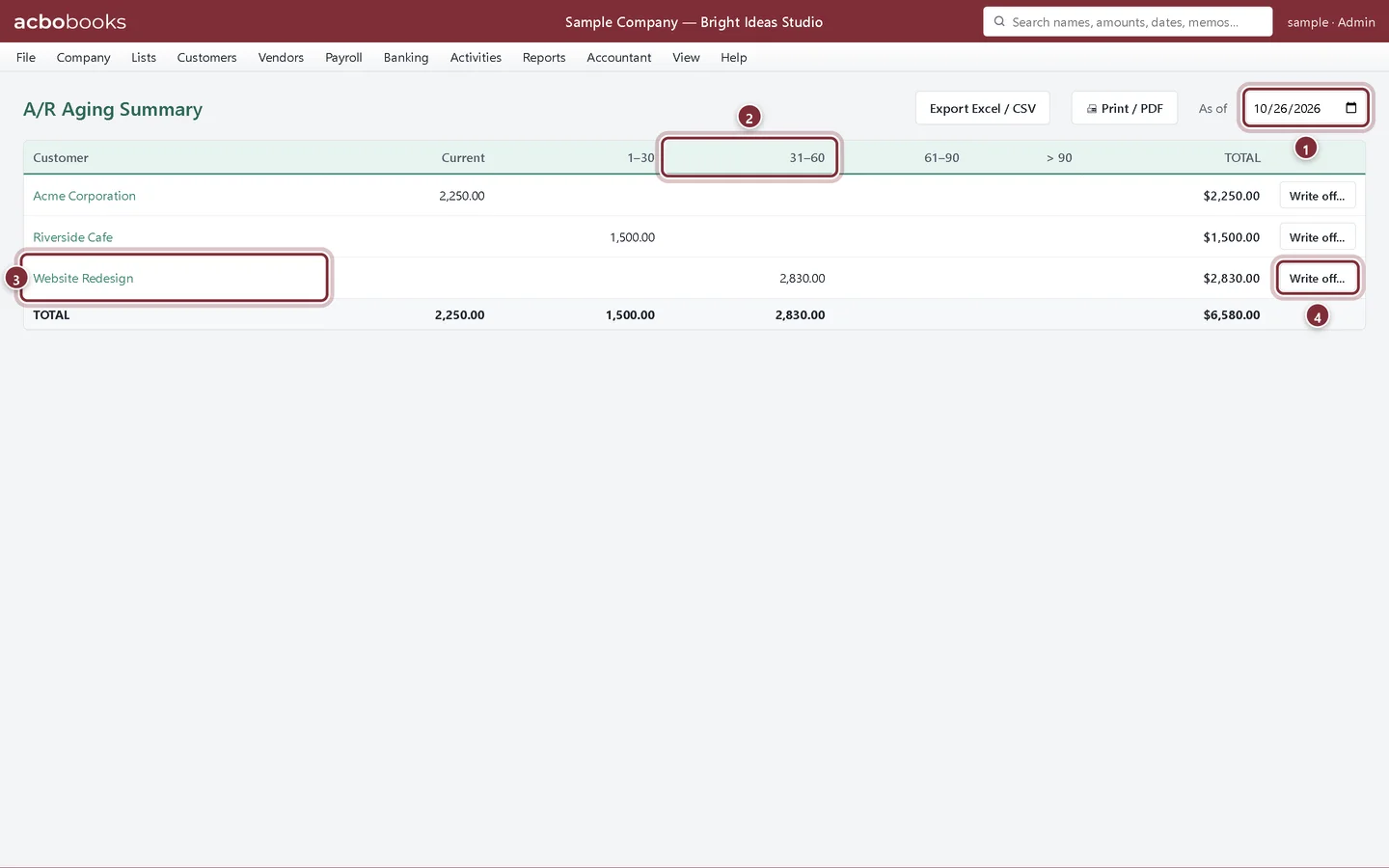
See who owes you and whom you owe
Use the A/R Aging, A/P Aging, A/R & A/P Detail and Collections reports in AcboBooks to chase overdue invoices and plan bill payments.
Lesson 7 · 8 min · Intermediate
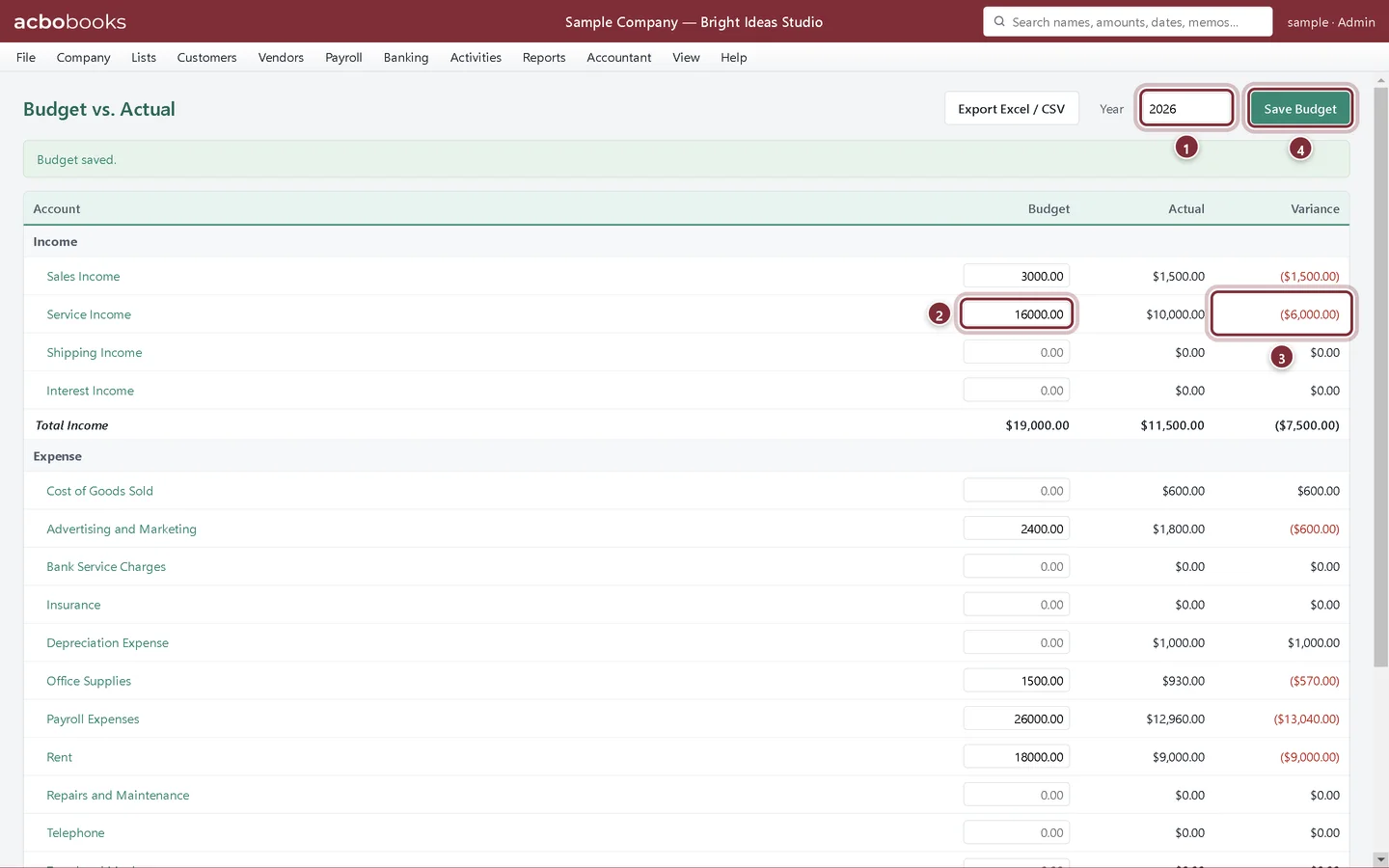
Set a budget and compare it to actual
Enter an annual budget per account in AcboBooks, compare it with actual income and expenses, and plan month by month with Monthly Budget.
Lesson 8 · 4 min · Beginner
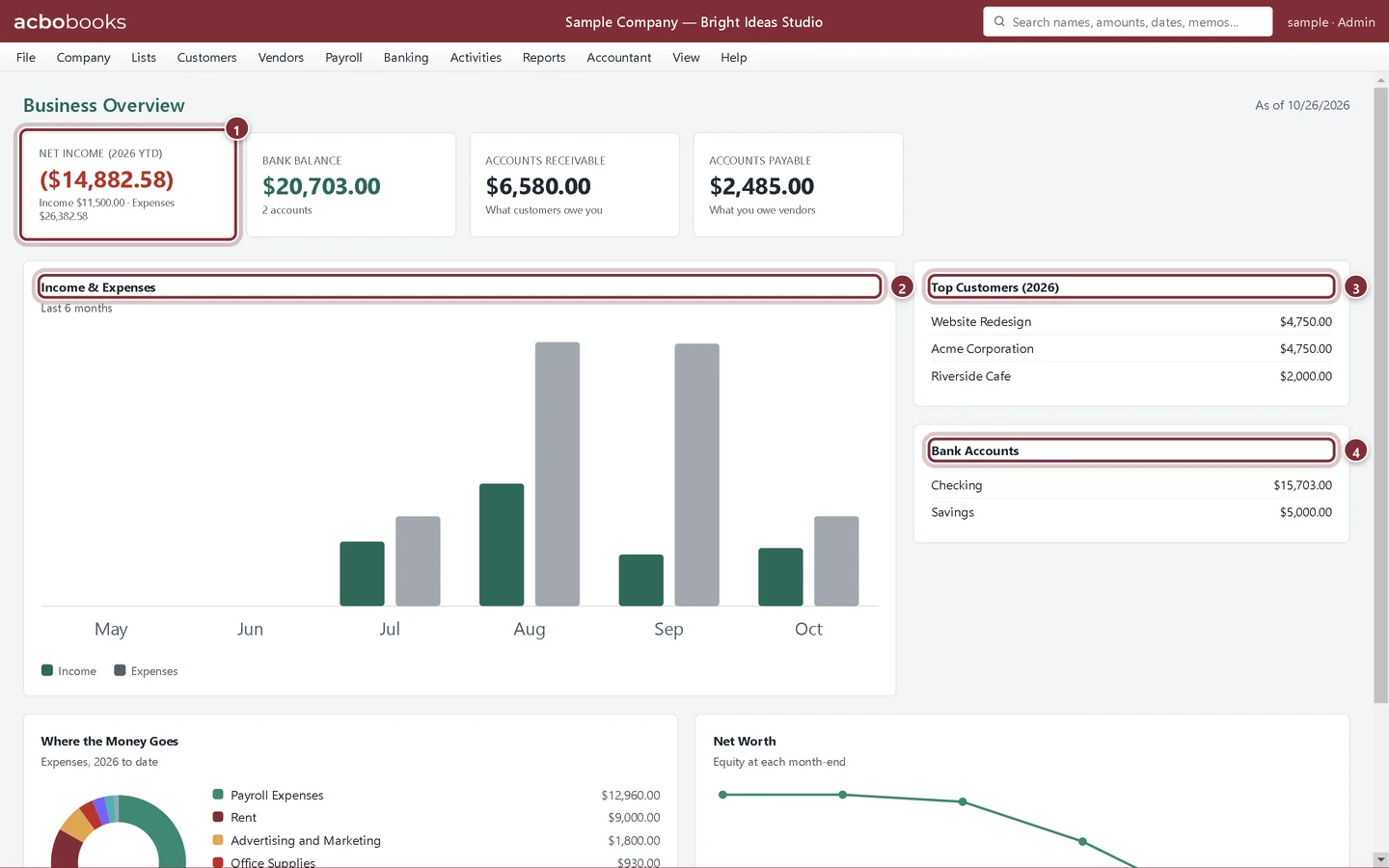
The Business Overview dashboard
Read the AcboBooks Business Overview: net income, bank balance, receivables and payables, six months of income and expenses, top customers and net worth.
Lesson 9 · 6 min · Beginner
Find mistakes with Books Checkup
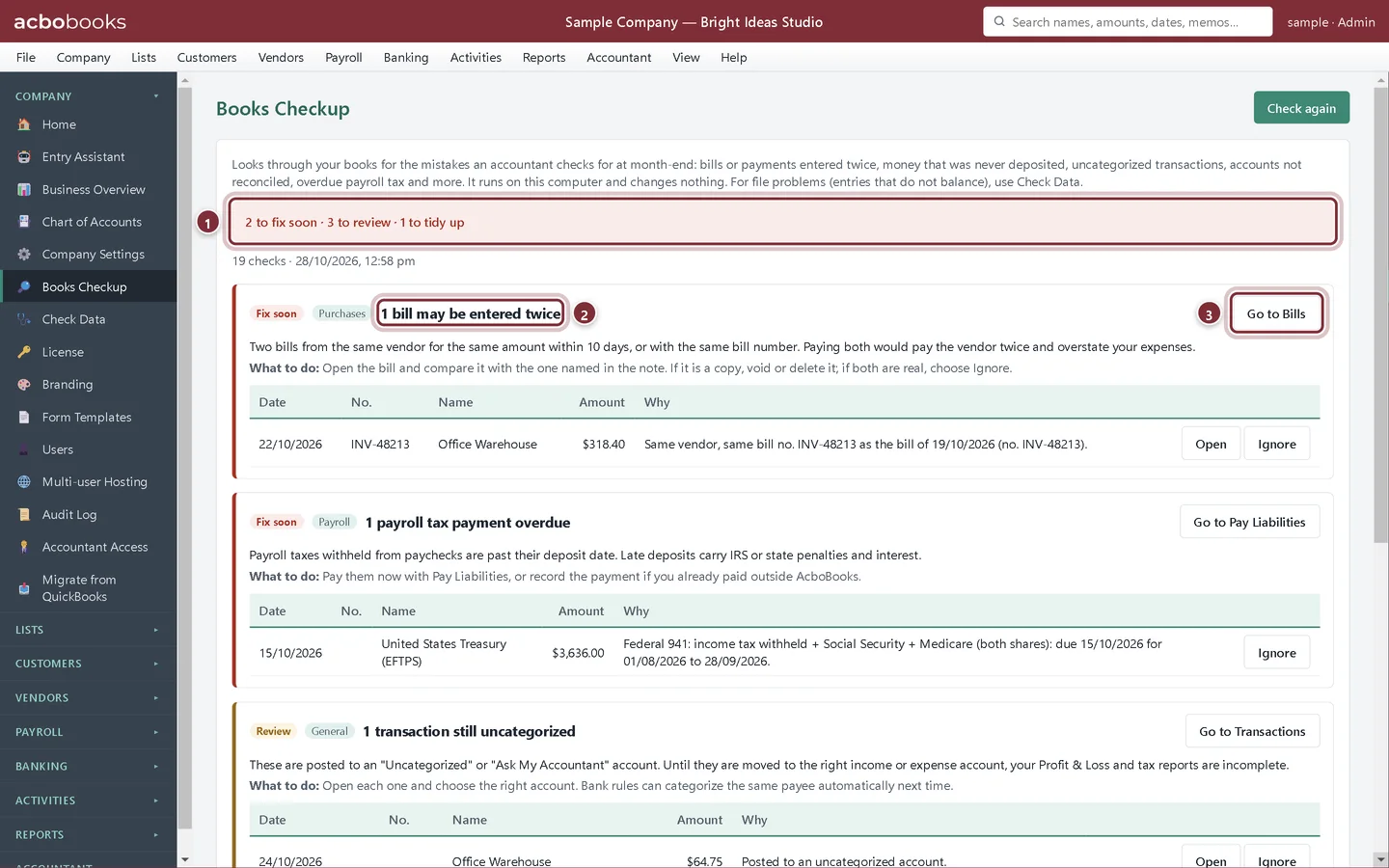
Run Books Checkup in AcboBooks to find bills or payments entered twice, money never deposited, uncategorized transactions, unreconciled accounts and overdue payroll tax.
Lesson 10 · 12 min · Intermediate
Close the year and lock the books
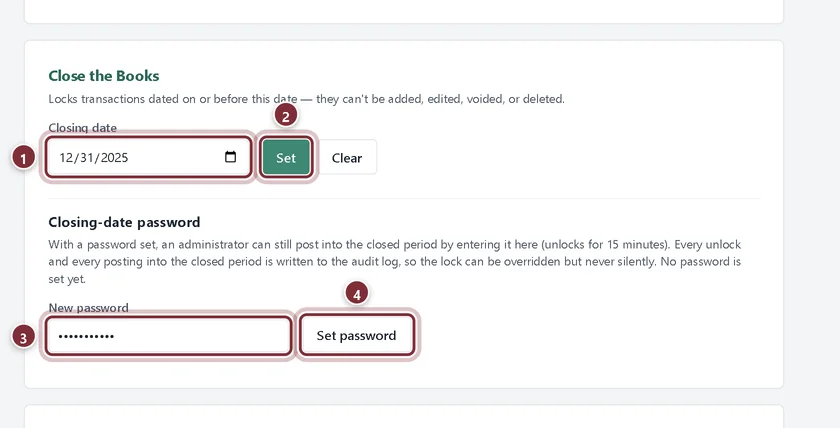
Year-end in AcboBooks: the reports to give your accountant, the Year-End Close entry, and a closing date and password so nobody changes a finished year.
All Academy tracks · Help centre · Bookkeeping how-to guides
Get started
Try every lesson in the sample company.
AcboBooks comes with a sample company to practise on. Free for 15 days, then bought once.
No card. No account. Nothing to cancel.