
Canada
Small business accounting software for Canada, bought once
AcboBooks has a Canadian edition in the same licence: Canadian dollars, GST/HST with input tax credits, PST and QST by province, CPP, EI and provincial tax payroll, T4 and T4A slips, Canadian cheque layouts and date formats. Choose Canada when you create the company.
It is a Windows desktop program with the books in a file on your own computer, bought once for $399.99 with no subscription.
No card, no account. Windows 10 and 11. United States and Canada.
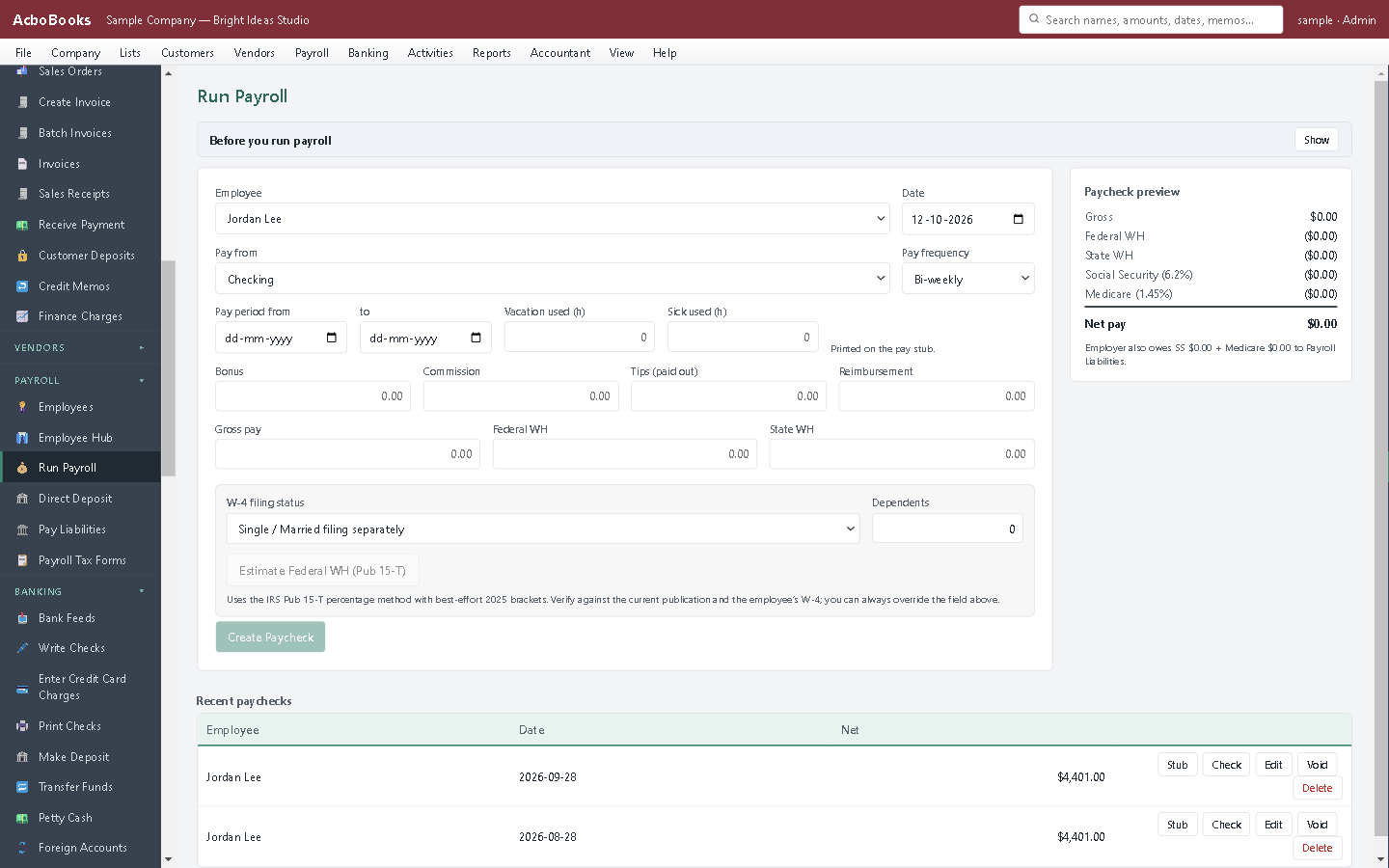
Payroll with CPP, EI and provincial tax, T4 at year end.
What it means
In practice
Sales tax the CRA way
GST/HST collected and input tax credits tracked on every transaction, PST and QST where they apply, and a return by period that nets ITCs against GST/HST payable. Tax groups for provinces that charge both.
Payroll for every province
CPP and CPP2, EI with the employer multiple, federal and provincial tax tables, vacation pay, pay stubs, direct deposit files in the Canadian format, and T4 and T4A slips at year end.
Your file, your computer
No cloud account, no data stored outside the country, no subscription. The company file is encrypted with your password and stays on your PC; your accountant gets a copy or a login.
What is in the licence
The whole job, in one price
Sales and money in
Purchases and money out
Banking and books
Payroll and people
Stock and jobs
Reports and sharing

Invoices with GST/HST and provincial tax on each line.
What it does not do
· No phone app and no Mac version; Windows 10 and 11 only.
· No live bank connection; it imports the statement file your bank provides.
· Card payments go through a Stripe payment link rather than a built-in processor.
· One company per file; open as many files as you have businesses.
· Quebec: QST and provincial payroll are handled; Revenu Québec electronic filing is not built in.
Questions people ask
Before you download
Does it file GST/HST returns?
It produces the return figures by period, line by line, with input tax credits netted. You file through CRA My Business Account and record the payment or refund in AcboBooks.
Are the payroll tables current?
Federal and provincial tables are updated with each release, and updates are included for twelve months. The payroll guide on this site lists what each release covers.
Can I switch from QuickBooks Desktop Canada or Sage 50 Canada?
Yes. Export the lists, import them, enter opening balances as of your start date, and bring in bank statements for history. The QuickBooks Desktop and Sage 50 pages describe the steps.
Is the price in Canadian dollars?
The licence is $399.99 US, charged once; your card converts it. There is no recurring charge to track across the exchange rate.
Does it work for a US and a Canadian business?
Yes. Each company file picks its country, and one licence runs both.
Coming from something else?
How it compares to what you use now
Get started
Built for Canadian books, not adapted to them.
Try the Canadian sample company in the 15-day trial.
No card. No account. Nothing to cancel.