
Sales order software
Sales order software: take the order, ship what you have, backorder the rest
Record a customer's order as a sales order, then invoice it as it ships: everything at once, or only what is going out today. Whatever has not shipped stays on backorder on the order, and Open Sales Orders by Item shows every backordered line beside what you have on hand.
Sales orders are part of AcboBooks, the desktop accounting program bought once for $399.99, together with inventory and purchase orders.
No card, no account. Windows 10 and 11. United States and Canada.

What it means
In practice
An order posts nothing
A sales order is a promise, not a sale. It does not touch your accounts or your stock. Income, receivables and cost of goods sold are posted, and stock leaves, when you invoice it.
Ship part, backorder the rest
Create Invoice from the order and enter the quantity shipping now on each line. The rest stays on backorder, the order shows as partly invoiced, and you invoice the remainder when the stock comes in.
One list of what is owed out
The Sales Orders list shows each order's status, its backordered units and its ship-by date, in red when late. Open Sales Orders by Item lists every open line with ordered, invoiced, backordered and on hand.
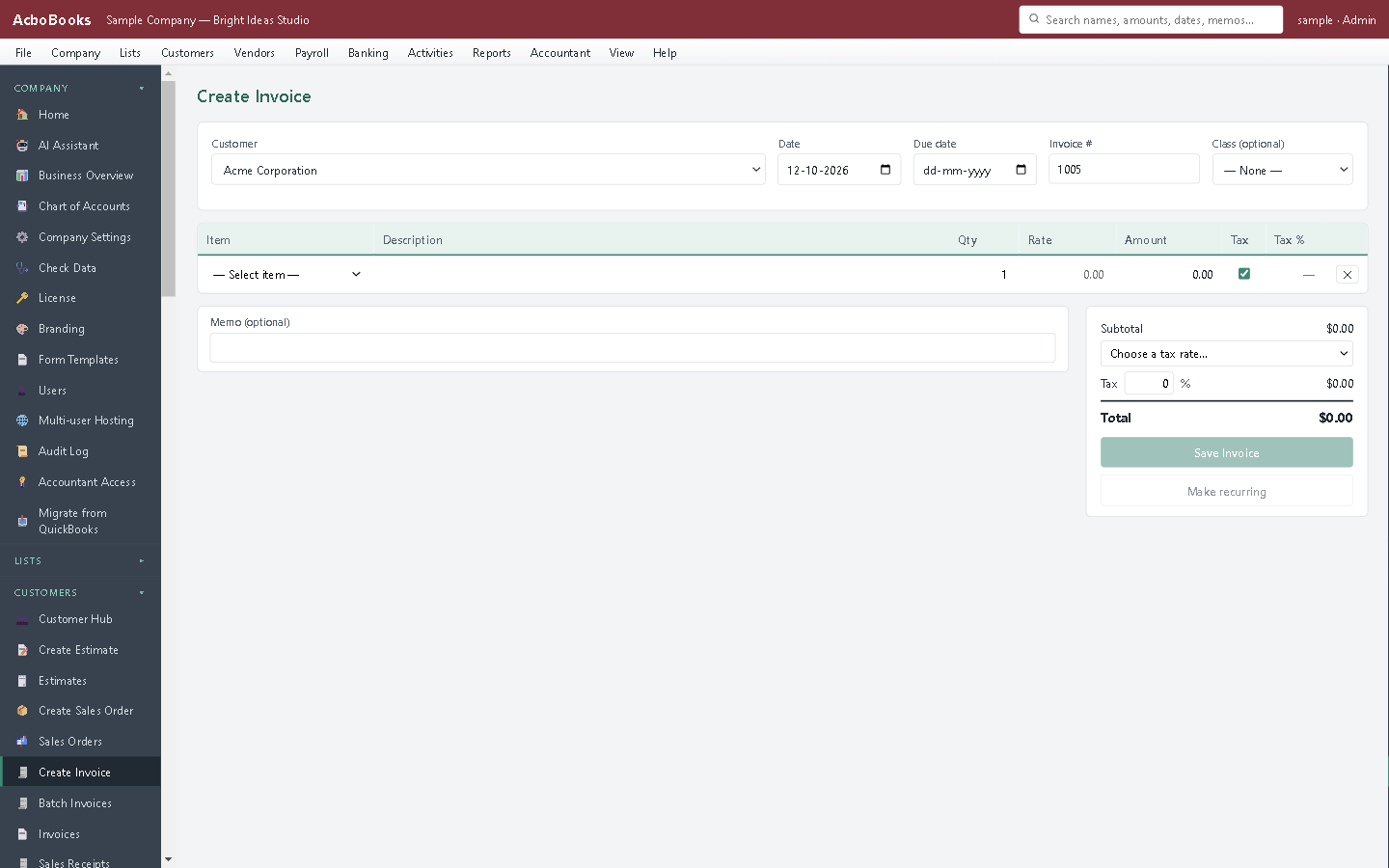
Invoice what ships today; the rest stays on the order.
Ship the four chairs you have, and remember the two you owe
A customer orders six chairs and a table. Four chairs and the table are ready. Invoice those from the sales order, and the order keeps two chairs on backorder with the customer's name on them.
When the next batch is finished, open the order and invoice the rest. If the customer cancels, Close order drops what is still backordered.
What is in the licence
The whole job, in one price
Orders
Invoicing
Backorders
Around it
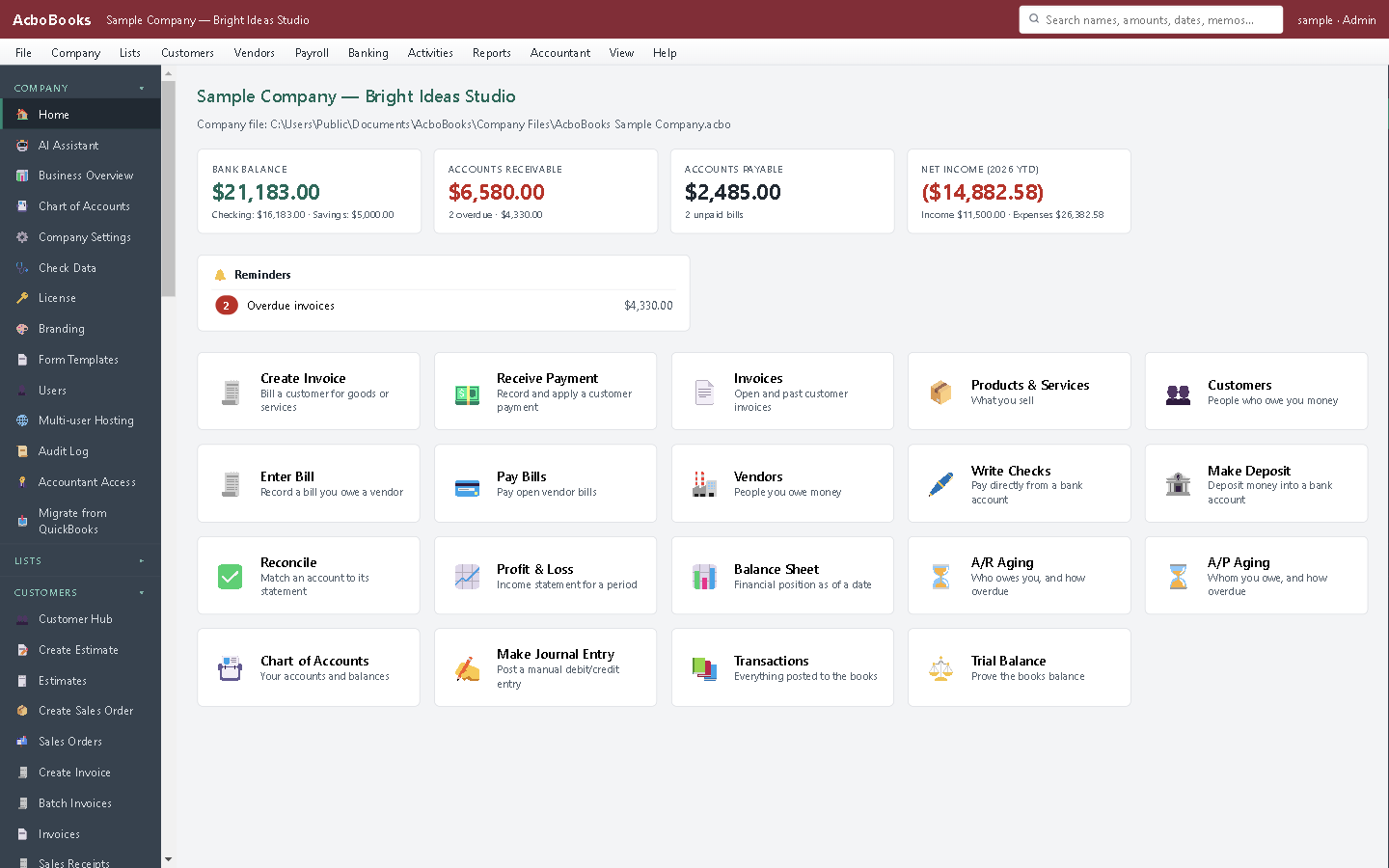
Orders, stock and invoices in the same company file.
What it does not do
· No reserved or committed stock: an open order does not reduce the quantity available on the item.
· No Class box on sales orders.
· Windows 10 and 11 for now (no Mac version yet); no phone app.
· One company per file; open as many files as you have businesses.
Questions people ask
Before you download
Do I need sales orders, or just invoices?
If you ship everything when you take the order, invoices are enough. Sales orders help when orders wait for stock or production, ship in parts, or need tracking until they are delivered.
Does a sales order reduce inventory?
No. Stock leaves when you invoice. The Open Sales Orders by Item report shows on hand beside each backorder, in red when stock is short.
Can I invoice part of a sales order?
Yes. Enter the quantity shipping now on each line; the rest stays on backorder for a later invoice.
Is it like sales orders in QuickBooks Desktop?
It follows the same model: orders, partial invoicing, backorders and an open sales order report. AcboBooks does not print sales orders or show the quantity on sales orders on each item yet.
Coming from something else?
How it compares to what you use now
Get started
Take an order and ship half of it.
Create a sales order in the trial and invoice part of it.
No card. No account. Nothing to cancel.