
Purchase order software
Purchase order software that follows the goods from order to bill
Raise a purchase order for what you are buying, receive it when the delivery arrives, in full or in part, and turn it into the vendor's bill when the invoice comes. Inventory comes into stock at the cost you paid, and the PO shows what is still to arrive.
Purchase orders are part of AcboBooks, the desktop accounting program bought once for $399.99.
No card, no account. Windows 10 and 11. United States and Canada.
What it means
In practice
A PO posts nothing
A purchase order is a record of what you ordered. It shows on Stock Status as on order, but it does not touch your accounts until you receive it.
Partial deliveries, handled
Receive some lines or some quantities now and the rest later. The PO shows ordered and received for each line, and its status moves from open to partly received to received.
Goods first, bill later
If the goods arrive without the vendor's invoice, receive them as an item receipt: stock goes up and the amount is in A/P but not payable. When the bill arrives, turn the receipt into the bill.
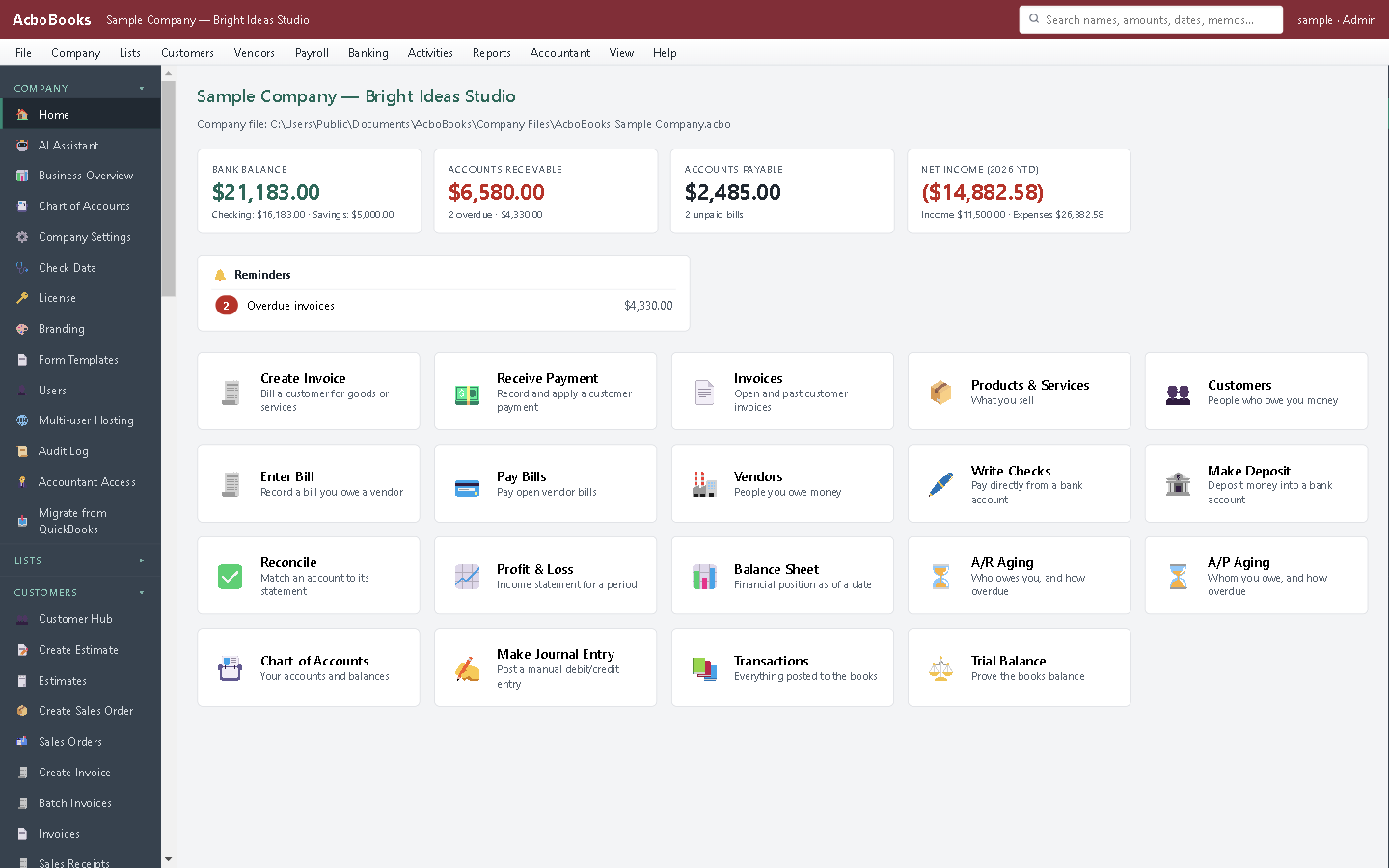
Purchases, stock and bills in the same file.
Check the delivery against the order, not against memory
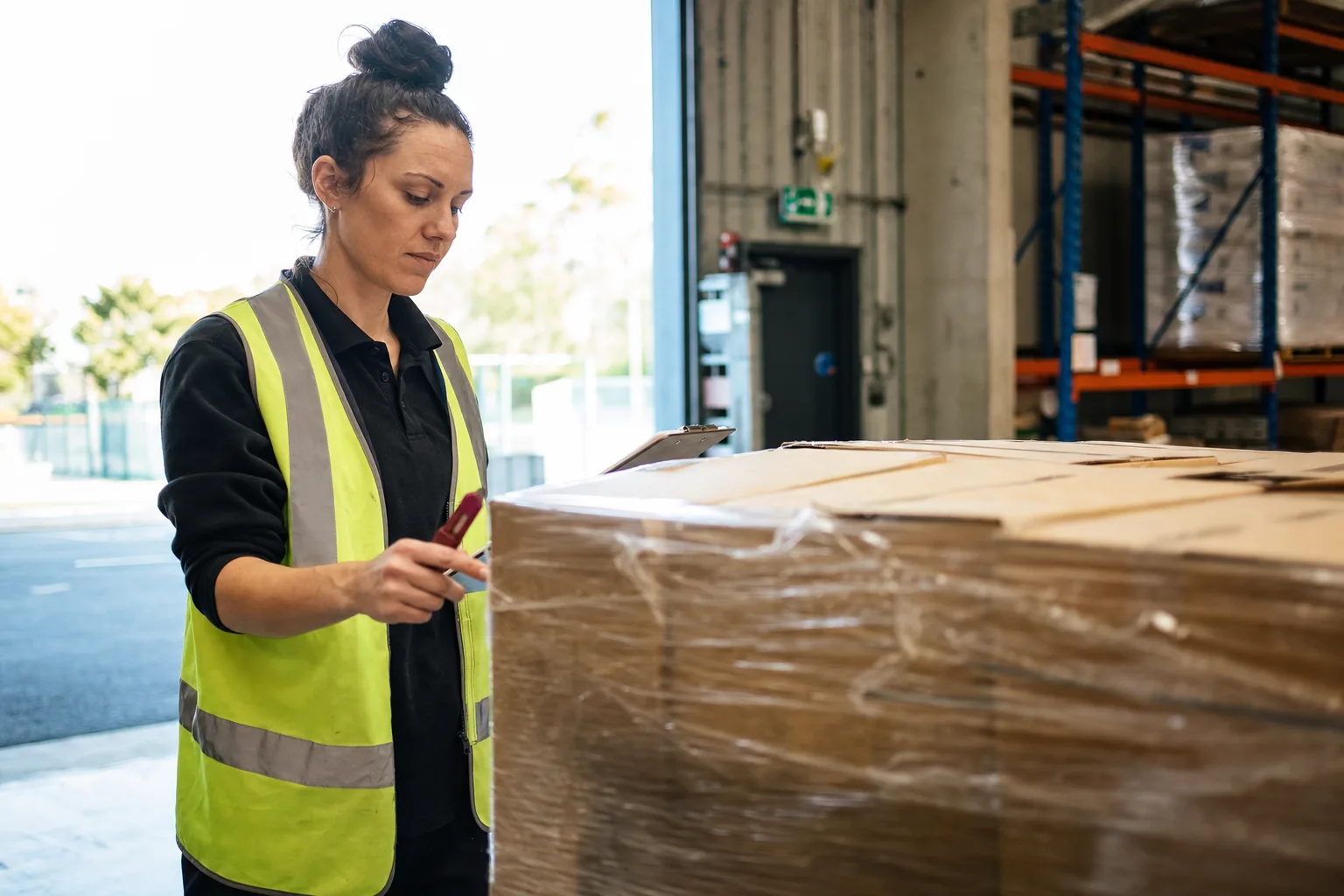
Open the PO, choose Receive, and enter the quantities that came off the truck with the packing slip number. Anything short stays on the PO as still to come.
Stock Status by Vendor groups items by preferred vendor with a suggested order, which is where the next PO starts.
What is in the licence
The whole job, in one price
Ordering
Receiving
Into the books
Seeing it

Cost of goods sold follows from what you received.
What it does not do
· Purchase orders are not printed or emailed from the app; send the vendor your order your usual way.
· Purchase orders are not tagged to a customer job; the bill they become can be.
· No approval workflow for POs.
· Windows 10 and 11 for now (a Mac version is coming soon); no phone app.
· One company per file; open as many files as you have businesses.
Questions people ask
Before you download
Do I need purchase orders?
If you buy stock or materials from suppliers regularly, they help: you know what is coming, can check deliveries against the order, and avoid paying for goods that never arrived. A business that only buys services can skip them.
What is an item receipt?
A record that goods arrived before the vendor's bill. It adds the stock and puts the amount in accounts payable as not yet payable. When the bill arrives, you turn the receipt into the bill, adjusting the amount if it differs.
What happens to a PO that is only partly delivered?
It stays open as partly received, showing what has arrived on each line. Receive the rest when it comes.
Does receiving update inventory cost?
Yes. Receiving brings the items into stock at the cost on the receipt or bill, and the average cost is recalculated.
Coming from something else?
How it compares to what you use now
Get started
Order it, receive it, pay for it once.
Raise a PO in the trial and receive half of it.
No card. No account. Nothing to cancel.