
In this lesson you will
- Record goods that came without a bill as an item receipt
- Find the item receipts still waiting for a bill
- Turn a receipt into a payable bill with Enter Bill for this…
- Know when to edit the receipt instead
Before you start
Record the delivery
Forty printed tote bags arrive from Canvas & Co. Printing with a packing slip but no invoice.
Step 1: Tick Item receipt (no bill yet) on Enter Bill
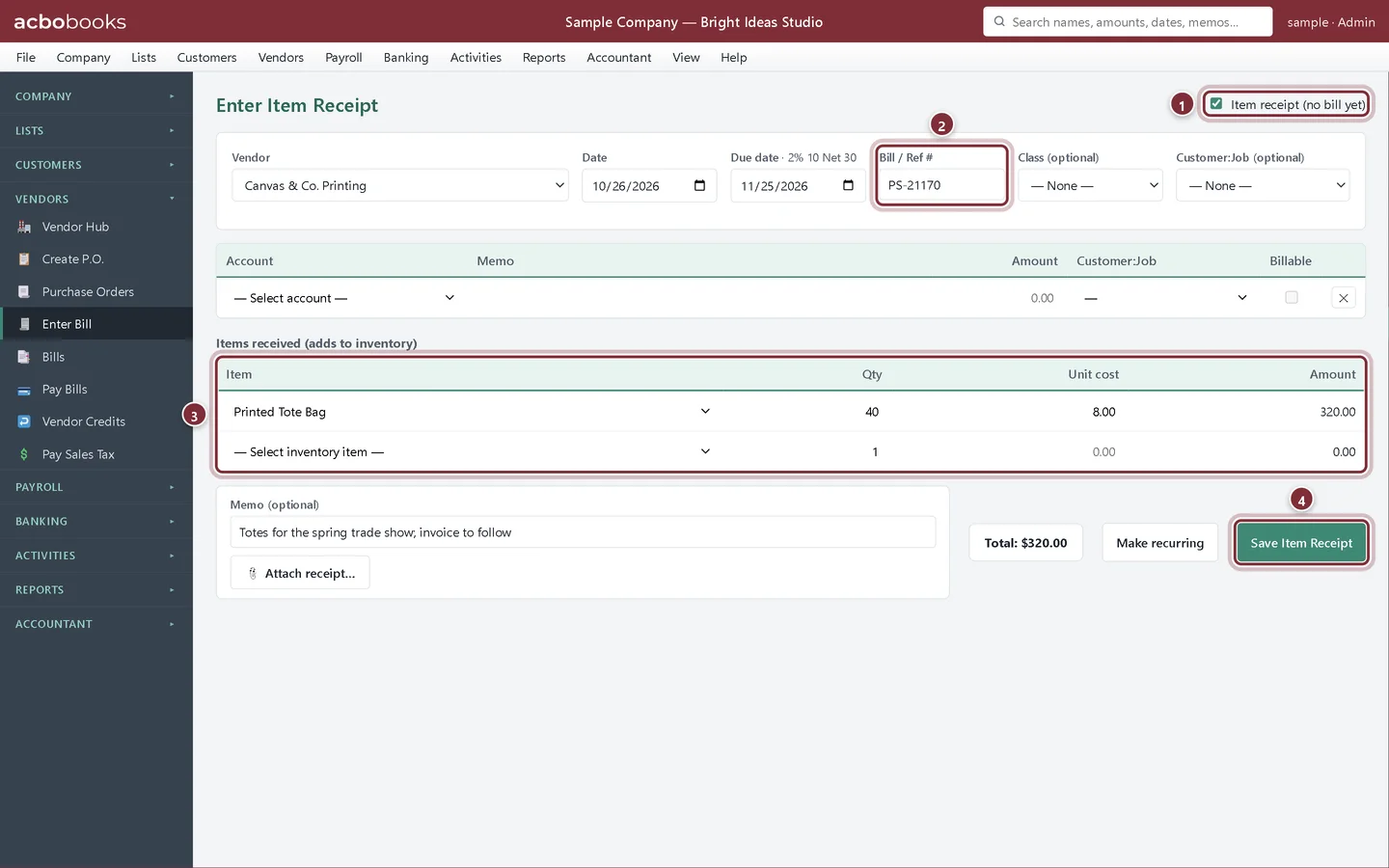
Open Vendors → Enter Bill and tick Item receipt (no bill yet) at the top right; the screen becomes Enter Item Receipt. Choose the vendor, type the packing slip number in Bill / Ref # and add the stock under Items received (adds to inventory). Click Save Item Receipt.
- Item receipt (no bill yet).
- Bill / Ref #: the packing slip number for now.
- Items received: the stock that arrived, at its unit cost.
- Save Item Receipt.
When the vendor's invoice arrives
Step 2: Find the receipt on Enter Bill
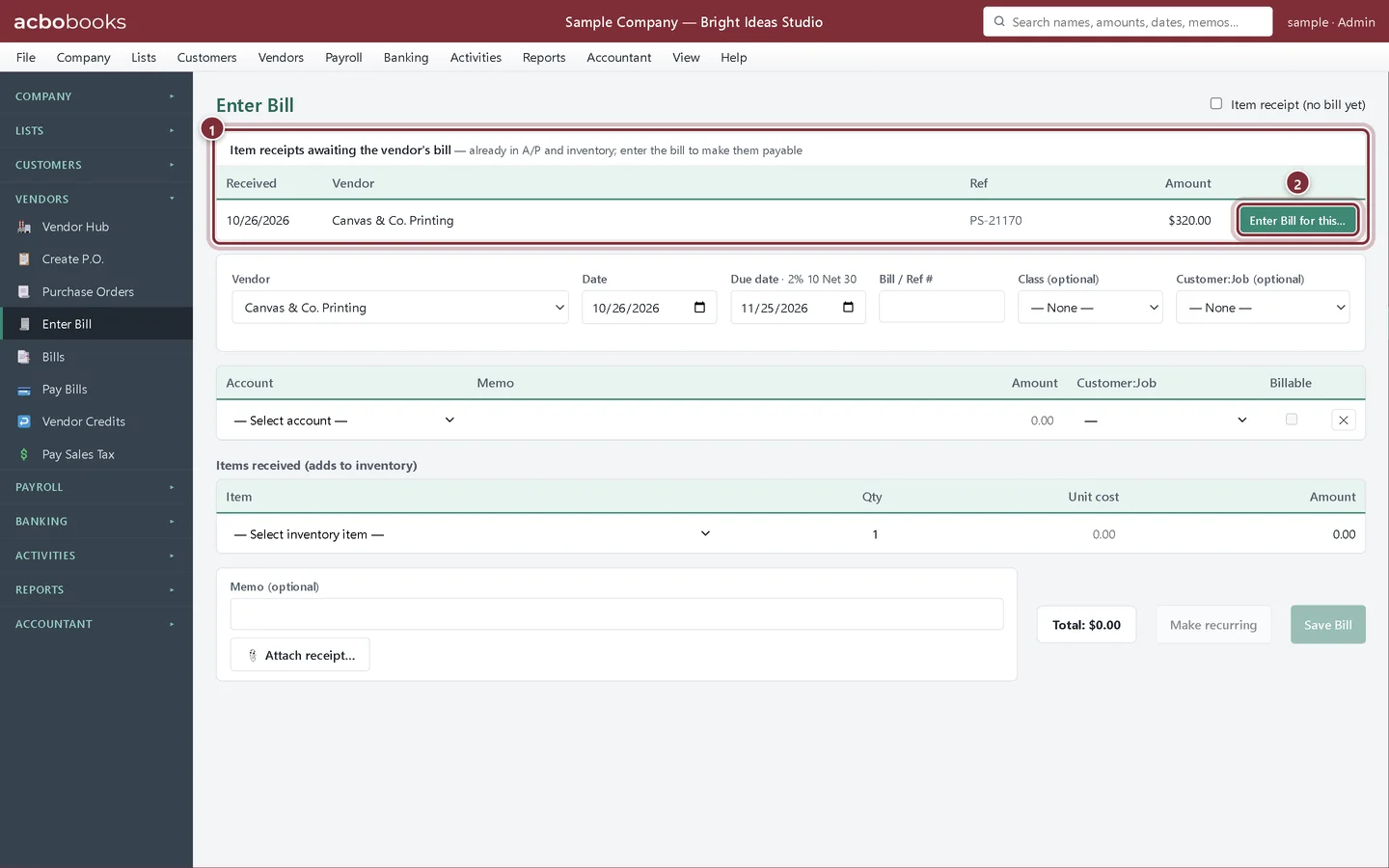
Open Vendors → Enter Bill. While any item receipt is waiting, a panel at the top lists them: Item receipts awaiting the vendor's bill, with the date received, vendor, reference and amount.
- Every receipt still waiting for its bill.
- Enter Bill for this… turns that receipt into a bill.
Step 3: Type the vendor's invoice number
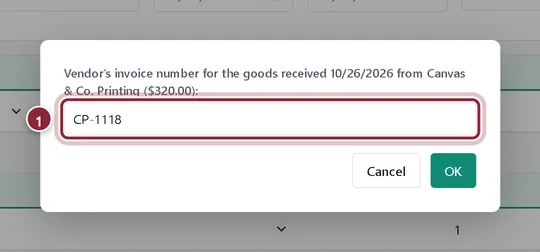
Click Enter Bill for this…. AcboBooks asks for the vendor's invoice number, starting from the packing slip number. Type the number on the invoice and click OK.
- The vendor's invoice number.
Step 4: Give the bill date
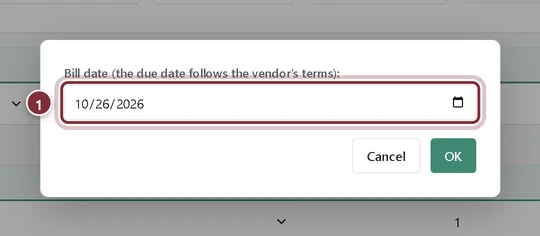
Next it asks for the bill date, filled in with today. Pick the date on the vendor's invoice and click OK. The due date is worked out from that date and the vendor's terms.
- The date on the vendor's invoice.
Step 5: The bill is payable
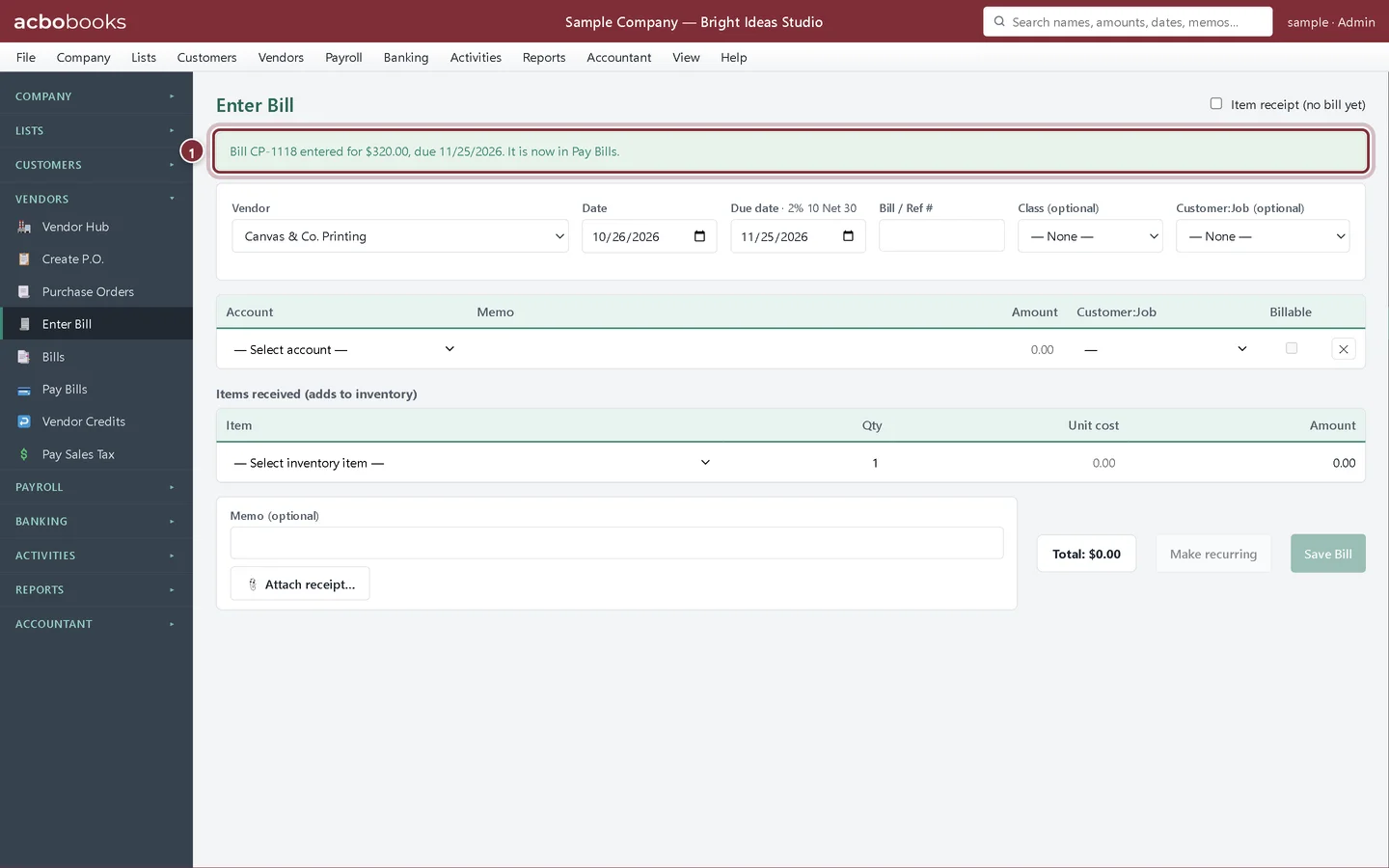
A banner confirms the bill with its amount and due date, and says it is now in Pay Bills. The receipt leaves the waiting list. The stock isn't added again: it was counted when the goods arrived.
- The confirmation, with the bill number, amount and due date.
Step 6: Check the Bills list
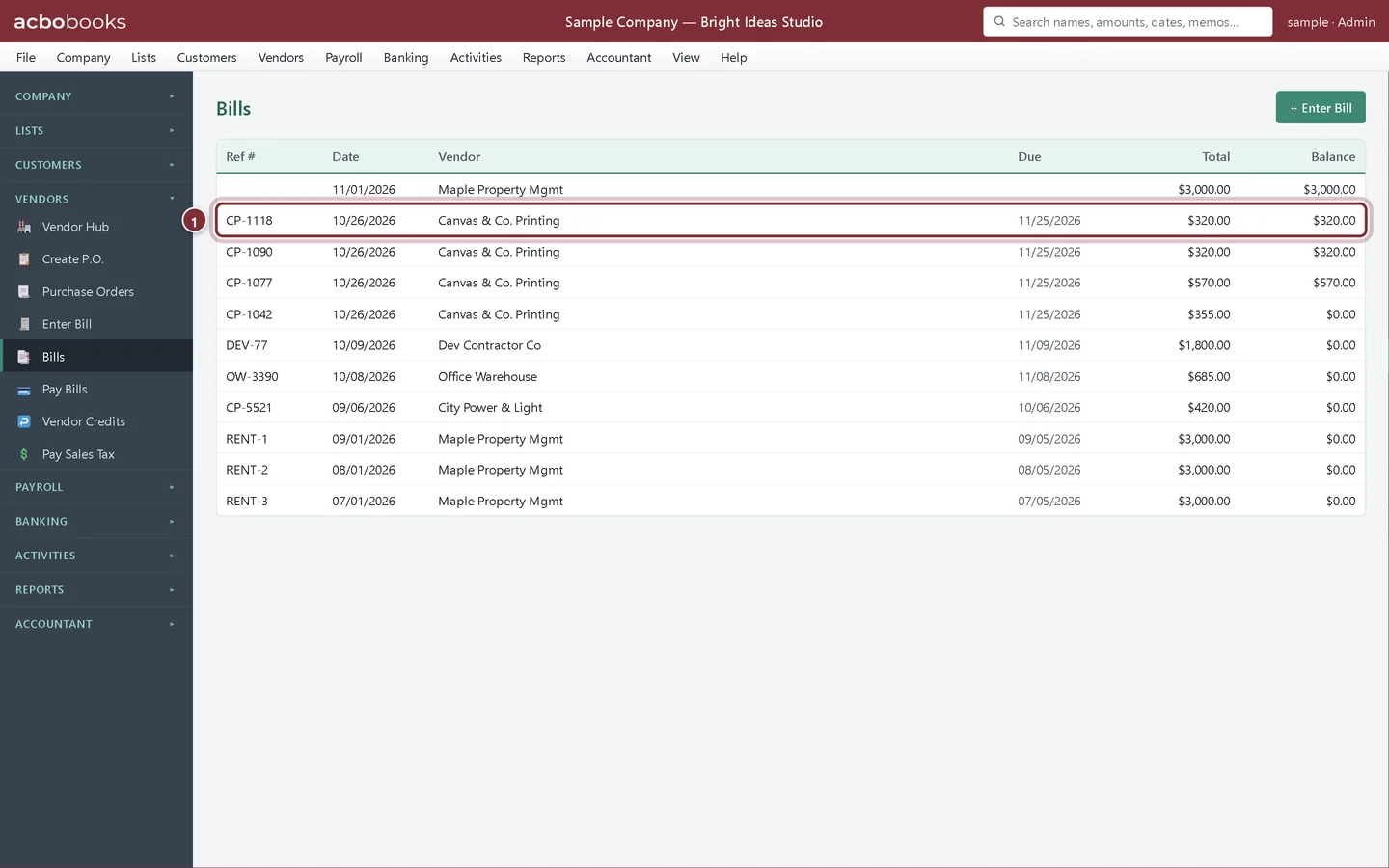
On Vendors → Bills the receipt is now an ordinary bill under the vendor's invoice number, without the Item receipt tag.
- Bill CP-1118, ready to pay.
If the invoice differs
Step 7: Edit the receipt instead
Enter Bill for this… keeps the amounts on the receipt. If the vendor's invoice has a different price or quantity, open the receipt from Vendors → Bills, click Edit, clear Item receipt (no bill yet), correct the lines and click Update Bill. The Purchase orders lesson shows that route step by step.
Recap
- Record goods that arrive before the invoice as an item receipt.
- Find the receipts still waiting on Enter Bill.
- Turn a receipt into a bill with the vendor's invoice number and date.
- Edit the receipt when the invoice's amounts differ.
Questions
Why not just wait and enter the bill when it comes?
Then the stock wouldn't be on hand in AcboBooks until the invoice arrived, and you might sell or reorder based on the wrong quantity. An item receipt gets the stock and its cost in now.
Can I pay an item receipt in Pay Bills?
No. Pay Bills lists bills only. Enter the bill for the receipt first, then pay it.
Screenshots from AcboBooks 0.2.2 with the built-in sample company. Updated October 25, 2026. Your screens may differ slightly with another version or window size.