
Expense tracking software
Expense tracking software for small business: every bill, check, card charge and receipt in the books
Enter a vendor's bill to pay later, write a check for what you pay now, record a credit card charge, or pay out of petty cash. Each one goes to an expense account you choose, can be tagged to a customer job and a class, and can carry the receipt as an attachment. The profit and loss is the expense report, by month, by class or against last year.
It is part of AcboBooks, the desktop accounting program bought once for $399.99. For paying vendors on terms, see the accounts payable page.
No card, no account. Windows 10 and 11. United States and Canada.
What it means
In practice
The category is an account
Every expense line picks an account from your chart of accounts, such as Fuel, Rent or Supplies. That is what puts it on the right line of the profit and loss, the figure your accountant needs at tax time.
The receipt stays with the entry
Attach a photo or PDF of the receipt to the bill, check or card charge as you enter it. It is stored inside your encrypted company file, not in a cloud folder, and opens from the transaction later.
Pass costs on to the customer
Tick Billable and pick the customer job on an expense line. When you next invoice that customer, Add unbilled time & costs brings the expense onto the invoice, with a markup if you want one.
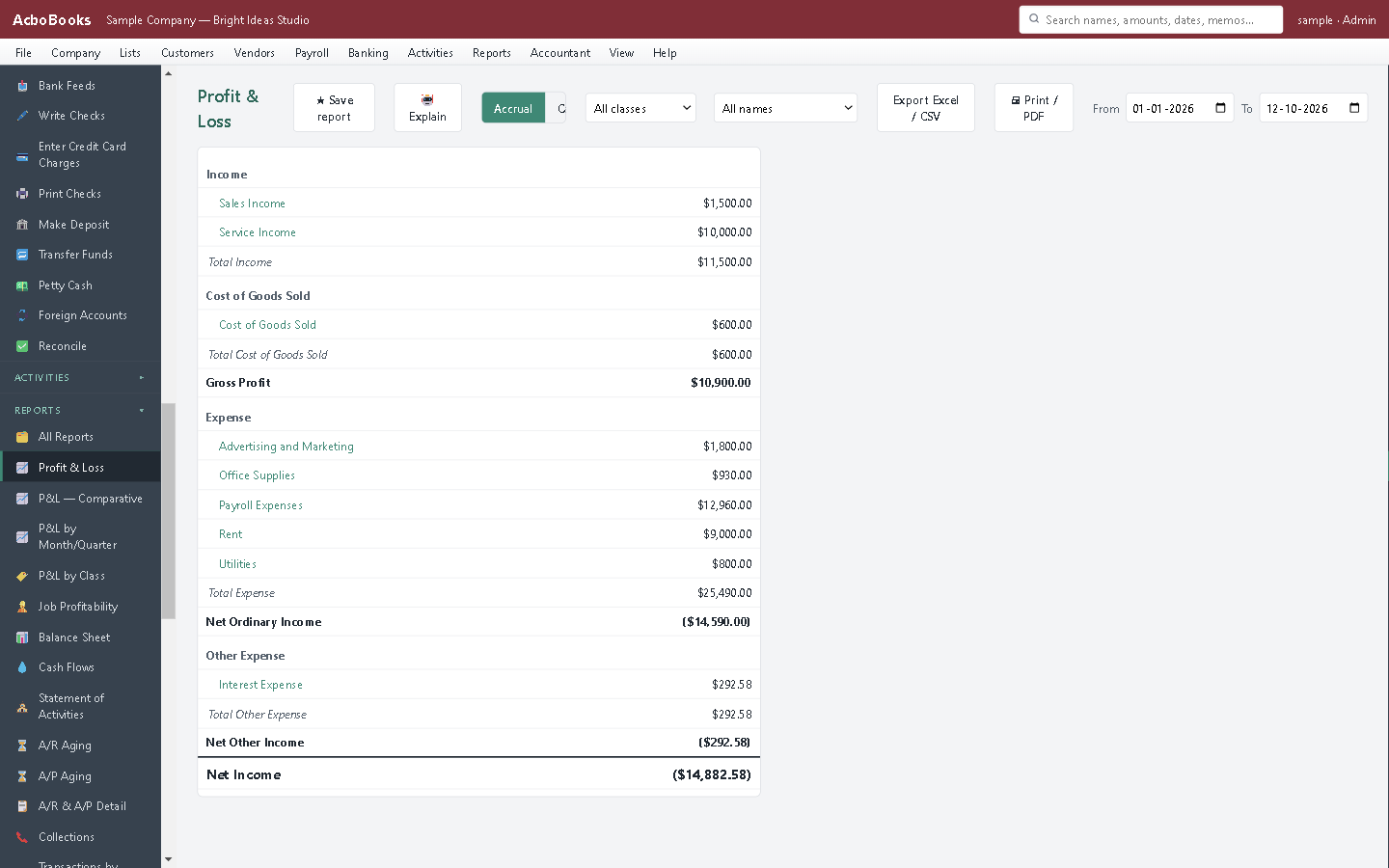
Every expense line lands on the profit and loss.
The shoebox of receipts, sorted as you go
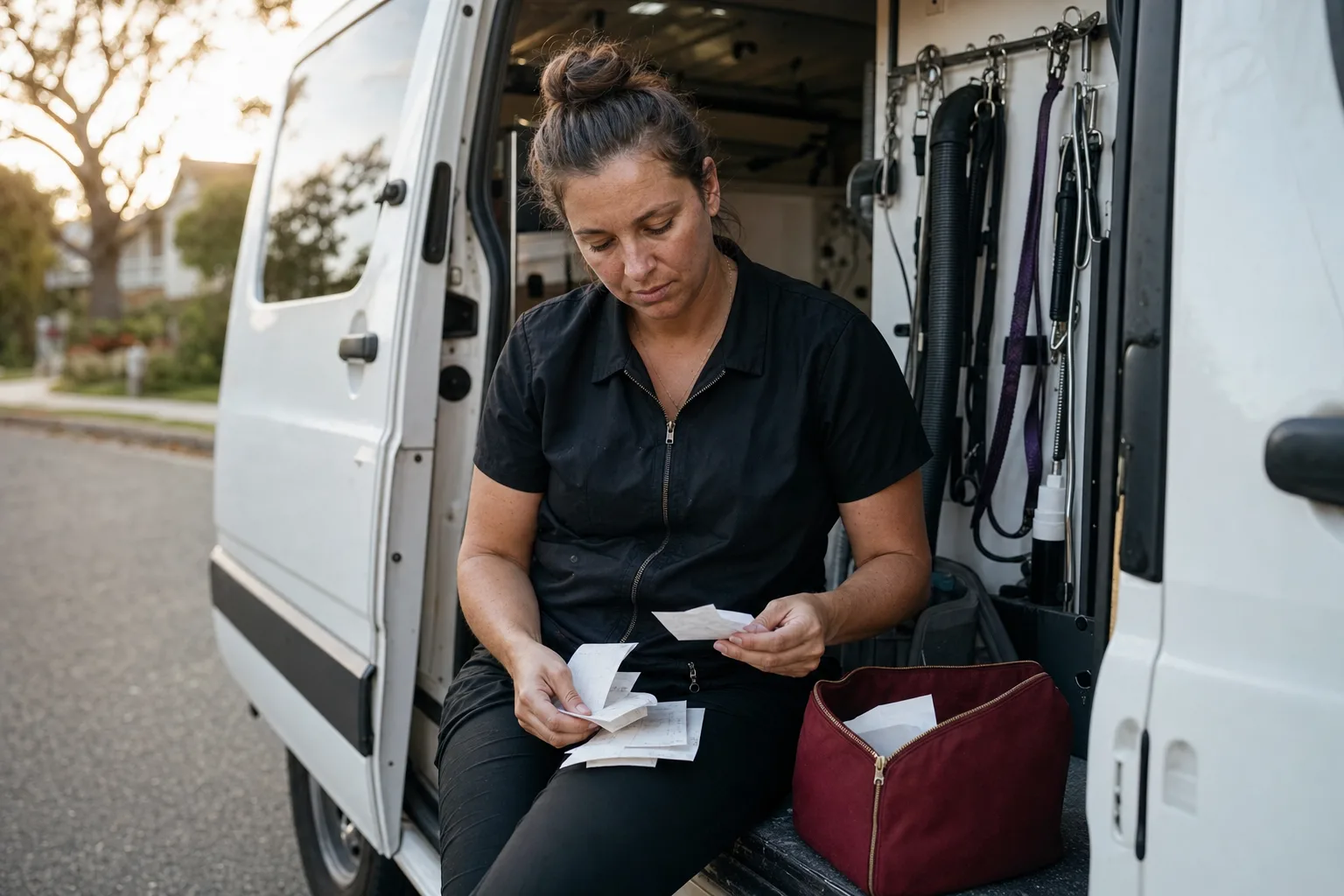
Fuel, supplies and the odd tool: a business on the road spends a little every day. Enter each receipt as a card charge or a check when it happens, attach the photo, and the month-end pile is already in the books.
Mileage goes in its own log by driver, vehicle and trip. Unbilled trips can go onto a customer's invoice, and in the US edition what an employee is owed can go on their next paycheck as a reimbursement.
What is in the licence
The whole job, in one price
Entering expenses
Receipts
Tagging
Reports
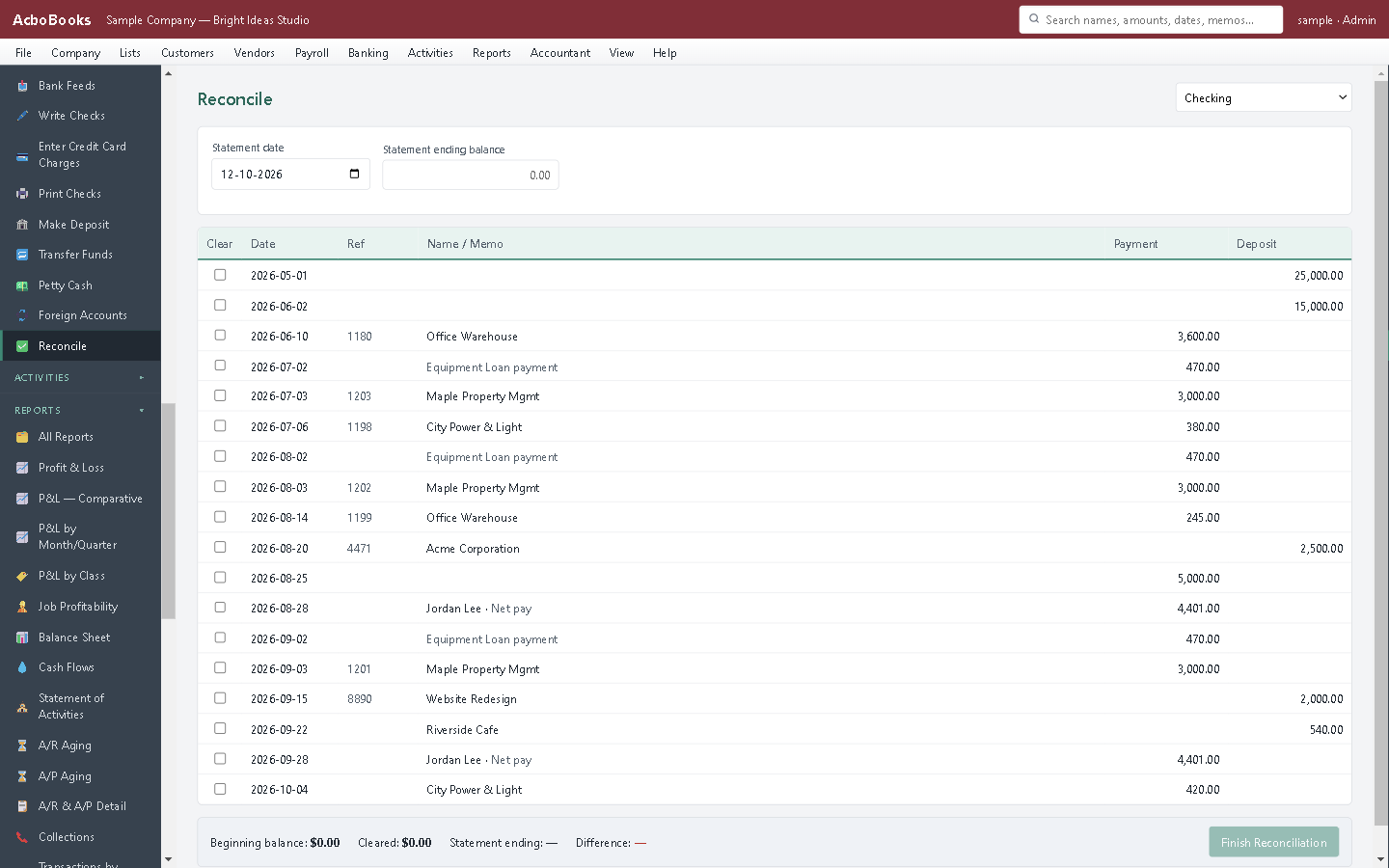
Reconcile bank and card accounts against the statement.
What it does not do
· The mileage log is in miles, and it does not post to the books by itself: it reaches them through an invoice or a paycheck.
· There is no report named Expenses by Vendor; Purchases by vendor groups spending by vendor instead.
· No phone app for snapping receipts on the go; save the photo to the PC and attach it.
· Windows 10 and 11 for now (no Mac version yet); no phone app.
· One company per file; open as many files as you have businesses.
Questions people ask
Before you download
Should I enter a bill or write a check?
Enter a bill when the vendor gives you time to pay: it sits in accounts payable until you pay it in Pay Bills. Write a check, or record a card charge, when you pay on the spot. Either way the expense lands in the account you choose.
How do I track business credit card spending?
Set up the card as a credit card account, record each charge against it, and reconcile it to the statement each month. You can also import the card's statement file and match or add the lines from there.
Where are receipts stored?
Inside the company file on your PC, which AcboBooks encrypts. They travel with your backups. Nothing is uploaded to us.
Can I track mileage?
Yes. Log trips by date, driver, vehicle and purpose, set your rate per mile, and see totals by driver. Unbilled trips can be put on an invoice. See our 2026 mileage rates article for the IRS and CRA figures.
Does it work for Canadian GST/HST on expenses?
Yes. In the Canadian edition each expense line has a tax rate, and the GST/HST goes to input tax credits. PST is added to the cost.
Coming from something else?
How it compares to what you use now
Keep reading
Guides, tools and templates for this
Get started
Enter last week's receipts in the trial.
Add a card charge, attach the receipt, then open the profit and loss.
No card. No account. Nothing to cancel.