
Receipt scanning software
Receipt scanning software that reads the receipt on your PC, not in someone's cloud
Attach a photo or scan of a receipt to a bill, check or credit card charge and click Read receipt. AcboBooks reads the text on your own computer, then fills in the vendor, the date, the total and a memo for you to check before saving.
The text reading runs offline, with the language data installed with the app. The receipt is never uploaded, to us or anyone else. It is part of AcboBooks, bought once for $399.99.
No card, no account. Windows 10 and 11. United States and Canada.

What it means
In practice
Read on the PC
The reading engine (Tesseract, the open-source OCR engine) and its English data ship inside AcboBooks. It works without an internet connection, and nothing about the receipt leaves your computer.
It fills the form, you save it
Reading a receipt never posts anything by itself. It picks the vendor from your existing vendor list, sets the date, puts the total on the first empty line and writes a memo, then asks you to check the figures.
The receipt stays attached
The image is saved with the transaction inside your encrypted company file, so the proof is one click away at tax time or in an audit, and it travels with your backups.
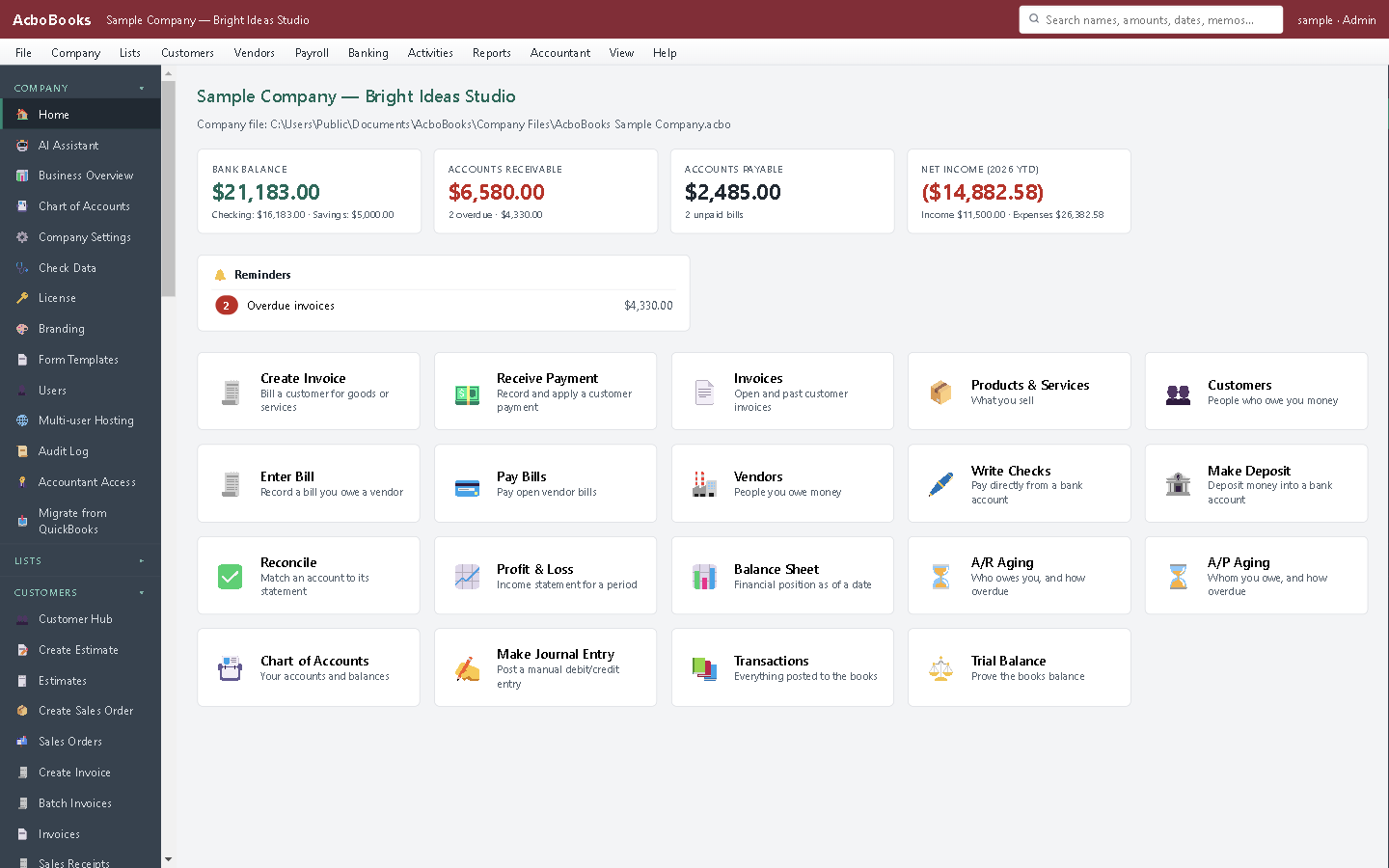
Receipts are read on this PC; nothing is uploaded.
From the receipt in your pocket to the entry in your books
Photograph the receipt, save the picture to the PC, and open Enter Credit Card Charges. Attach the picture, click Read receipt, pick the expense account and save.
A clear, flat, well-lit photo reads best. A crumpled thermal receipt may need the figures typed in, which is why every read is a suggestion you confirm.
What is in the licence
The whole job, in one price
Reading
Where
Files
Privacy
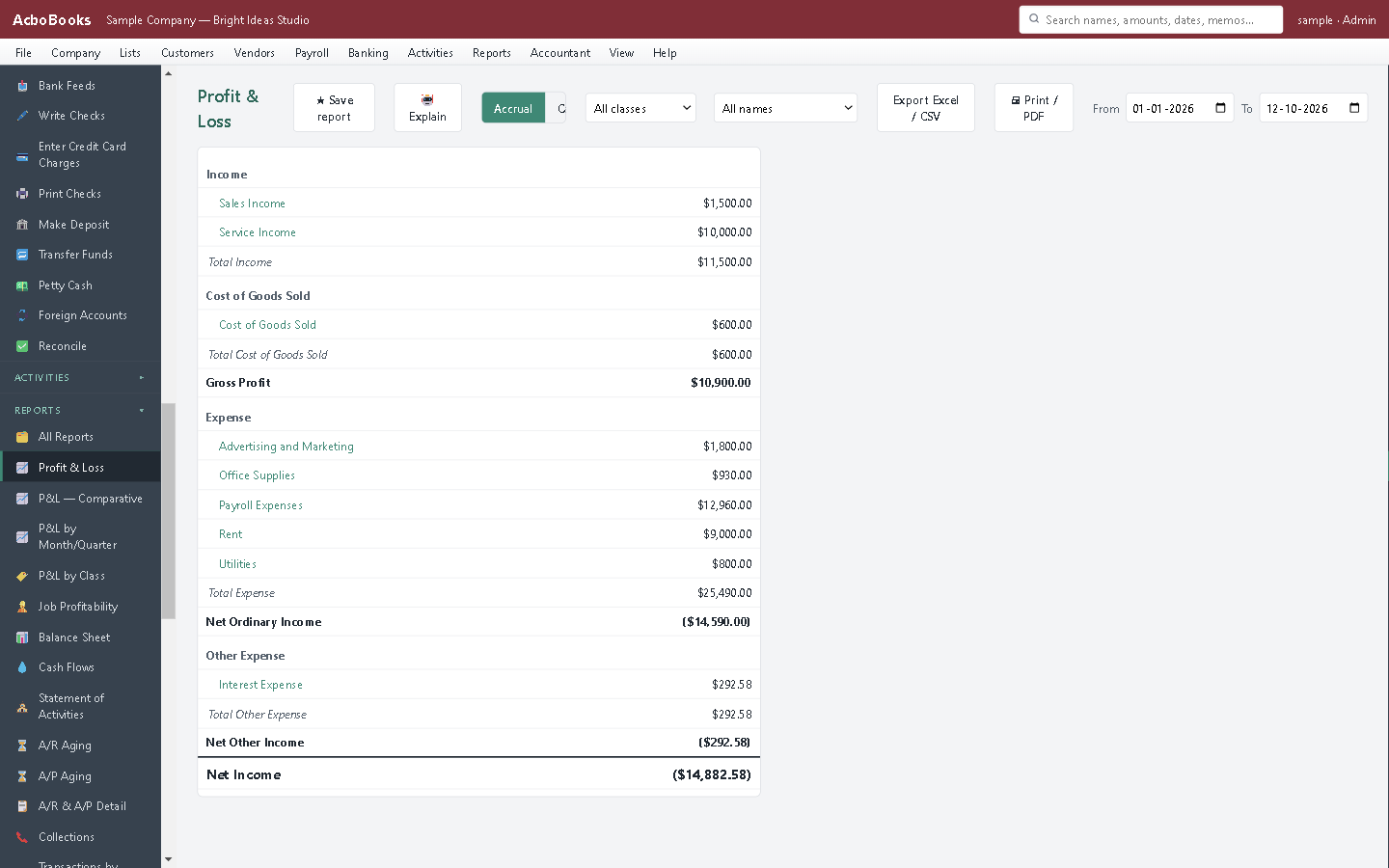
Each read receipt becomes an expense on the profit and loss once you save it.
What it does not do
· Images only: a PDF receipt can be attached but not read. Save it as an image or type it in.
· English text only.
· It reads the total, not the line items, and does not guess the expense account; one total goes on one line.
· It does not split out the tax. In the Canadian edition, check the line's tax rate so GST/HST is not added on top of a total that already includes it.
· It matches existing vendors only; add a new vendor first.
· No phone app: the photo has to reach the PC.
· Windows 10 and 11 for now (no Mac version yet); no phone app.
· One company per file; open as many files as you have businesses.
Questions people ask
Before you download
Is my receipt sent to a server?
No. The reading happens in AcboBooks on your PC, with the language data that installed with the app. It works with the network cable unplugged.
What does it read from the receipt?
The vendor name, the date and the total. It also notices the subtotal and tax, but only the total goes into the form, on one line, for you to check.
Can it read a PDF?
Not yet. You can attach a PDF to a transaction, but to read it, save it as an image (a screenshot works) first.
Do I still need to keep paper receipts?
Ask your accountant. The IRS and CRA generally accept clear electronic copies of receipts that show everything on the original, but the rules on keeping records apply to you, not to the software.
Coming from something else?
How it compares to what you use now
Keep reading
Guides, tools and templates for this
Get started
Read a receipt in the trial.
Attach a photo to a card charge and click Read receipt.
No card. No account. Nothing to cancel.