
Offline accounting software
Offline accounting software: your books open with the Wi-Fi off
Offline accounting software keeps working when the internet does not. AcboBooks is installed on your Windows PC and the company file is on your own drive, so invoicing, paying bills, payroll and reports all run with no connection at all.
It is built for places where the connection is poor or not wanted: a rural shop, a job trailer, a farm office, a clinic that keeps patient-adjacent records off the internet. Bought once for $399.99.
No card, no account. Windows 10 and 11. United States and Canada.

What it means
In practice
What still needs a connection
Activating the licence key once, downloading updates, and Stripe payment links on invoices. When a connection is available the app checks the licence about once a day; a failed check never locks you out of your books.
What never needs one
Entering and editing every transaction, payroll calculations, bank statement import from a file, reconciliation, reports, PDF invoices and cheques, backups to a USB drive, and reading receipts: the receipt reader runs on your PC and uploads nothing.
Sharing without the cloud
Several PCs in the same building can work in one file over the office network, with no internet in between. To get the books to an accountant, send an encrypted backup or give them a time-limited invite code.
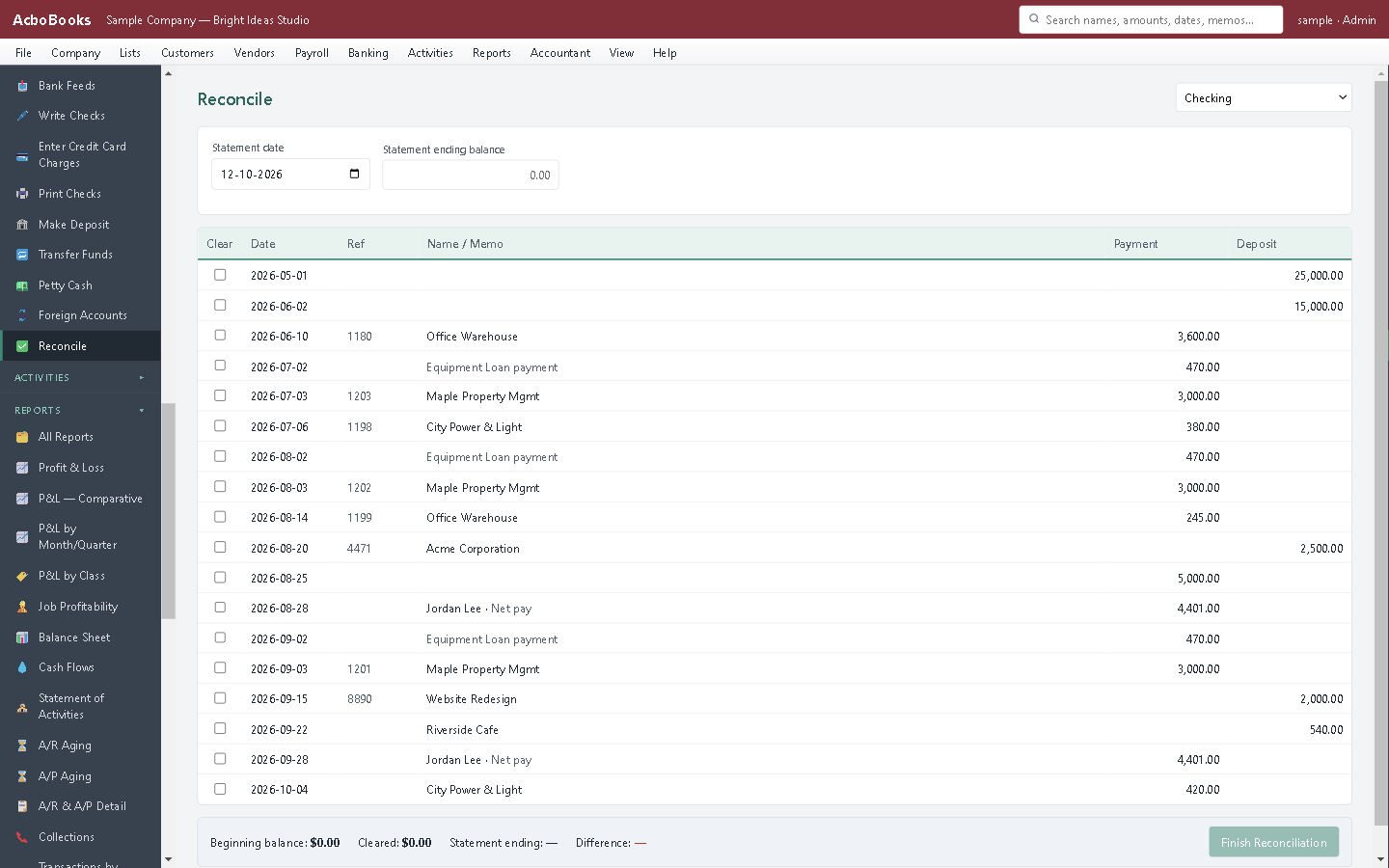
Reconcile from the statement file your bank provides.
The books are on the desk, not at the end of a cable
A storm takes the line down, the satellite link drops, the ISP has an outage: the program opens, the file opens, and the day's invoices go out on paper or as PDFs saved for later.
When you are online again, nothing needs to sync. There is no copy somewhere else waiting to catch up, because the file on your PC is the books.
What is in the licence
The whole job, in one price
Sales and money in
Purchases and money out
Banking and books
Payroll and people
Stock and jobs
Reports and sharing
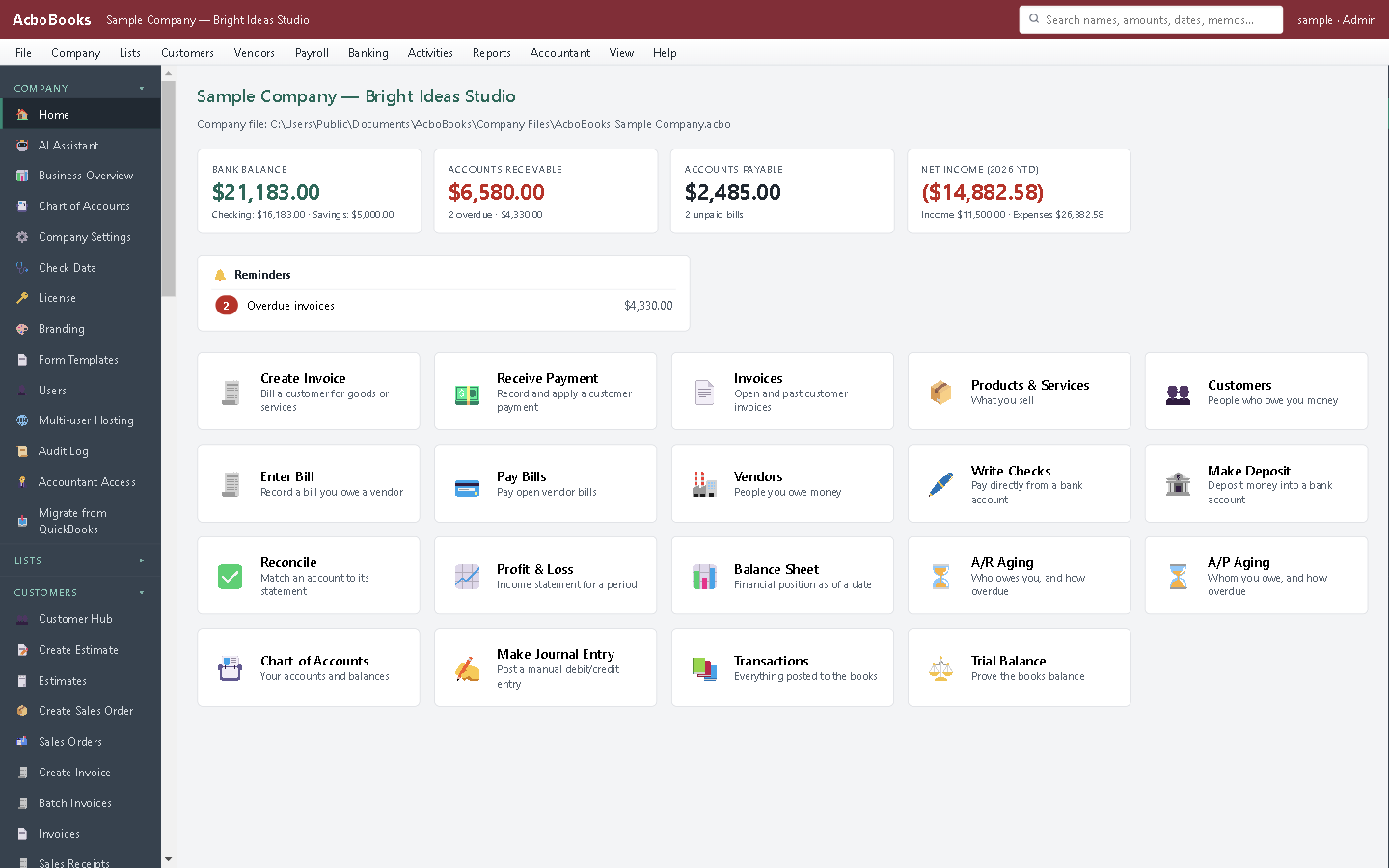
Everything on this screen comes from the file on your PC.
What it does not do
· Windows 10 and 11 for now (a Mac version is coming soon); no phone app.
· No automatic bank feed for most banks: it imports the statement file your bank provides, and downloads directly from banks that offer OFX Direct Connect.
· Card payments go through a Stripe payment link rather than a built-in processor.
· One company per file; open as many files as you have businesses.
Questions people ask
Before you download
Can I really use it with no internet at all?
Yes, after the licence is activated. The program, the company file and every calculation are on your PC. Bank transactions come in from the statement file you download from your bank when you are next online.
What happens if I am offline for weeks?
Nothing changes for your work. The app tries its daily licence check when it can reach the internet; if it cannot, it keeps the licence it already has and carries on.
How do bank transactions get in without a live feed?
Download an OFX, QFX or CSV statement from your bank's website, then import it. AcboBooks matches lines to entries you already made, suggests transfers between your own accounts, and adds the rest with rules you set.
Is offline software less safe than the cloud?
It is a different kind of safety. Nothing is on someone else's server, and the file is encrypted with AES-256 under your password. The risk you manage is your own PC, so keep backups: the app can make one each time it closes.
Does the trial work offline?
The trial runs every feature on your PC. Downloading the installer and buying a licence are the steps that need a connection.
Coming from something else?
How it compares to what you use now
Get started
Accounting that does not wait for the internet.
Install the trial, unplug the router, and post your first invoice.
No card. No account. Nothing to cancel.