
AcboBooks Academy · 6 lessons · about 43 min
Your data, users and security
Your books live in one company file on your own computer, so looking after that file is your job. These lessons cover backups and restoring, the file password and recovery key, user accounts and roles, sharing the company with other PCs in your office, giving your accountant access, and the tools that keep the books trustworthy: Check Data, the audit log and the closing-date password.

Lessons
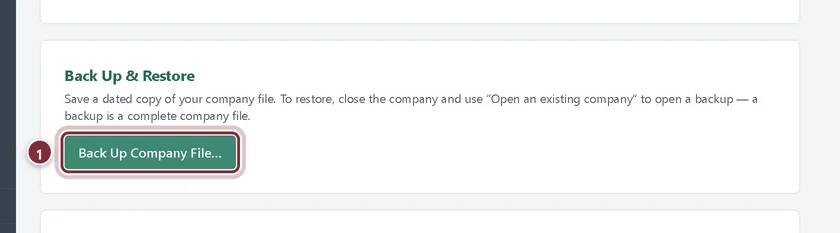
Lesson 1 · 8 min · Beginner
Back up and restore your company file
Back up your AcboBooks company file, turn on automatic backups, make an encrypted backup to send, and restore a backup when you need it.
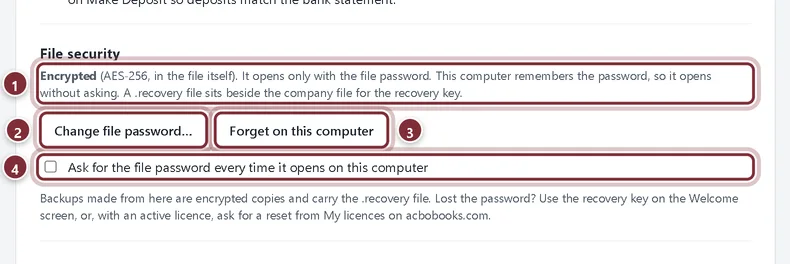
Lesson 2 · 8 min · Intermediate
The file password and recovery key
How AcboBooks encrypts your company file: change the file password, choose when it is asked for, and get back in with the recovery key.
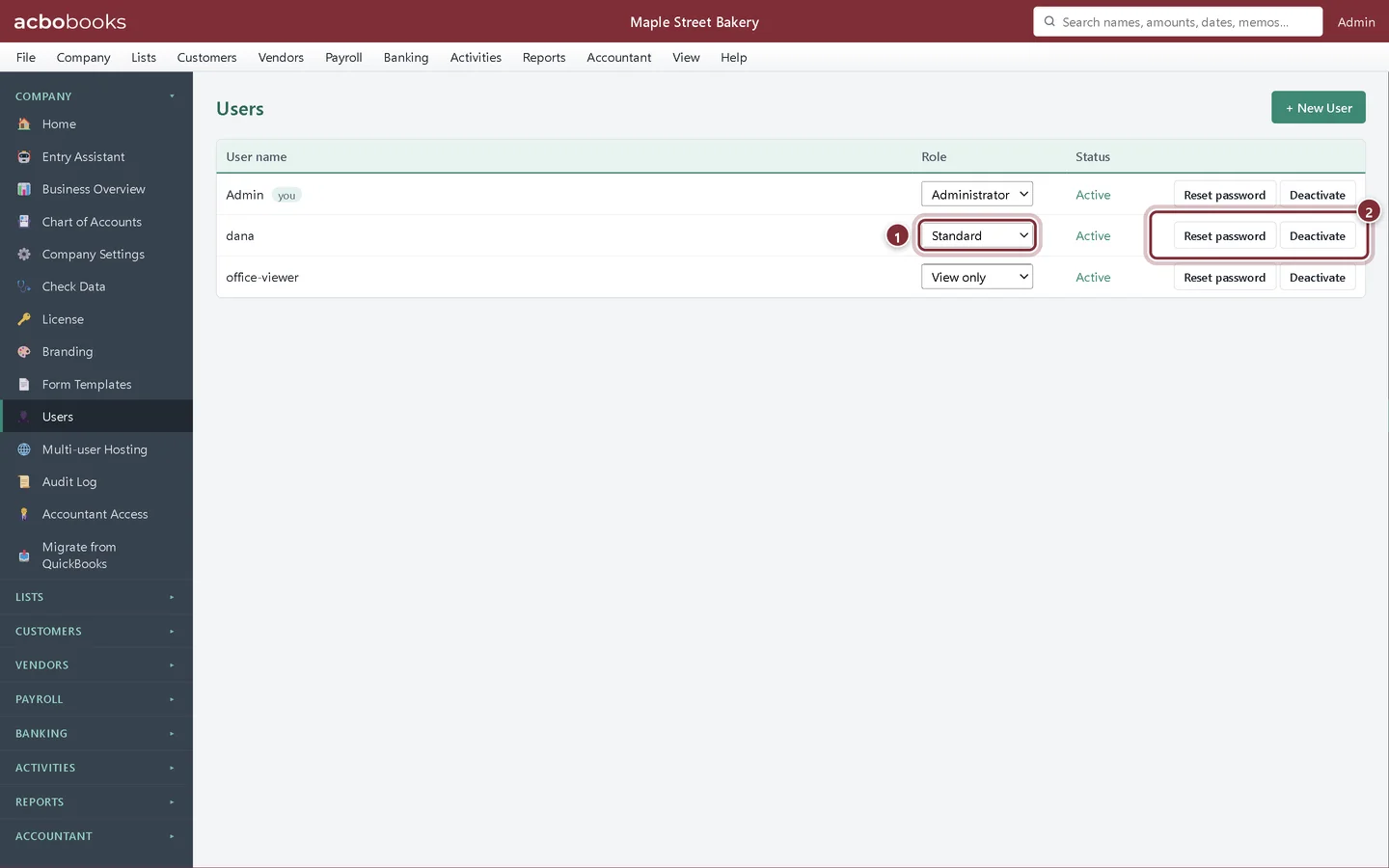
Lesson 3 · 7 min · Beginner
Users, roles and sign-in
Give Admin a password, add users with Administrator, Standard or View only roles, reset passwords and deactivate users in AcboBooks.
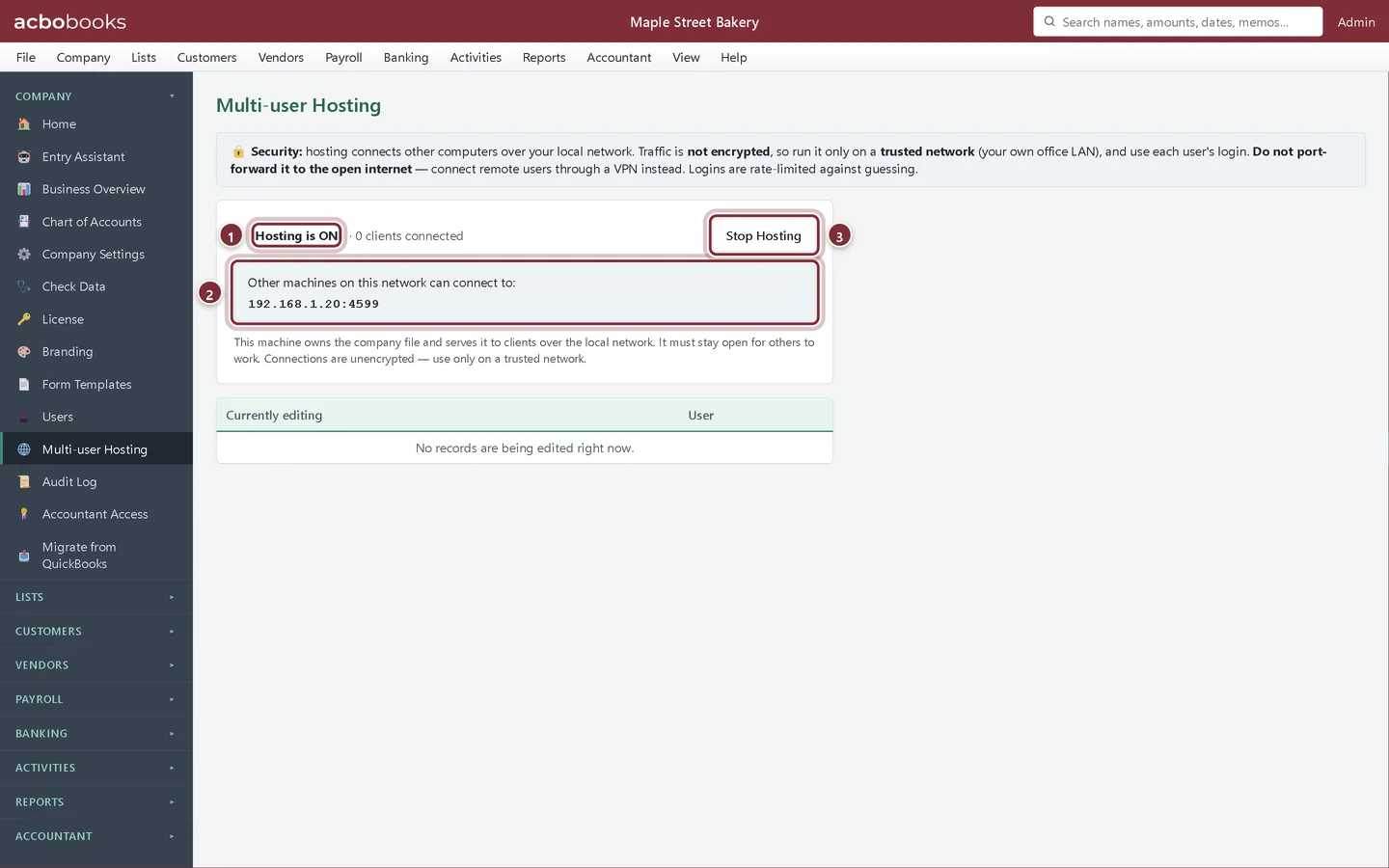
Lesson 4 · 8 min · Intermediate
Share the company on your office network
Host an AcboBooks company on one PC and connect other office computers to it, so several people work in the same books at once.
Lesson 5 · 6 min · Intermediate
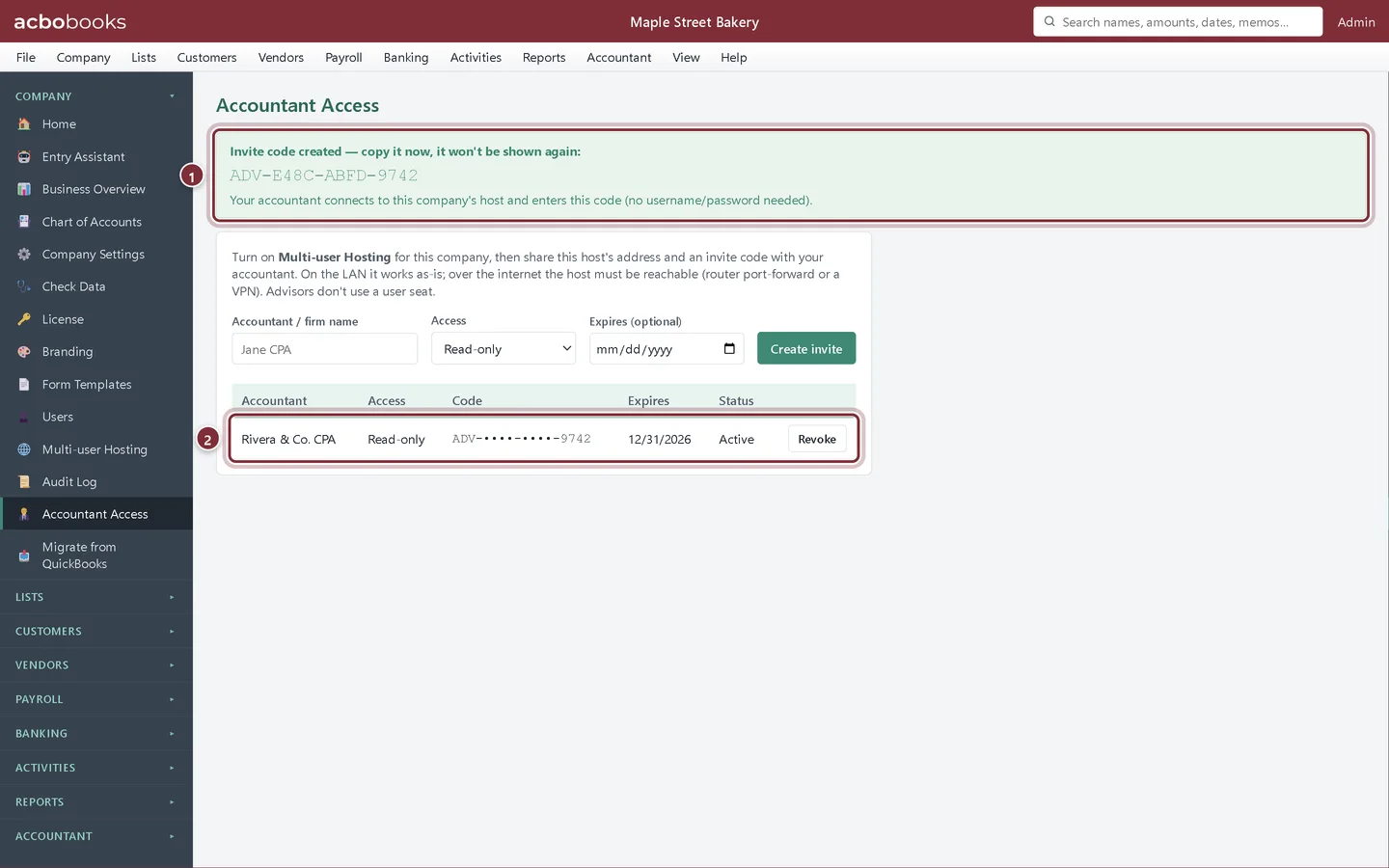
Give your accountant access
Let your accountant into your AcboBooks books with an invite code, read-only or with editing, or swap a backup and their adjusting entries.
Lesson 6 · 6 min · Intermediate
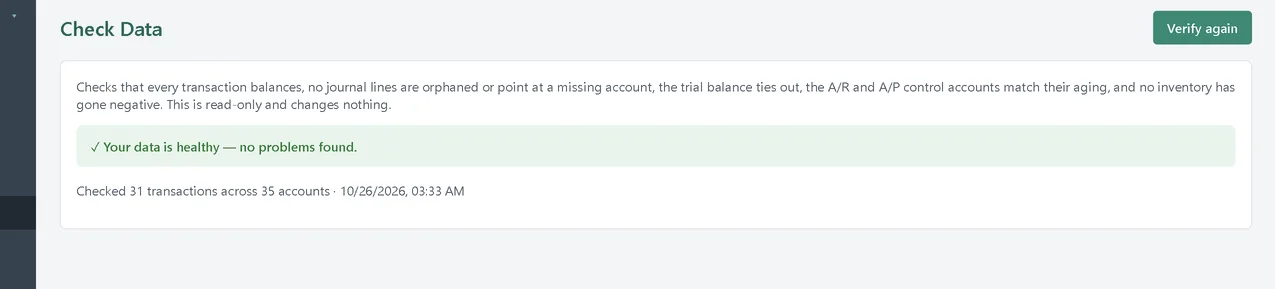
Check Data, the audit log and the closing-date password
Verify your AcboBooks books with Check Data, see who changed what in the audit log, and protect closed periods with a closing-date password.
All Academy tracks · Help centre · Bookkeeping how-to guides
Get started
Try every lesson in the sample company.
AcboBooks comes with a sample company to practise on. Free for 15 days, then bought once.
No card. No account. Nothing to cancel.