
Accounts receivable software
Accounts receivable software: know who owes you, and get it paid
Every invoice goes into accounts receivable and every payment takes it out, so the A/R ageing report always shows who owes what and for how long. Apply a payment across several invoices, take the early-payment discount, send statements, charge interest on overdue balances, and write off what will never come in.
It is part of AcboBooks, the desktop accounting program bought once for $399.99. Creating and designing the invoices themselves is on the invoicing page.
No card, no account. Windows 10 and 11. United States and Canada.

What it means
In practice
Payments that match the invoices
Receive Payment lists the customer's open invoices. Pay one in part, several in full, or click Auto Apply to pay the oldest first. Discounts from terms such as 2% 10 Net 30 are suggested, and an overpayment stays as a credit on the account.
Ageing that drives the follow-up
A/R Aging Summary splits each balance into current, 1–30, 31–60, 61–90 and over 90 days. The Collections report lists overdue invoices with the customer's phone and email, and the home screen counts what is overdue and what is due this week.
Statements and interest
Print or save a statement for one customer, or one PDF with a page for every customer with a balance. Assess finance charges on overdue invoices at your annual rate, with grace days and a minimum charge.
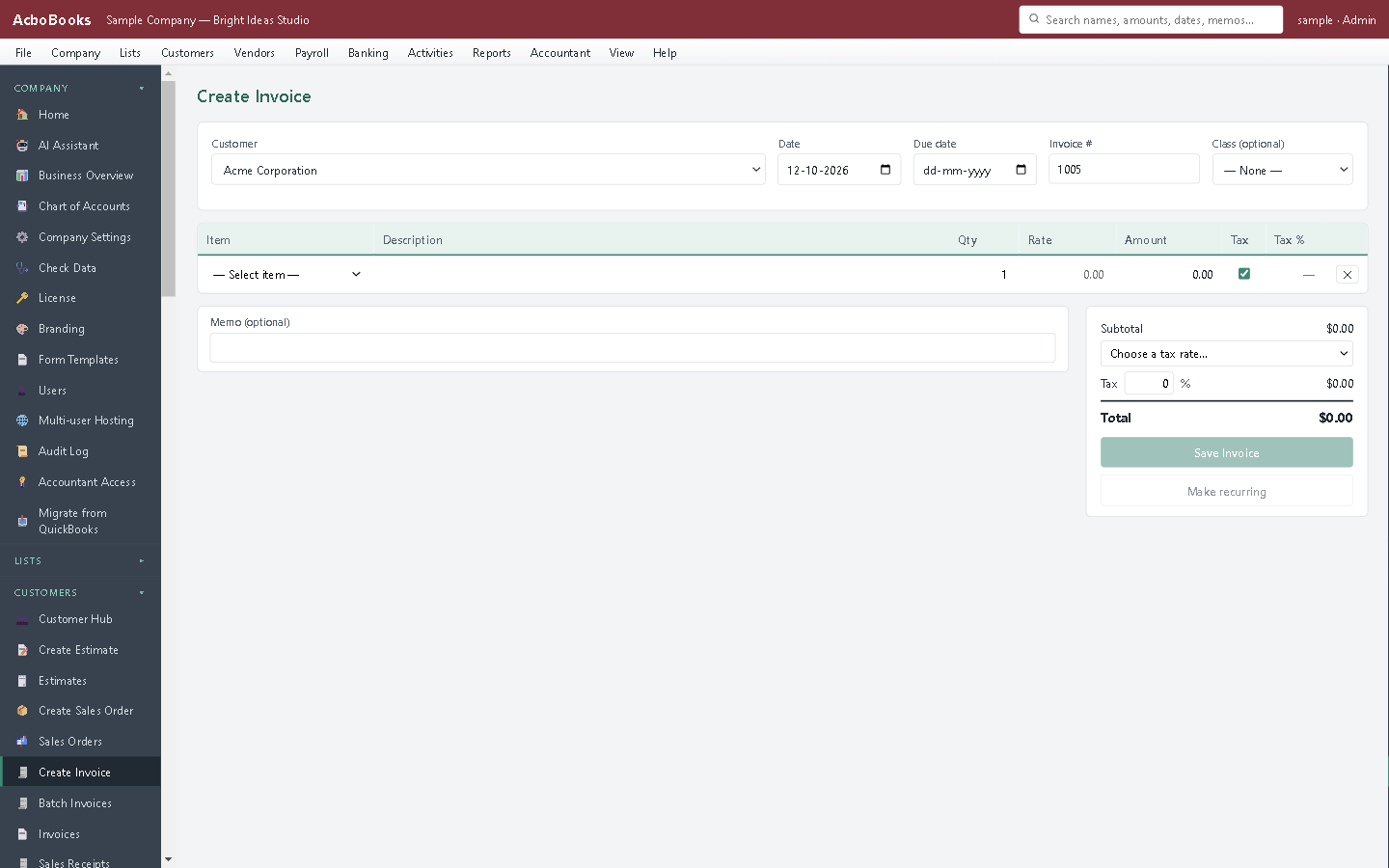
Every invoice lands in accounts receivable.
The call to a slow payer starts with the right list
Open the Collections report and the overdue invoices are there with the customer's phone number and the days late. Make the call, then send a statement from the customer statement screen.
If the cheque bounces, Bounced Check reverses the payment, reopens the invoices, records the bank's fee and bills the customer your returned-check fee. If the money is never coming, write the invoice off to bad debt from the ageing report.
What is in the licence
The whole job, in one price
Getting paid
Follow-up
Statements and charges
Corrections
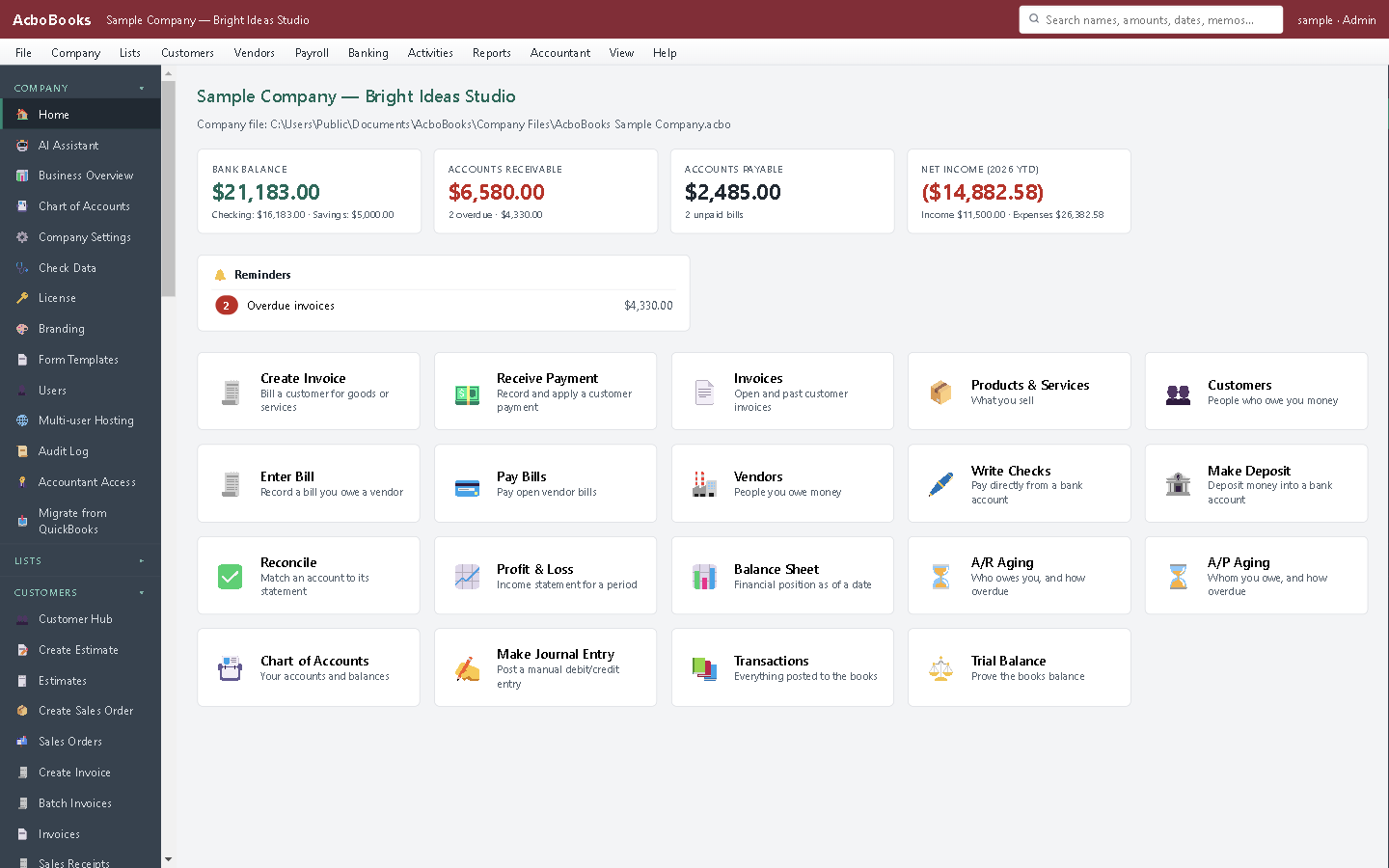
Overdue invoices and money owed, on the home screen.
What it does not do
· Email goes through your own Outlook or your mail provider (SMTP); there is no built-in mail service.
· Scheduled reminders go out only from AcboBooks: you look them over and send them in one click, or turn on sending them when the program opens. Nothing is sent while it is closed.
· Ageing buckets are fixed at 30-day steps.
· Windows 10 and 11 for now (no Mac version yet); no phone app.
· One company per file; open as many files as you have businesses.
Questions people ask
Before you download
What is accounts receivable?
The money customers owe you for invoices they have not paid yet. It sits on the balance sheet as an asset until the payment comes in. Our glossary entry and the article on collecting overdue invoices go further.
Can a customer pay several invoices with one cheque?
Yes. Receive Payment shows all their open invoices; enter the amount and apply it across them, by hand or with Auto Apply.
How are finance charges worked out?
For each overdue invoice: the balance, times your annual rate, times the days past the due date and grace period, divided by 365. One finance-charge invoice is created per customer, and finance charges are not charged interest again.
Does it put received payments straight in the bank?
By default they go to Undeposited Funds, so you can group the cheques you take to the bank on one deposit, as the bank statement shows them. You can turn that off in the company settings.
Can I send statements to every customer at once?
Yes. Batch PDF makes one file with a page for each customer who has a balance, ready to print or split.
Can it send payment reminders on a schedule?
Yes. Set rules such as 3 days before the due date, on the due date, or 7 days after and every 14 days until paid, each with its own email template. The reminders due show in one list; look them over and send them in one click. Each one is logged, so no customer gets the same reminder twice. Sending them by themselves when AcboBooks opens is an option, off unless you turn it on.
Coming from something else?
How it compares to what you use now
Keep reading
Guides, tools and templates for this
Get started
See who owes you, as of today.
Open the sample company in the trial and run A/R Aging.
No card. No account. Nothing to cancel.