
Funeral homes
Accounting software for funeral homes: cash advance items, merchandise and family accounts
A funeral home's invoice mixes professional services, merchandise like caskets and urns, and cash advance items paid to others on the family's behalf. AcboBooks keeps each in its own account, costs merchandise from inventory, and follows each family's balance until it is paid.
For independent and family-owned funeral homes and cremation providers in the US and Canada, $399.99 once.
No card, no account. Windows 10 and 11. United States and Canada.

What it means
In practice
Cash advance items kept apart
Obituary notices, cemetery fees, flowers and certified copies paid on the family's behalf are billable costs, passed onto the family's invoice at cost, separate from your own services.
Merchandise at cost
Caskets, urns, vaults and keepsakes are inventory at average cost. Each sale posts the cost of goods, so the margin on merchandise is visible.
Each family's account
Every service is a customer (and a job, if needed). Payments, insurance assignments and instalments are applied to the invoice, and the A/R Aging shows what is outstanding.

Services, merchandise and cash advance items on one invoice.
Careful books for a careful business
Invoice from your itemised price list items, add the cash advance costs from the bills you paid, and apply the family's deposit or an assigned insurance payment when it arrives.
Pre-need money you hold is kept as a liability, not income, in a separate bank account if your state or province requires it. Trust and pre-need rules vary, so confirm them with your regulator or accountant.
What is in the licence
The whole job, in one price
Accounts to set up
Family accounts
Merchandise
The firm
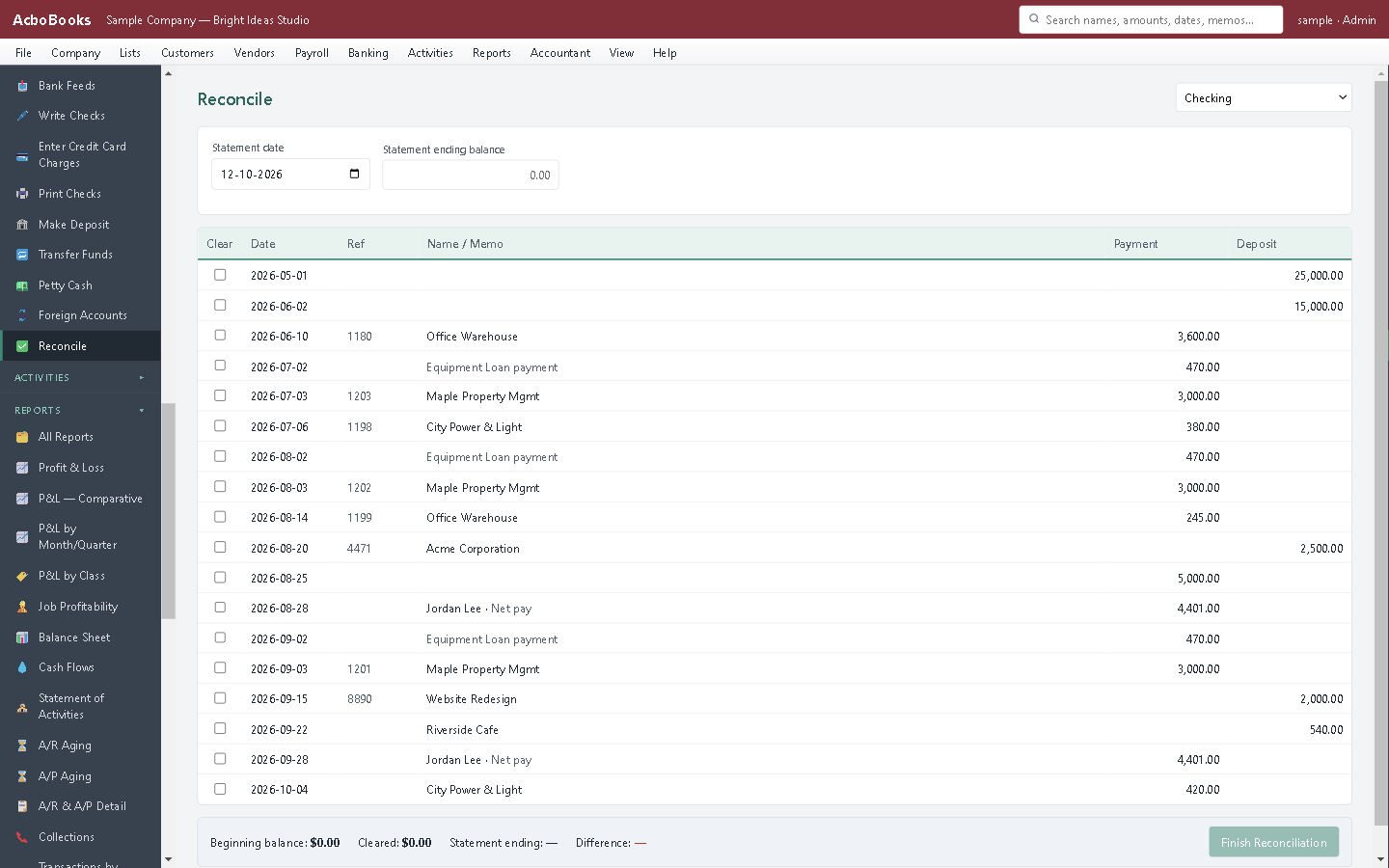
Reconcile the operating account each month.
What it does not do
· Not funeral home case management: no arrangements, vital statistics forms or pre-need contract administration.
· No separate pre-need trust module; held funds are tracked as a liability and a bank account.
· Windows 10 and 11 for now (a Mac version is coming soon); no phone app.
· It imports your bank's statement file rather than connecting live to the bank.
Questions people ask
Before you download
How do I bill cash advance items?
Enter the bill or cheque you paid with the family's customer:job attached and mark it billable. Add it to their invoice at cost, without a markup, unless you disclose otherwise as the FTC Funeral Rule requires in the US.
Can I take an insurance assignment?
Yes. Leave the invoice open, and when the insurer pays, receive the payment against it. The aging shows what is still waiting.
Do I charge sales tax on merchandise?
Usually on merchandise, and sometimes not on services, but the rules differ by state and province. Each item has its own tax setting.
Can more than one person work in the books?
Yes. Two computers are included over the office network, with user roles and an audit trail of changes.
Coming from something else?
How it compares to what you use now
Keep reading
Guides, tools and templates for this
Get started
Every family's account, handled with care.
Build an invoice with a cash advance item in the free trial.
No card. No account. Nothing to cancel.