
Class tracking
Class tracking: profit and loss by location, department or program
Classes add a second way to slice your books on top of the chart of accounts. Make a class for each location, department, crew, program or fund, pick it on invoices, bills, checks and journal entries, and P&L by Class shows income, expense and net income for each.
It is the same idea as classes in QuickBooks Desktop, and it is part of AcboBooks, bought once for $399.99.
No card, no account. Windows 10 and 11. United States and Canada.

What it means
In practice
A class on the transaction, or on each line
The Class box sits on the whole transaction: an invoice, bill, check, card charge, journal entry or inventory adjustment. On bills, checks, card charges, deposits and journal entries each line can also take its own class and customer:job, so one bill can be split across two locations or two jobs.
A report for each slice
P&L by Class lists each class with its income, expense and net income for the dates you choose, an Unclassified row for anything untagged, and a total. The regular profit and loss can also be filtered to one class.
Nonprofits: programs and restrictions
Mark a class as donor-restricted and the Statement of Activities splits results into without and with donor restrictions, the ASC 958 layout nonprofits report in.
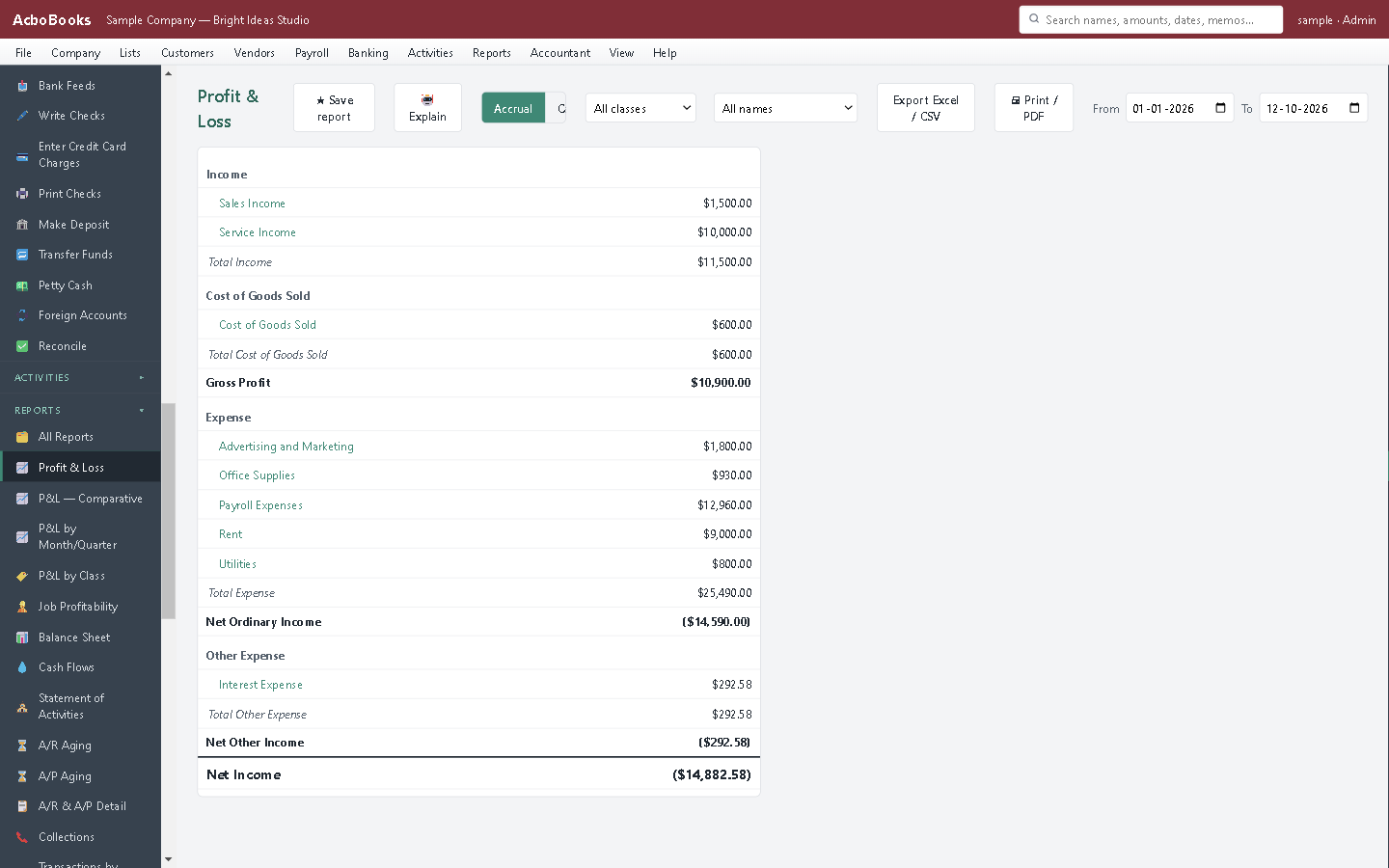
Profit and loss for one class, or every class in one P&L by Class report.
Two shops, one set of books, a clear answer
Each bakery is a class. Sales are invoiced to their shop's class, and the flour, rent and wages bills to theirs. Shared costs, like the accountant, can stay unclassified or be split with a journal entry.
At month-end P&L by Class answers the question that matters: which shop made money, and by how much.
What is in the licence
The whole job, in one price
Set up
Tagging
Reports
Alongside
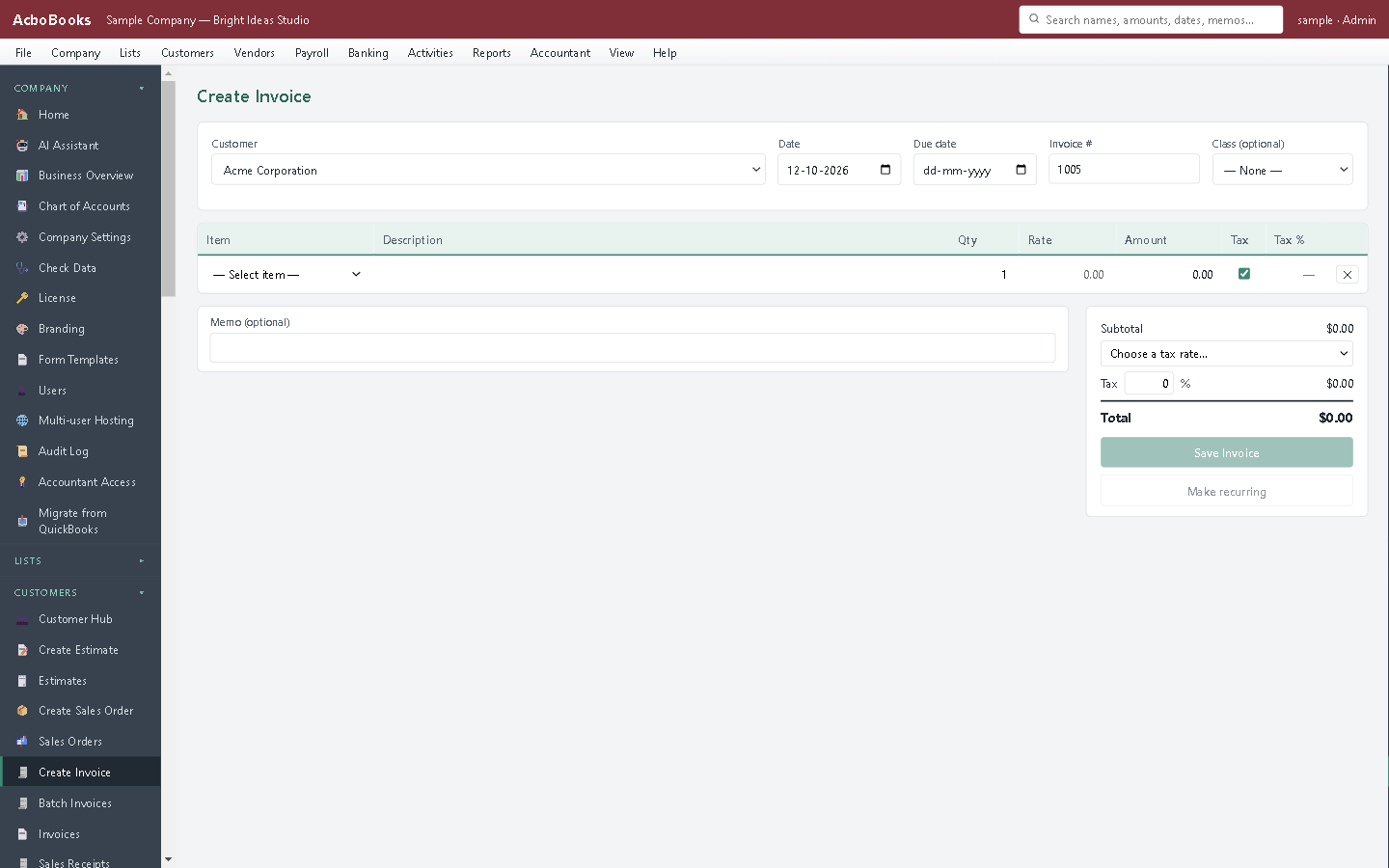
Pick the class on the invoice; its income counts toward that class.
What it does not do
· Invoices and sales receipts take one class for the whole form, not one per line.
· Sales receipts, paychecks, estimates and sales orders have no Class box, and an invoice made from an estimate or sales order starts unclassified.
· No separate location or department list: classes and sub-classes do that job.
· Class filters work on the accrual basis only.
· No setting to require a class on every transaction.
· Windows 10 and 11 for now (no Mac version yet); no phone app.
· One company per file; open as many files as you have businesses.
Questions people ask
Before you download
What is class tracking?
A tag on transactions that is separate from the account, so you can see the profit and loss of a part of the business, such as a location, department or program, without a separate chart of accounts for each.
Classes or customer jobs?
Use jobs for work you do for a customer and want to price and bill. Use classes for parts of your own business. Many businesses use both: the job profitability report for jobs and P&L by Class for locations.
Can I track locations and departments separately?
Not as two lists, but classes can have sub-classes: for example a class per region with a sub-class per store, and P&L by Class shows each store or rolls them up into the region.
Do my QuickBooks classes come across?
In version 0.2.2, yes: when you bring transaction history across from QuickBooks, each transaction keeps its class name (plans can change). Lists-only moves bring the balances, not the classes on old transactions.
Coming from something else?
How it compares to what you use now
Get started
See each part of the business on its own.
Make two classes in the trial, tag a few entries and run P&L by Class.
No card. No account. Nothing to cancel.