
Financial reporting software
Financial reports for small business: the statements, the ageing, the budget, the drill-down
Profit and loss, balance sheet, statement of cash flows, trial balance, ageing, budget versus actual and the rest of more than thirty reports, from the books you already keep. Click a figure to see the transactions behind it, and export any report to Excel with live totals.
Every report is in the one licence: AcboBooks, bought once for $399.99, with no reporting tier to upgrade to.
No card, no account. Windows 10 and 11. United States and Canada.

What it means
In practice
The three statements
Profit and loss on a cash or accrual basis, the balance sheet as of any date, and the statement of cash flows by the indirect method. Run the P&L by month or quarter in columns, by class, or against the same period last year.
From a total to the transaction
Click an account on the P&L or balance sheet and its register opens for the same dates. From an ageing row, open that customer's or vendor's statement.
Excel that still adds up
Export to Excel and total rows are real SUM formulas, so a changed figure updates the total. Or save as CSV or PDF. Memorize a report's settings to run it again next month.

Profit and loss, with drill-down to every transaction.
The questions owners actually ask, answered by a report
Are we making money? Profit and loss. What do we own and owe? Balance sheet. Where did the cash go? Statement of cash flows. Who owes us? A/R ageing. Are we on budget? Budget versus actual, by year or by month.
Your accountant gets the general ledger, the trial balance, an adjusted trial balance with adjusting entries, and the audit trail.
What is in the licence
The whole job, in one price
Statements
Who owes whom
Planning and checking
Sharing
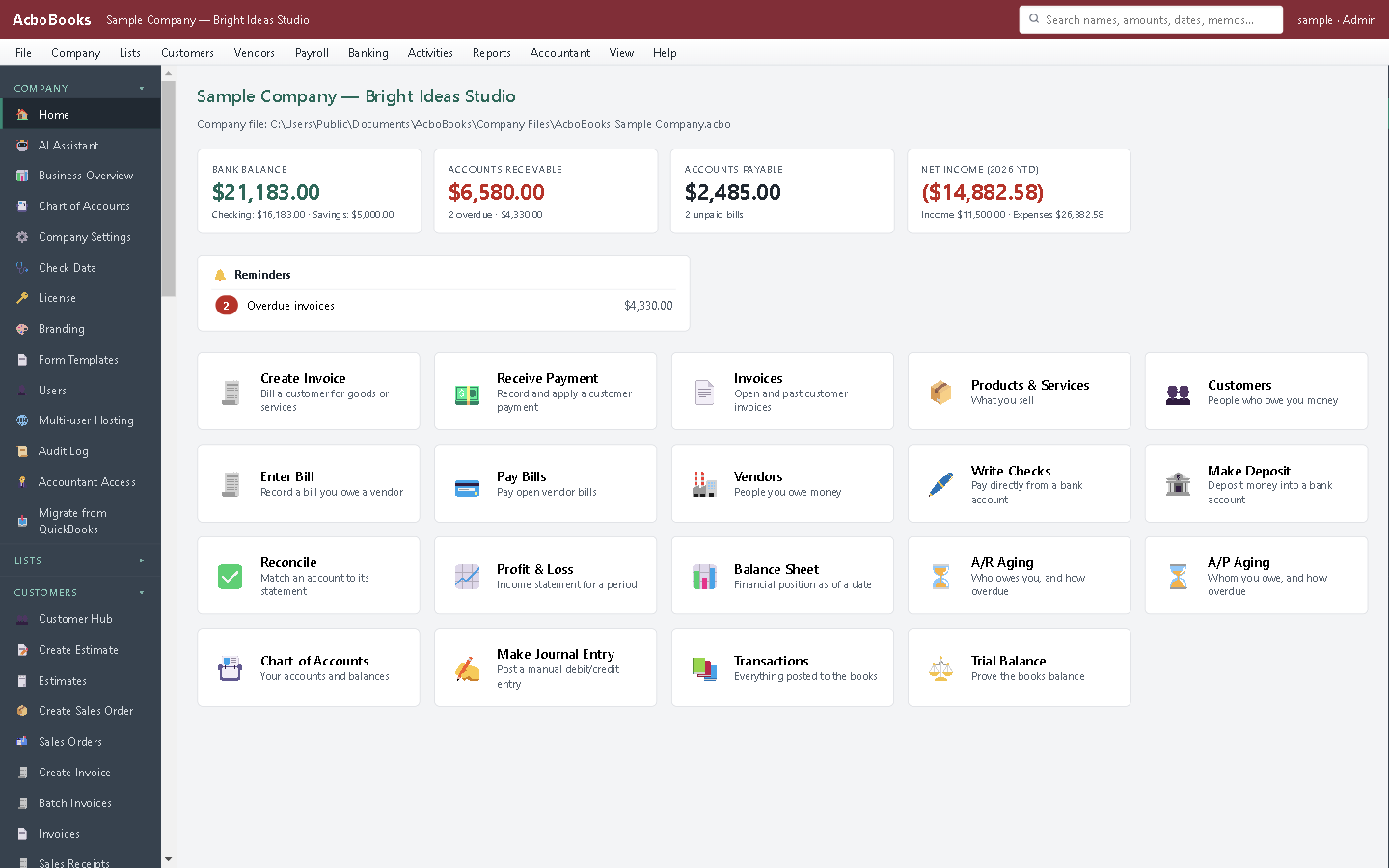
Income, expenses and balances on the home screen.
What it does not do
· No custom report designer: reports have set layouts with date, basis and filter options.
· Consolidation across companies covers the profit and loss only.
· Windows 10 and 11 for now (a Mac version is coming soon); no phone app.
· One company per file; open as many files as you have businesses.
Questions people ask
Before you download
Can I switch between cash and accrual basis?
Yes. Choose the basis when you run the profit and loss. Cash basis counts income when paid and expenses when paid; accrual counts them when invoiced and billed. Our guide to cash versus accrual accounting explains which suits you.
Which reports will my accountant want?
Usually the trial balance, the general ledger, the balance sheet and profit and loss for the year, and the A/R and A/P ageing at year-end. All export to Excel.
Can I compare this year with last year?
Yes. The comparative profit and loss shows this period against the same period last year, with the change.
Can I combine two companies?
Yes, for the profit and loss. The consolidated report adds other company files and shows a column per company and a total.
Is there a budget report?
Yes. Set an annual or monthly budget per income and expense account, then run Budget versus Actual for the year or month by month.
Coming from something else?
How it compares to what you use now
Get started
Every report, in the one price.
Open the sample company in the trial and run the reports.
No card. No account. Nothing to cancel.