
Budgeting software
Budgeting software for small business: a budget per account, checked against actuals
Set a budget for each income and expense account, for the year or month by month, and AcboBooks sets it beside what actually happened in your books, with the variance. Click any account to see the transactions behind the actual figure.
Budgets are part of AcboBooks, the desktop accounting program bought once for $399.99, with every report in the one licence.
No card, no account. Windows 10 and 11. United States and Canada.

What it means
In practice
Annual budget versus actual
Enter one amount per income, cost of goods and expense account for a calendar year. Budget vs. Actual shows budget, actual and variance for each, with income and expense totals and net income. Export it to Excel or CSV.
Month by month
Monthly Budget gives each account twelve cells and shows the actual and the variance for every month, so a seasonal business sees January against January's plan, not a twelfth of the year.
Actuals from the books
The actual column is your ledger: every invoice, bill, check and journal entry already in the file. There is nothing to import or type twice.
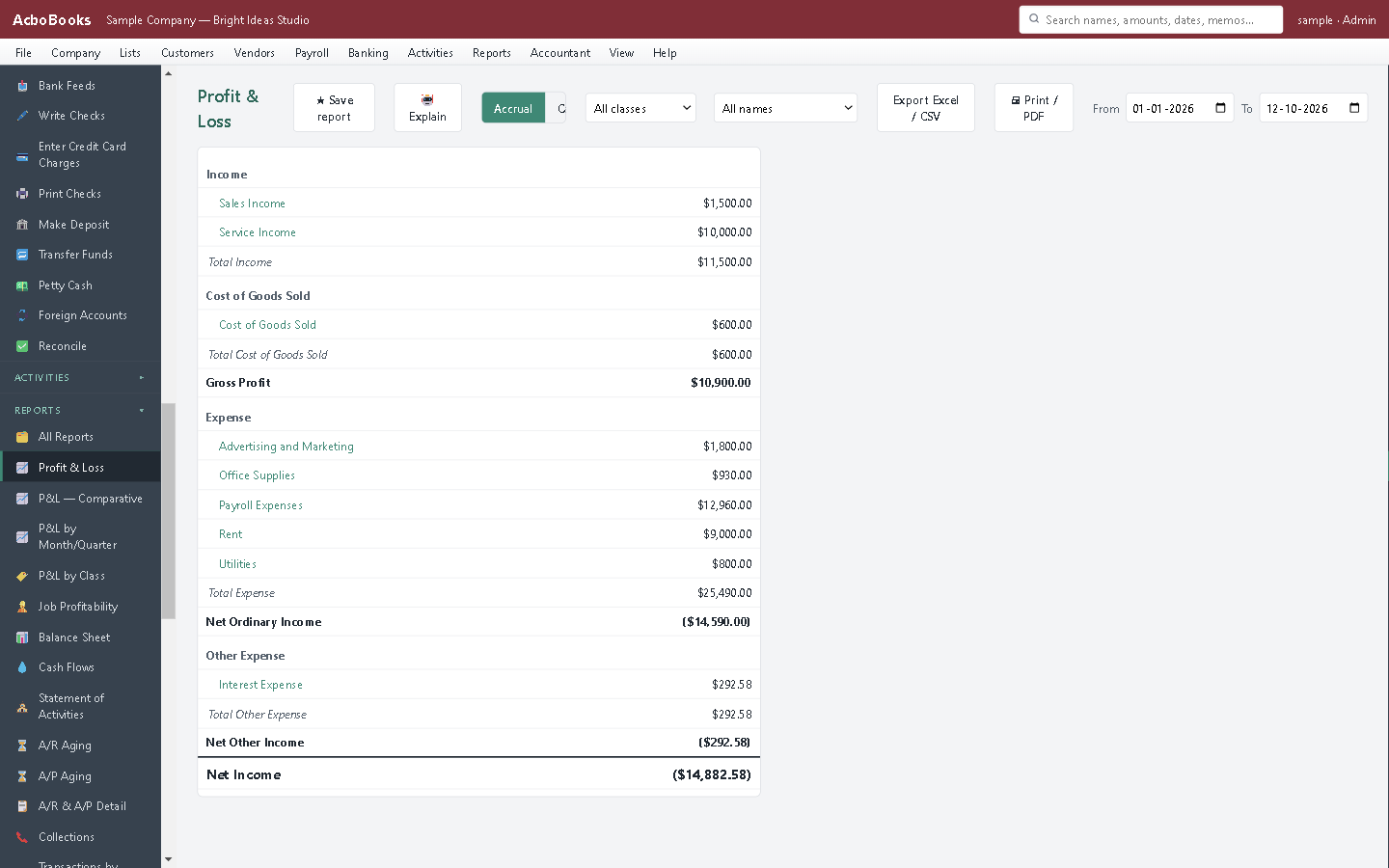
The actual side of the budget comes from the same books as the P&L.
Plan the year in an hour, then check it every month
Start from last year's profit and loss, decide what changes (a price rise, a new hire, a second fermenter) and type the new figures into the budget.
At each month-end, run Monthly Budget. The accounts that are off plan stand out, and one click opens the transactions that put them there.
What is in the licence
The whole job, in one price
Budgets
Comparing
Around it
Moving in
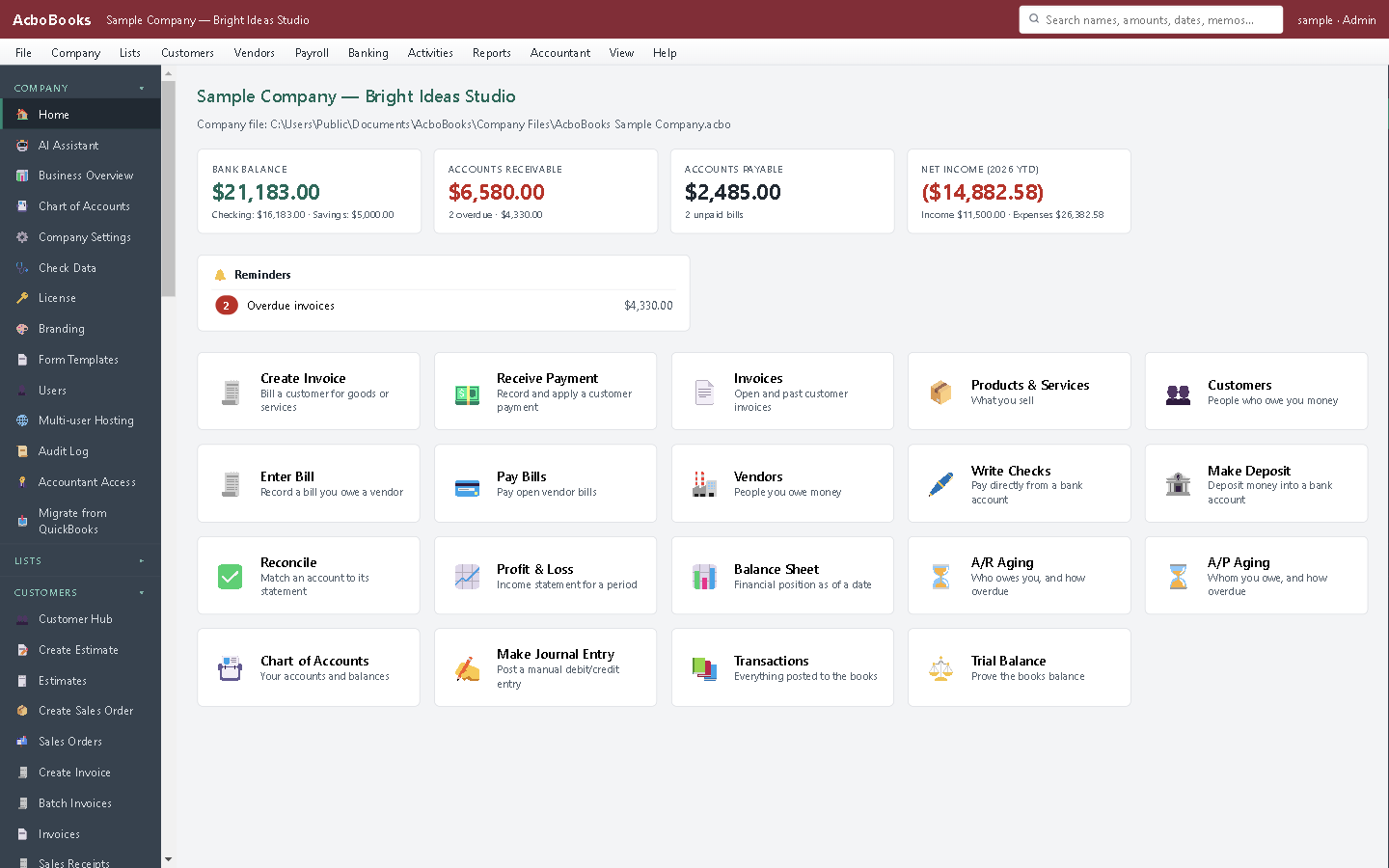
Income and expenses at a glance on the home screen.
What it does not do
· The cash flow forecast works from bank balances and open invoices and bills; it does not project from the budget. For a longer plan, use our cash-flow forecast template alongside the books.
· Budgets by account are for the whole company; Program & Grant Budgets compares a budget with actuals by class or by customer, but not by job.
· The annual and monthly budgets are entered separately; one is not spread into the other, and last year's actuals are not copied in.
· The monthly budget screen has no export.
· Windows 10 and 11 for now (no Mac version yet); no phone app.
· One company per file; open as many files as you have businesses.
Questions people ask
Before you download
What is a budget versus actual report?
A report that puts what you planned beside what happened, account by account, with the difference. Our article on budget versus actual reports explains how to read one and what to do about a variance.
Can I budget by month?
Yes. Monthly Budget has twelve amounts per account and shows the actual and variance for each month.
Does it forecast cash flow?
No. AcboBooks reports what has happened and compares it with your budget. For a forward look, our free cash-flow forecast template and cash runway calculator work alongside it.
Can I budget by department or location?
Yes. Program & Grant Budgets takes a budget per account for one class (a department, location or program) or one customer, and shows budget, actual and variance for it.
Coming from something else?
How it compares to what you use now
Keep reading
Guides, tools and templates for this
Get started
Set this year's budget in the trial.
Enter a few accounts, then run Budget vs. Actual on the sample company.
No card. No account. Nothing to cancel.