
Plumbers
Accounting software for plumbers: service calls, fixtures and new construction
Invoice a service call the same day with the call-out fee and the parts used, take a deposit before ordering fixtures for a remodel, bill new construction in phases, and keep the parts you sell in stock.
For plumbing, drain and water heater businesses in the US and Canada, $399.99 once on your office PC.
No card, no account. Windows 10 and 11. United States and Canada.
What it means
In practice
Same-day service invoices
A flat call-out fee, the hours and the parts go on one invoice, or on a sales receipt if the customer pays on the spot. Add a Stripe link so they can pay by card from the email.
Deposits on special orders
The customer picks a freestanding tub and a custom vanity. Take a deposit, hold it as a liability rather than income, and apply it to the final invoice.
Rough-in, top-out, finish
On new builds, invoice each phase from the estimate with progress invoicing, and hold the builder's retainage as a separate receivable until it is released.

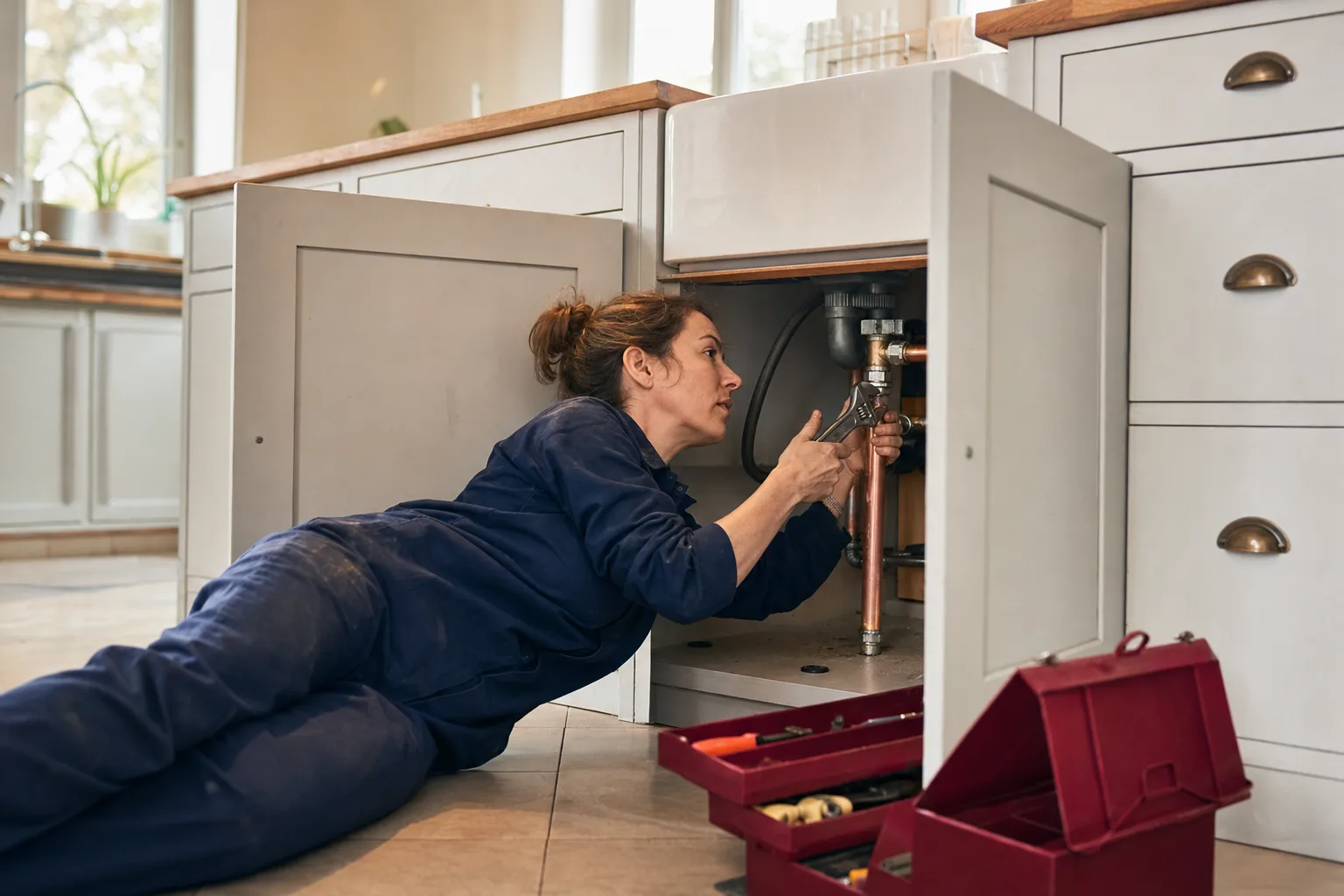
Call-out fee, labour and parts on one invoice.
Find out whether service or new construction pays better
Use one class for service and repair and another for new construction. Invoices, bills and cheques carry the class, so the P&L by class puts them side by side.
Drain cameras, jetters and vans go on the fixed asset list, each linked to the loan that paid for it.
What is in the licence
The whole job, in one price
Service work
Remodels and new builds
Parts and purchasing
Crew and tax
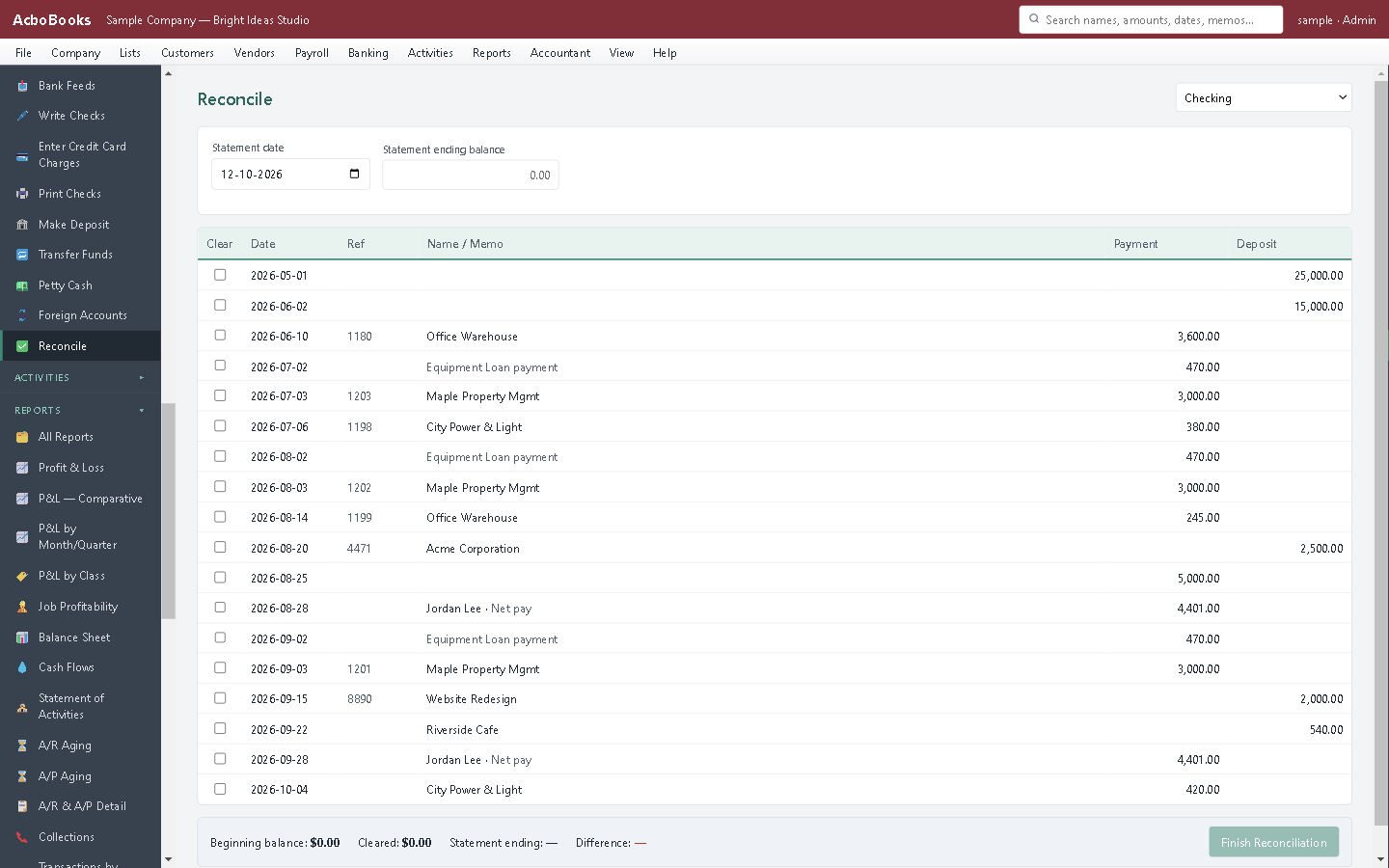
Card and cheque payments matched at month-end.
What it does not do
· No dispatch, scheduling or technician price-book app.
· No permit or inspection tracking.
· Windows 10 and 11 for now (a Mac version is coming soon); no phone app.
· It imports your bank's statement file rather than connecting live to the bank.
Questions people ask
Before you download
Can I charge a flat rate instead of hours?
Yes. Make a service item at your flat price for each common job. The invoice shows the job, not the hours behind it.
How do I handle a deposit for special-order fixtures?
Record it as a customer deposit. It sits as a liability until you apply it to the invoice for that job, so it never inflates your income early.
Does it handle retainage on new construction?
Yes. The amount the builder holds back is moved to a retainage receivable for the job, then released to bill when the work is accepted.
Can my office manager do the books while I'm out on calls?
Yes. Give them their own user and role, on the office network or the same PC. Changes are recorded in the audit log.
Coming from something else?
How it compares to what you use now
Get started
Bill the call the same day.
Make a flat-rate service item in the trial and invoice a call.
No card. No account. Nothing to cancel.