
E-commerce and online sellers
Accounting software for online sellers: payouts, fees and stock
Selling on Shopify, Amazon, Etsy or your own site? Enter each period's sales as a sales receipt, take stock out at average cost, and record the payout as a deposit with the marketplace's fees split off, so the bank line matches your statement.
For small e-commerce businesses in the US and Canada, $399.99 once. There is no store connection: you enter the totals from each platform's payout report.
No card, no account. Windows 10 and 11. United States and Canada.

What it means
In practice
Payouts that reconcile
Sales go to Undeposited Funds. When the payout lands, deposit them with the platform's fees on their own line to a fees account. The deposit equals what hit the bank.
Stock across every channel
One item list for everything you sell. Each sale takes stock out and posts cost of goods; purchase orders to your makers or suppliers put it back in.
Profit by channel
Make Shopify, Amazon and Etsy each a class. Sales, fees and shipping carry the class, and the P&L by class shows which channel actually earns.
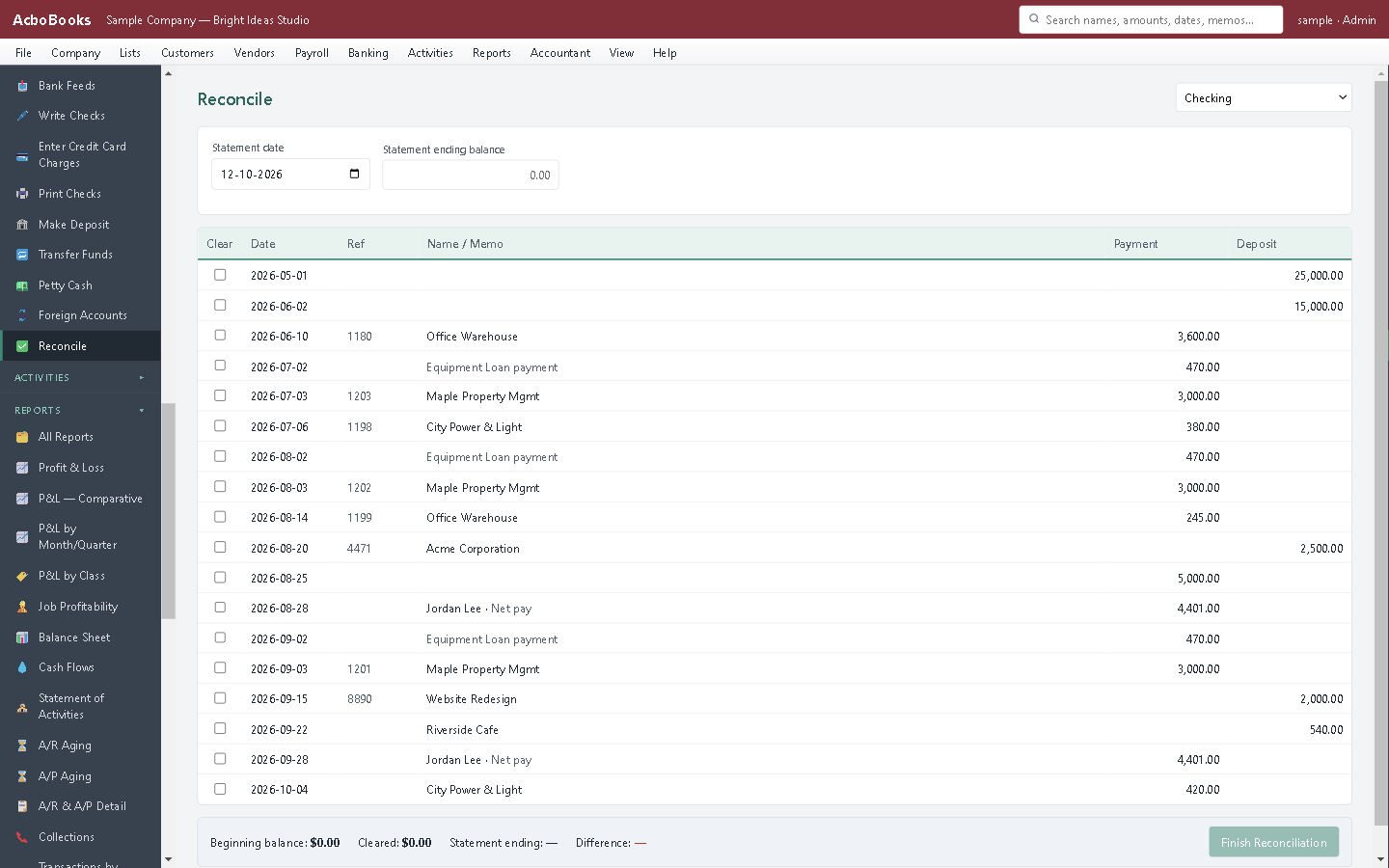
Payouts net of fees, matched to the bank.
From payout report to clean books in a few minutes
Each payout report lists sales, refunds, fees and the net sent to your bank. Enter the sales and refunds, deposit the net with the fees split off, and the books agree with the bank.
Imported bank lines can also be split across several accounts in Bank Feeds, which suits a payout that mixes sales, fees and refunds.
What is in the licence
The whole job, in one price
Sales
Fees and payouts
Stock
Tax

Profit by channel with classes.
What it does not do
· No connection to Shopify, Amazon, Etsy or any marketplace: sales and payouts are entered from their reports.
· No shipping labels and no multi-location stock.
· Windows 10 and 11 for now (a Mac version is coming soon); no phone app.
· It imports your bank's statement file rather than connecting live to the bank.
Questions people ask
Before you download
Does it sync with Shopify or Amazon?
No. Enter the totals from each payout report as a sales receipt and a deposit. Most sellers do it weekly or per payout.
How do I record marketplace fees?
Deposit the sales from Undeposited Funds and enter the platform's fees on the deposit's fee line, to an expense account. The bank shows the net, and so do the books.
What about sales tax the marketplace collects?
In the US, marketplaces often collect and remit the tax for you, so record those sales without tax. Charge and track tax only on sales you are responsible for; your accountant can confirm which those are.
Can I see which channel makes money?
Yes. Tag each channel's sales and costs with a class and run the P&L by class.
Coming from something else?
How it compares to what you use now
Get started
Every payout, every fee, every item.
Enter one payout in the trial and reconcile it against the bank.
No card. No account. Nothing to cancel.