
Farms and ranches
Farm accounting software: profit by enterprise, equipment loans and seasonal crews
A farm is several businesses sharing one bank account. AcboBooks lets you tag every input bill, sale and repair with a class per enterprise (corn, cow-calf, hay, the market garden) and see a profit and loss for each one.
Equipment and land loans with their amortization, machinery on a depreciation schedule, and seasonal payroll, all in one file on the farm office PC, for $399.99 once.
No card, no account. Windows 10 and 11. United States and Canada.

What it means
In practice
Profit by enterprise
Make each crop, herd or field a class. Seed, fertilizer, feed, vet bills and custom hire carry the class, and so do the grain cheque and the sale barn settlement. P&L by Class shows which enterprise paid its way.
Loans that split themselves
Set up the operating line, the combine loan and the land mortgage in the Loan Manager. Each payment splits into principal and interest from the amortization schedule, so the balance sheet stays right.
Machinery on a schedule
Record each tractor, implement and building as a fixed asset with a straight-line book schedule. Tax depreciation (MACRS or CCA) is still worked out by your accountant.

Income and costs by enterprise.
The shoebox of receipts, sorted by the field it belongs to
Snap or scan the co-op receipt, attach it to the bill, and AcboBooks can read the vendor, date and total off the image on your own PC. Pick the class, and it lands in the right enterprise.
When the year closes, give your accountant the P&L, the balance sheet and the fixed asset list. The numbers for the farm return come straight from those reports.
What is in the licence
The whole job, in one price
Accounts to set up
Enterprises
Assets and debt
People
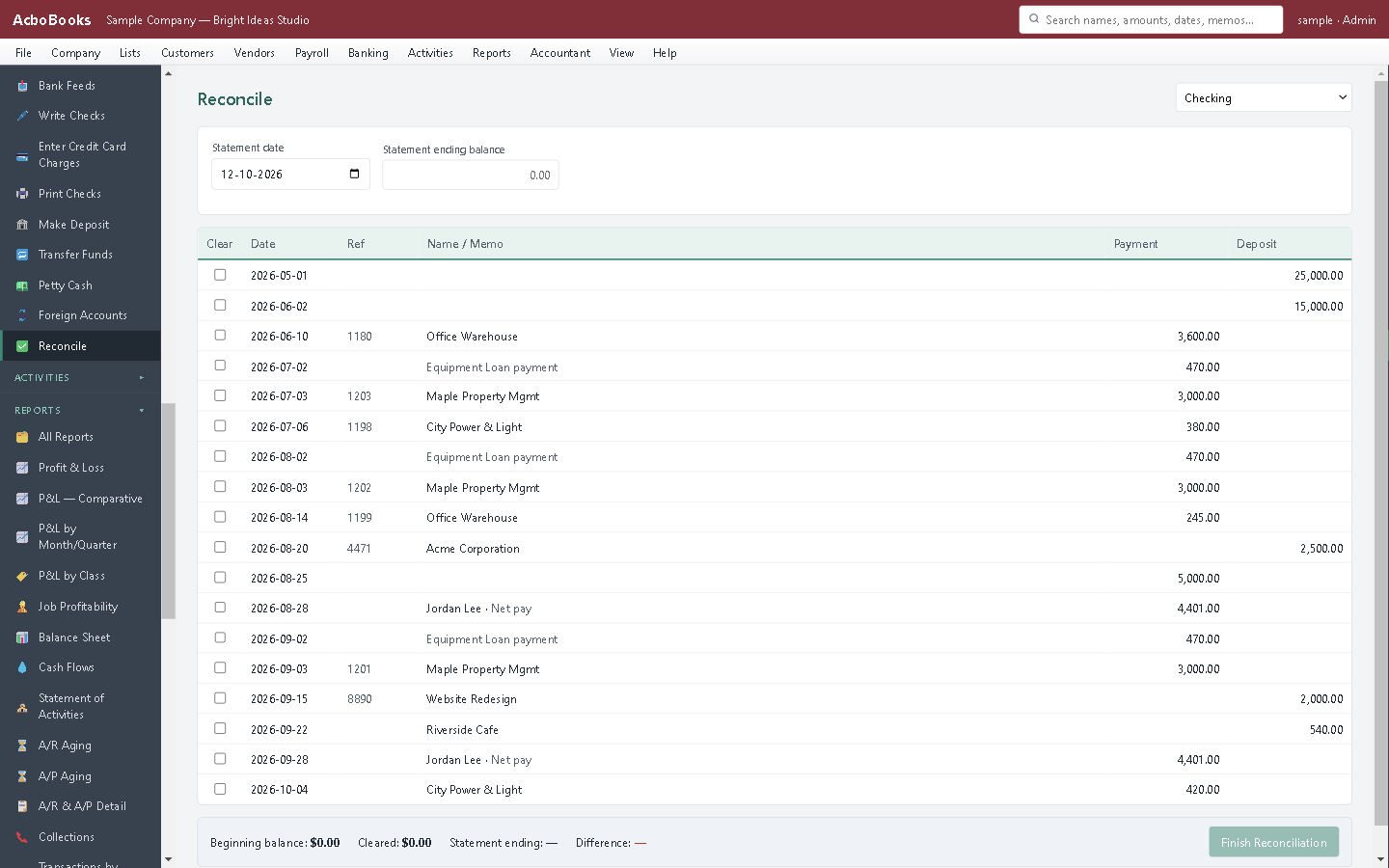
Reconcile the farm account each month.
What it does not do
· No Schedule F or T2042 form: the P&L gives your accountant the figures.
· US agricultural payroll is filed on Form 943, which the app does not prepare; it produces Form 941 figures only.
· No field records, yields or herd tracking.
· Windows 10 and 11 for now (a Mac version is coming soon); no phone app.
· It imports your bank's statement file rather than connecting live to the bank.
Questions people ask
Before you download
Can I see whether the cattle or the crops made money?
Yes. Make each enterprise a class and tag income and expenses with it. The class is set per bill or invoice, so a shared cost like insurance can be left as overhead, or moved to an enterprise with a journal entry.
Does it do Form 943 for farm workers?
No. Payroll calculates pay and withholding and gives Form 941 figures. If your workers are agricultural employees filed on Form 943, your accountant or payroll provider files that form.
How do I record grain sold on a deferred payment contract?
Invoice the buyer when the grain is delivered and receive the payment when it arrives, or record it at payment if you keep cash-basis books. Which year it counts in is a tax question for your accountant.
Can my accountant work in the file?
Yes. Send a copy of the encrypted file, or let them connect over your office network. Accountant access costs nothing extra.
Coming from something else?
How it compares to what you use now
Keep reading
Guides, tools and templates for this
Get started
Every enterprise on the farm, in one set of books.
Set up your classes and enter last month's bills in the free trial.
No card. No account. Nothing to cancel.