
Progress invoicing software
Progress invoicing software: bill the estimate in stages, hold retainage, take deposits
Start from the estimate the customer accepted and bill it as the work goes: a percentage of the whole job, or chosen lines by quantity or amount. AcboBooks tracks how much of each line has been billed and what is left, and the final invoice picks up the last cents.
Retainage and customer deposits sit alongside. It is part of AcboBooks, the desktop accounting program bought once for $399.99.
No card, no account. Windows 10 and 11. United States and Canada.

What it means
In practice
By percentage
Bill 30% of the whole estimate at the start, 40% at framing and the rest at handover. Each line bills that share of its total, capped at what is left on it, and the estimate shows the percentage billed so far.
By line
Bill only the lines that are done, by quantity (3 of 10 windows) or by amount. The progress invoice shows each line's previous billing, and Bill everything left finishes the job.
Retainage and deposits
Hold back retainage from a job's receivable and release it when the work is accepted; it is tracked per job in a Retainage Receivable account. Take a deposit up front into a liability and apply it to an invoice later.
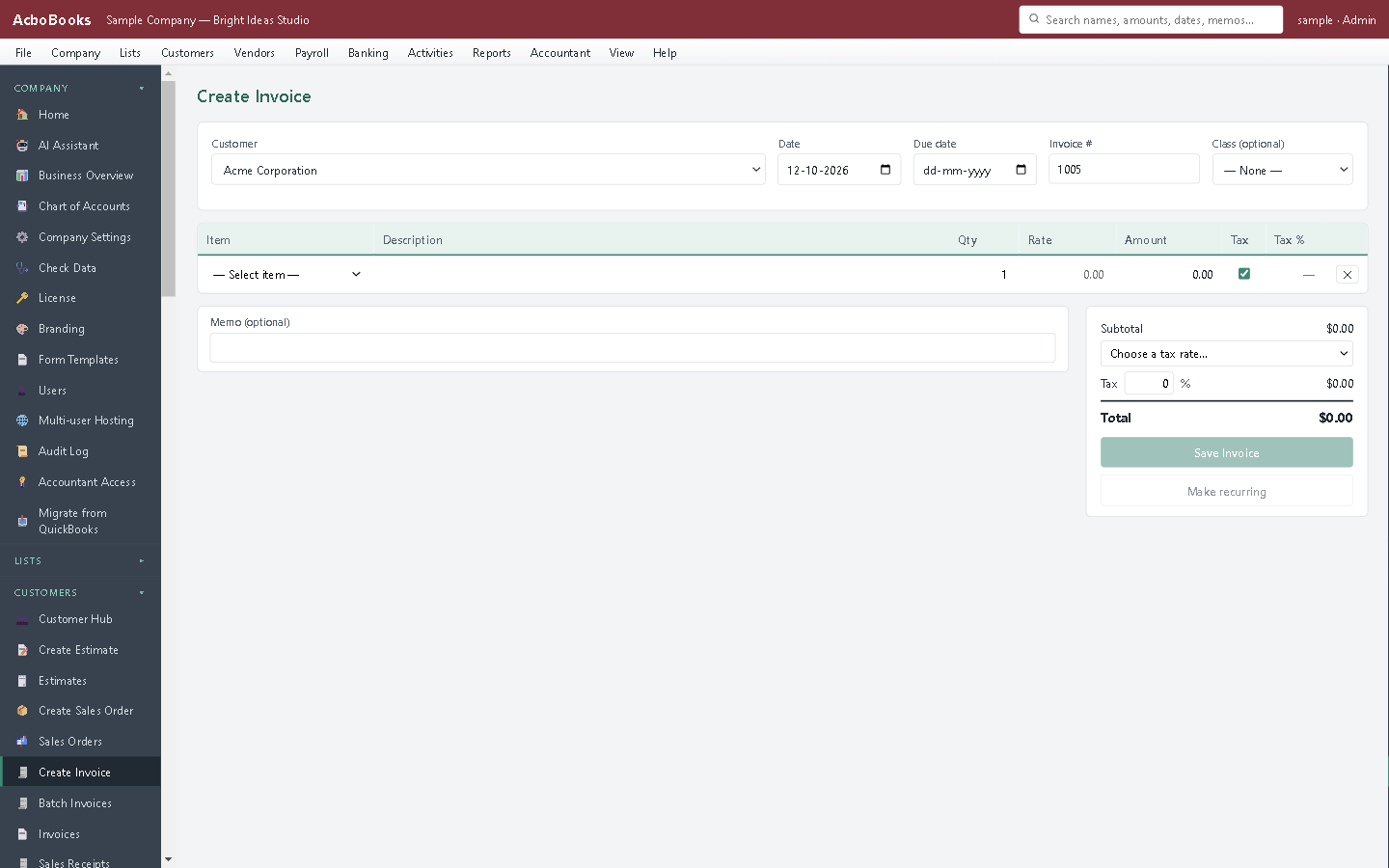
A progress invoice shows what each line billed before.
Bill the part that is built, not the part that is promised
The framing is up and the roof is on. Open the estimate, choose Progress Invoice, and bill the lines that are done. The client sees what was billed before and what is left.
When the client holds back 10% until the punch list is cleared, hold it as retainage. It stays on the job, apart from what is due now, until you release it.
What is in the licence
The whole job, in one price
From the estimate
Tracking
Retainage
Deposits
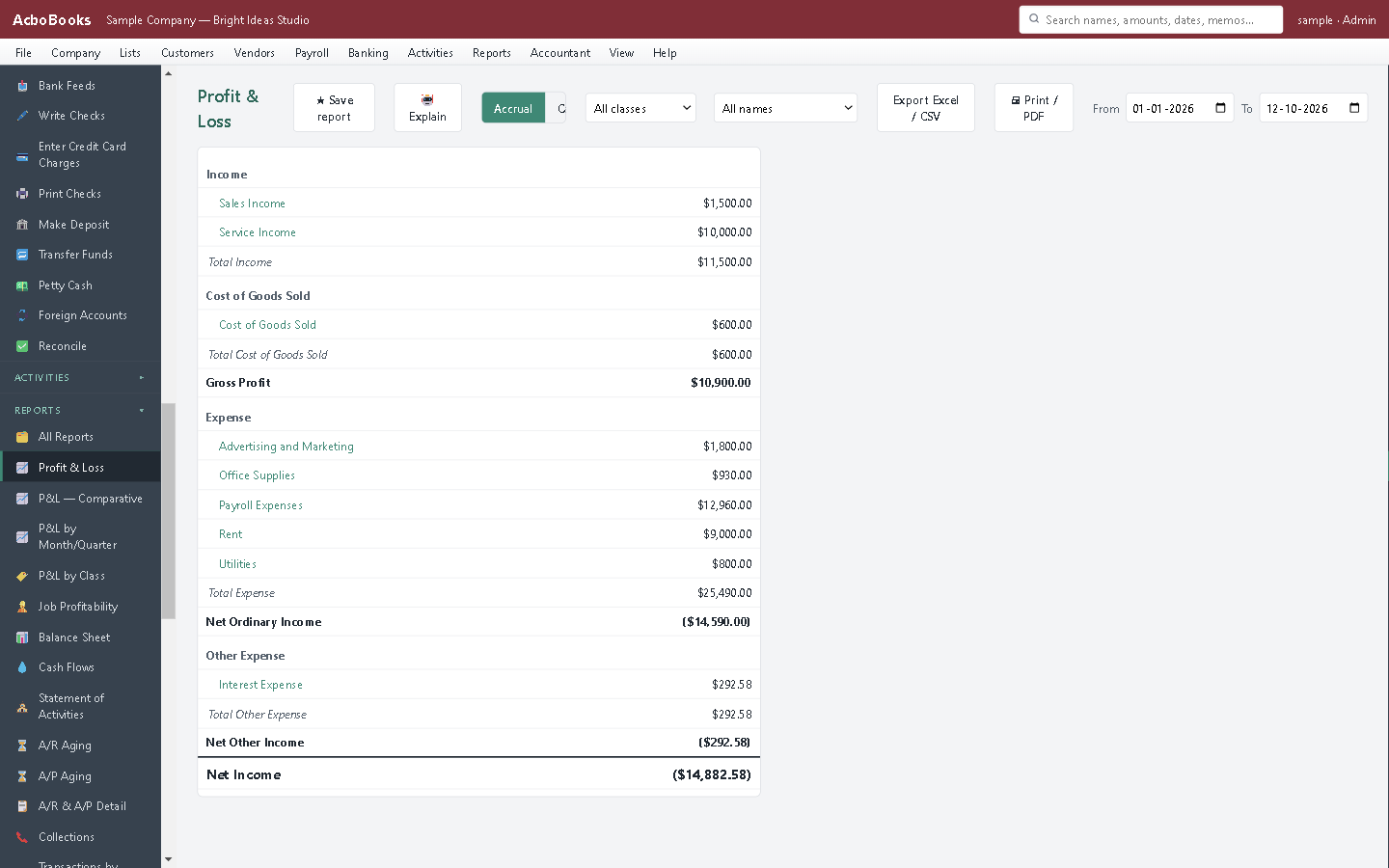
Billed stages count as income when the invoice is saved.
What it does not do
· No progress (percent complete) report beyond Project Estimates vs. Actuals and the estimate's invoiced-to-date figures.
· Retainage is held and released as an amount on the job, not as a percentage line on the invoice, and is not taken from progress invoices automatically.
· Pay applications print in AcboBooks' own G702/G703 layout; if a contract requires the licensed AIA document, copy the figures onto it.
· Once you start progress billing, keep using Progress Invoice for that estimate; the plain Create Invoice bills the whole estimate.
· Windows 10 and 11 for now (no Mac version yet); no phone app.
· One company per file; open as many files as you have businesses.
Questions people ask
Before you download
What is progress invoicing?
Billing a large job in parts as the work is done, against the agreed estimate, instead of one invoice at the end. It keeps cash coming in on long jobs. See our glossary entry.
Can I bill some lines and not others?
Yes. In lines mode, enter a quantity or an amount for each line you are billing now and leave the rest at zero.
How does retainage work in AcboBooks?
Hold an amount of a job's receivable as retainage: it moves from accounts receivable into Retainage Receivable, so it is not counted as due now. Release it when the work is accepted, and it becomes collectable again.
Where does a deposit go?
Into a Customer Deposits liability account, not income, because you have not earned it yet. Apply it to the invoice when you bill the work. Our article on customer deposits and retainers explains the entries.
Coming from something else?
How it compares to what you use now
Keep reading
Guides, tools and templates for this
Get started
Bill a job in stages in the trial.
Write an estimate, then bill 30% of it with Progress Invoice.
No card. No account. Nothing to cancel.