
Small business payroll software
Payroll software for small business, included in the price
Run payroll on your own PC: hourly and salaried employees, federal withholding from the 2026 IRS tables, Social Security and Medicare with the wage-base cap, pay stubs, direct deposit files, and W-2s at year-end.
It is part of AcboBooks, not an add-on. No per-employee fee and no yearly payroll subscription: $399.99 once for the whole program.
No card, no account. Windows 10 and 11. United States and Canada.

What it means
In practice
Every paycheck, calculated
Federal income tax from IRS Publication 15-T for 2026, Social Security and Medicare for employee and employer, Additional Medicare above $200,000, and year-to-date totals that stop Social Security at the wage base.
The books post themselves
Each paycheck posts wages, taxes and liabilities to your accounts. Pay Liabilities shows what is owed to whom, and paying it clears the liability.
Year-end without a bureau
Forms 941 and 940 worksheets from your paychecks, W-2s, and the SSA's EFW2 electronic file. 1099-NEC for contractors from the same program.
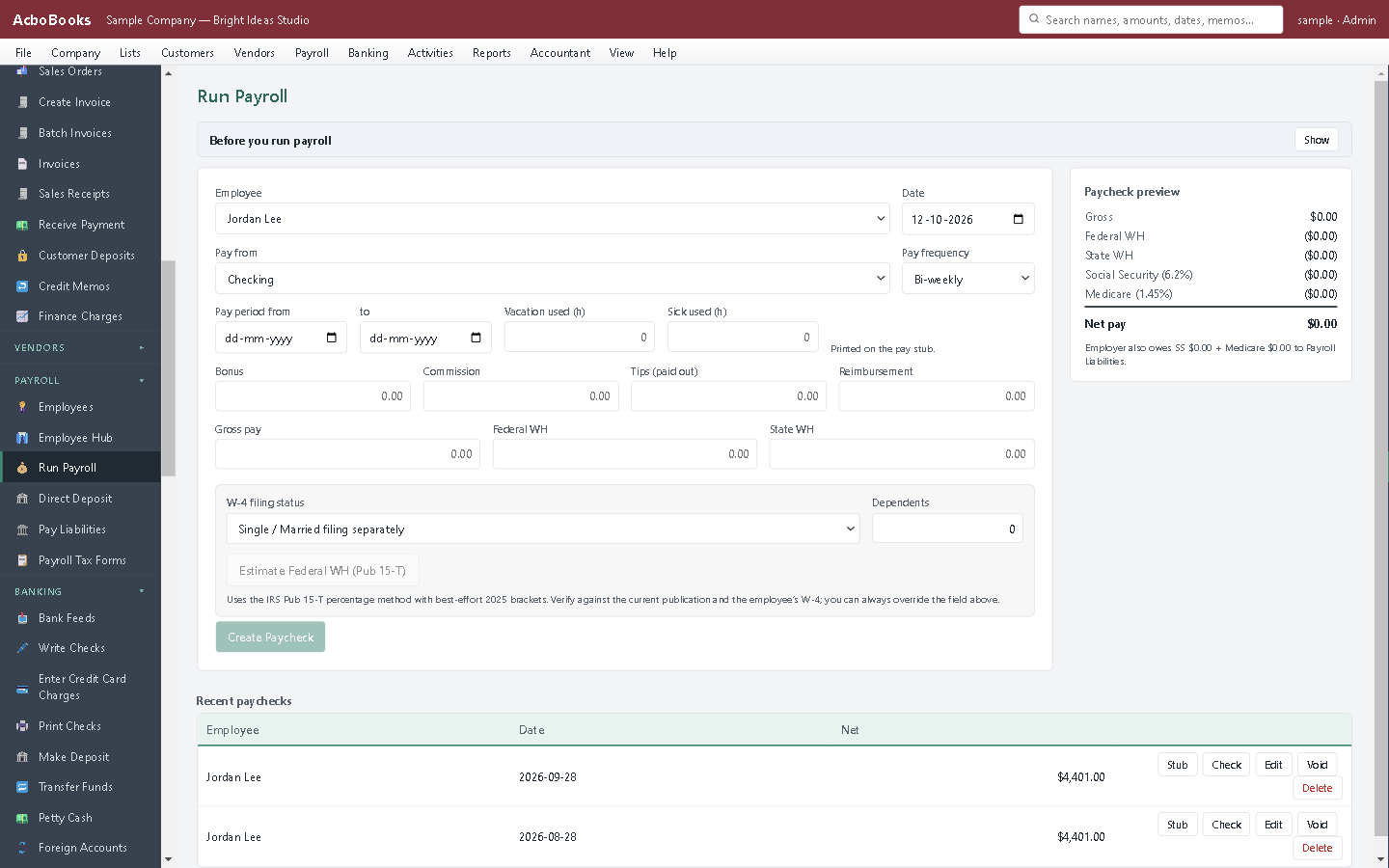
Run payroll: every deduction and the employer cost, per employee.
Friday payroll in ten minutes, not an afternoon
Enter the hours, check the totals, print the stubs or create the direct deposit file for your bank. The paychecks, the tax liabilities and the bank entry are all in your books before you close the program.
When the 941 is due, the worksheet is already filled from the quarter's paychecks. When January comes, the W-2s are too.
What is in the licence
The whole job, in one price
Paychecks
Taxes
Paying people
Year-end and reports
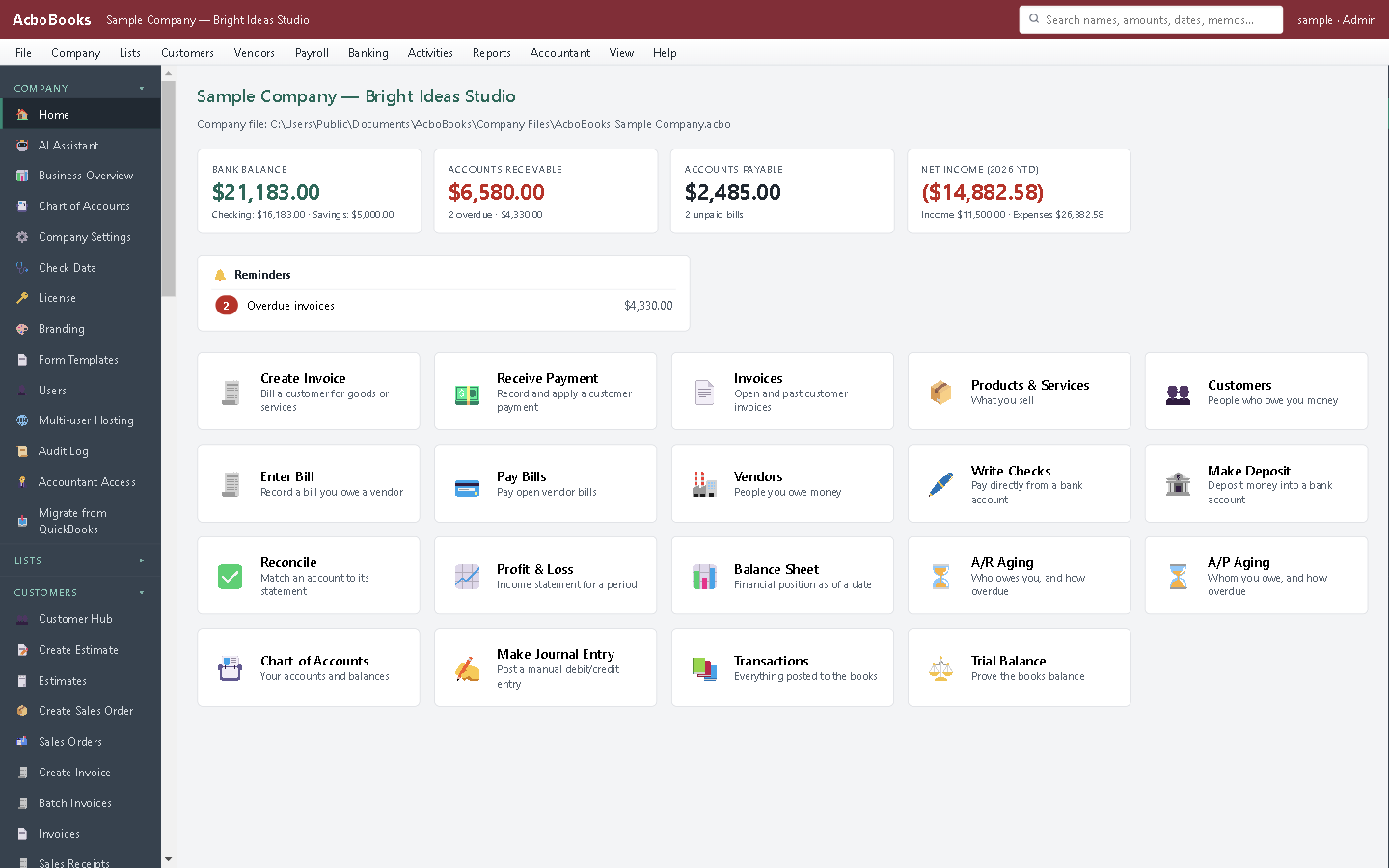
Payroll lives in the same program as your invoices and bills.
What it does not do
· It does not file or pay taxes for you: you file the forms and make the deposits yourself, or hand the figures to your accountant.
· State income tax withholding is entered from the state's tables; it is not calculated automatically.
· Windows 10 and 11 for now (a Mac version is coming soon); no phone app.
· One company per file; open as many files as you have businesses.
Questions people ask
Before you download
Does it e-file my payroll taxes?
No. AcboBooks calculates, posts and prepares: 941 and 940 worksheets, W-2s and the EFW2 file you upload to the SSA. You deposit the taxes and file the returns yourself, or your accountant does, which is how QuickBooks Desktop's basic payroll worked.
How many employees can I pay?
There is no per-employee limit or fee. Small businesses with one to fifty employees are the typical case.
Are the tax tables kept up to date?
Yes, while your updates are current. Federal tables are updated each January from the new IRS Publication 15-T; 12 months of updates are included with the licence.
Can I pay contractors too?
Yes. Pay them as vendors, mark them as 1099 vendors, and the 1099-NEC wizard totals the year's payments.
Can I try a paycheck before buying?
Yes: the 15-day trial runs payroll in preview with every figure calculated. Or try the free paycheck calculator on this site, which uses the same code.
Coming from something else?
How it compares to what you use now
Get started
Payroll included. No yearly payroll bill.
Try a full payroll run in the trial, then buy once.
No card. No account. Nothing to cancel.