
Multi-user accounting software
Multi-user accounting on your office network, with no monthly fee
One PC in the office hosts the company file. The others connect to it over your local network and work in the same books at the same time: entering invoices, paying bills, running reports. Nothing goes through the internet or through us.
Two computers are included in the $399.99 licence. Each extra computer is $149.99, paid once. There is no per-user subscription.
No card, no account. Windows 10 and 11. United States and Canada.

What it means
In practice
One file, one keeper
The host is the only program that touches the company file. Every save from every PC goes through it, which keeps the books consistent with several people working.
No one overwrites anyone
When someone opens an invoice, bill, check or journal entry to edit it, the others see who has it and can still read it. The lock clears on save or cancel. The host screen lists who is editing what.
Each person signs in
Users have their own sign-in and one of three roles: administrator, standard or view only. The audit log records who created, changed or deleted what, and when.
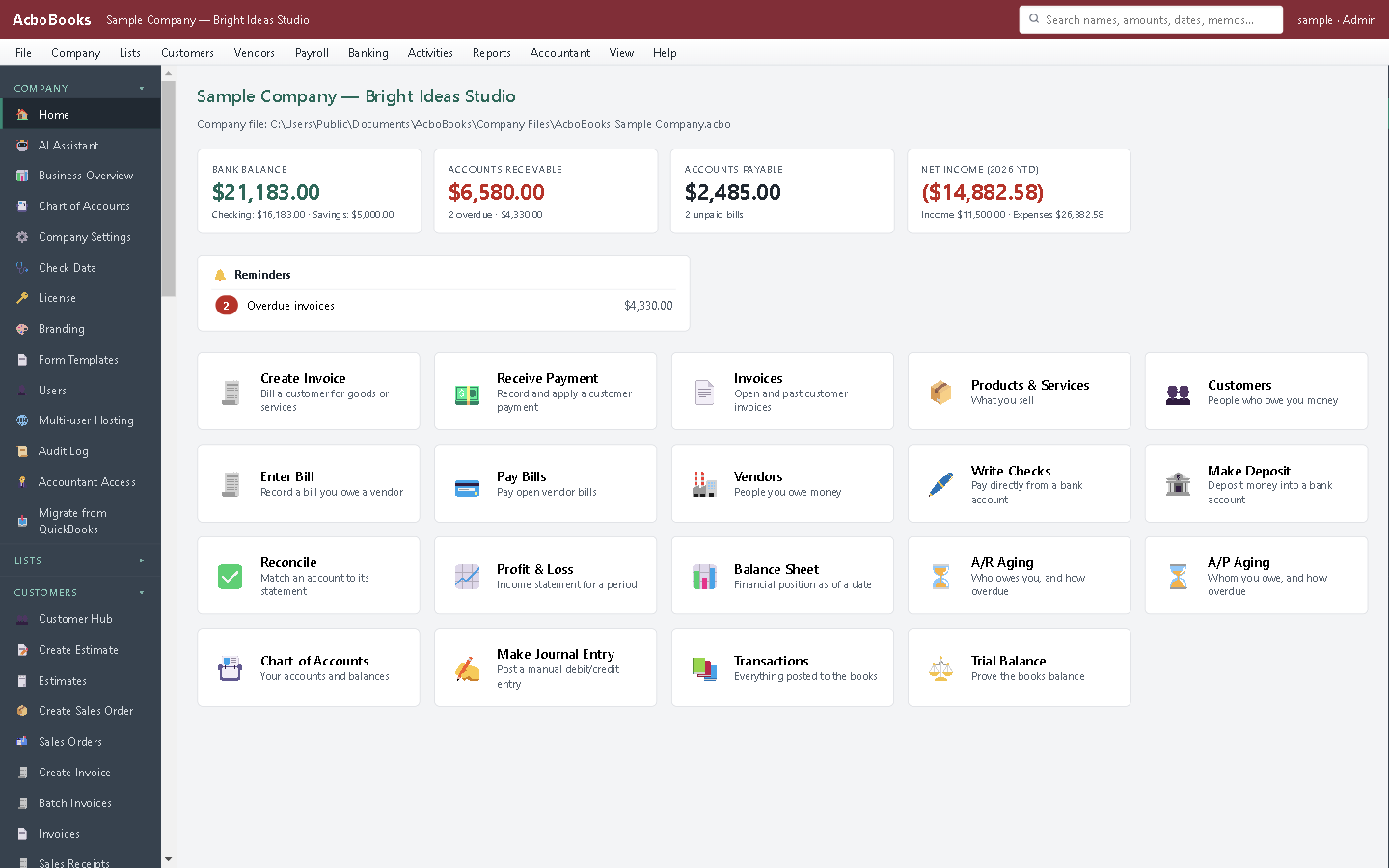
Every connected PC sees the same live books.
The owner bills while the bookkeeper reconciles
Start hosting on the PC that stays on, usually the one in the back office. Other PCs install AcboBooks, choose Connect to a host on the welcome screen, type the host's address, and sign in.
Your accountant can join too, with a time-limited invite code and their own name in the audit log. Revoke it when the work is done.
What is in the licence
The whole job, in one price
Network
Locking
People
Control

Open an invoice and it is locked for the others until you save.
What it does not do
· Office network only. To work from home, connect to the office network through a VPN first; do not open the hosting port to the internet.
· Network traffic between PCs is not encrypted, so host only on a network you trust.
· The host PC must stay on with the company open while others work.
· Backups, file exports and opening a different company happen on the host.
· Roles are fixed (administrator, standard, view only); there are no custom permissions per screen.
· Windows 10 and 11 for now (a Mac version is coming soon); no phone app.
· One company per file; open as many files as you have businesses.
Questions people ask
Before you download
How many people can use it at once?
Every computer that runs AcboBooks, host or client, uses one of the licence's computers. Two are included; add more for $149.99 each, once. You can create as many user sign-ins as you need.
How does this compare with QuickBooks Desktop multi-user mode?
The idea is the same: one computer holds the company file and the others work in it over the network. Intuit's limits are up to 3 users on Pro and up to 5 on Premier, each user needing a licence, and Intuit no longer sells those editions to new US customers. AcboBooks charges once per computer, not per year.
Do I need a server or a shared drive?
No. Any Windows 10 or 11 PC can be the host. Do not open one company file from a shared folder on two PCs; use hosting instead, which is what it is for.
Can someone work from home?
Yes, through a VPN into the office network, after which they connect as if they were in the office. For a bookkeeper who works at different times, sending an encrypted backup is often simpler.
What does the firewall need?
The first time hosting starts, Windows asks whether to allow AcboBooks on private networks. Allow it. Other firewalls need an inbound rule for TCP port 4599, the default.
Coming from something else?
How it compares to what you use now
Get started
Two computers included. More, once.
Host the file on one PC and connect a second in the trial.
No card. No account. Nothing to cancel.