
Canadian payroll software
Canadian payroll on your own PC: CPP, EI, T4s, done
AcboBooks runs Canadian payroll with the CRA's 2026 payroll formulas for every province and territory: CPP and CPP2, EI, federal and provincial tax, Quebec's QPP and QPIP, and the annual maximums tracked for each employee.
It is in the same licence as the rest of the books, priced in one payment of $399.99, with no per-employee or per-run fee.
No card, no account. Windows 10 and 11. United States and Canada.

What it means
In practice
The CRA formulas, built in
Deductions follow the CRA's Payroll Deductions Formulas (T4127) for 2026, including TD1 claim amounts, RRSP and union dues at source, provincial surtaxes and the Ontario Health Premium.
Remittances you can see
Each pay posts the source deductions and the employer's CPP and EI to a liability account. The PD7A worksheet shows what to remit for the period.
February without panic
T4 slips and the T4 Summary from the year's pays, T4A and T5018 for contractors, and a Record of Employment worksheet when someone leaves.
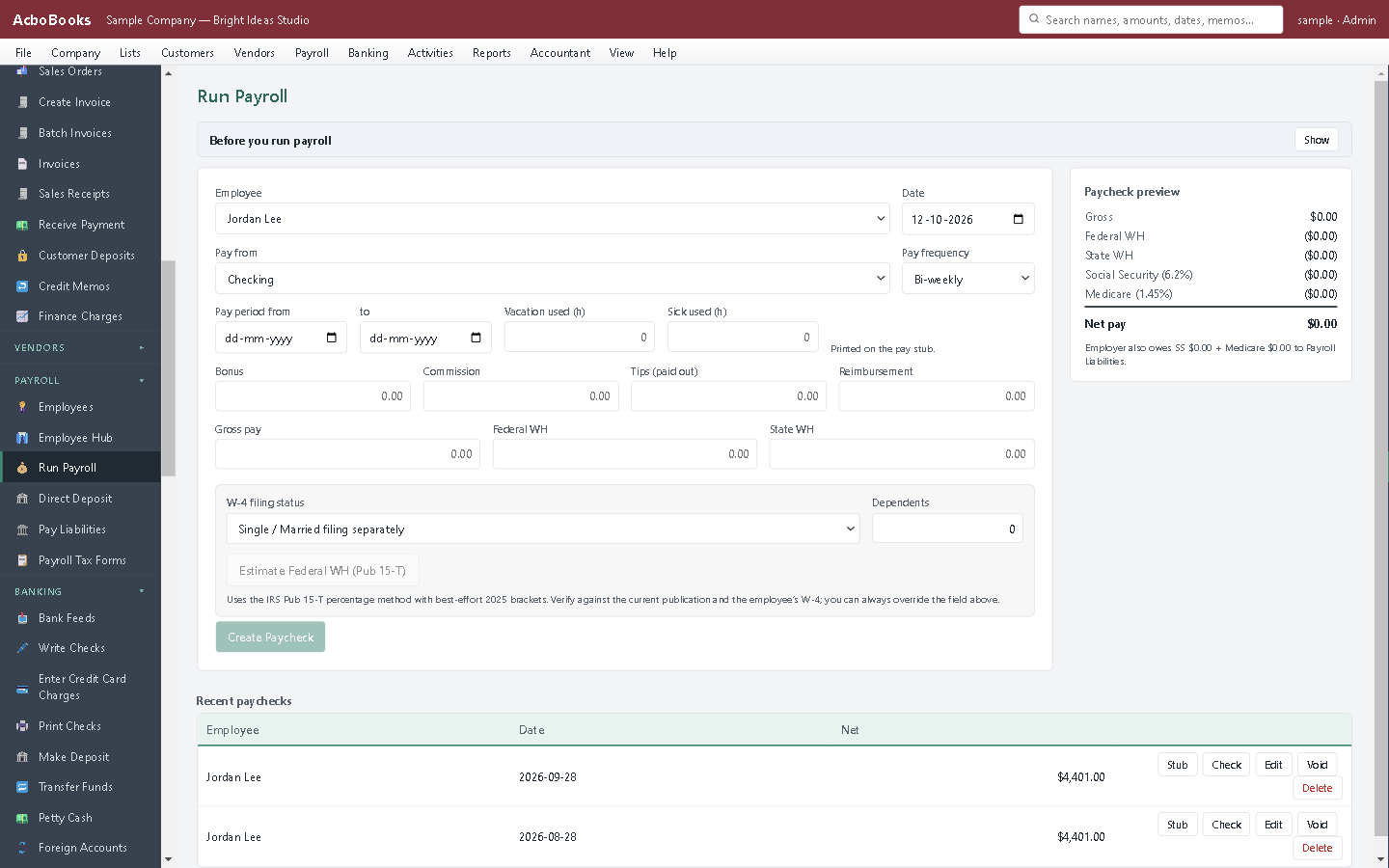
Every deduction on the paycheque, with the employer's share.
Built for Canadian employers from the first screen
Choose Canada when you create the company and the whole file follows: Canadian dollars, GST/HST with input tax credits, and payroll by province. A cafe in Toronto, a contractor in Calgary and a clinic in Halifax all get the right rates without setup.
Direct deposit files use the CPA-005 format Canadian banks accept, and cheques print on Canadian layouts.
What is in the licence
The whole job, in one price
Paycheques
Deductions
Paying people
Year-end
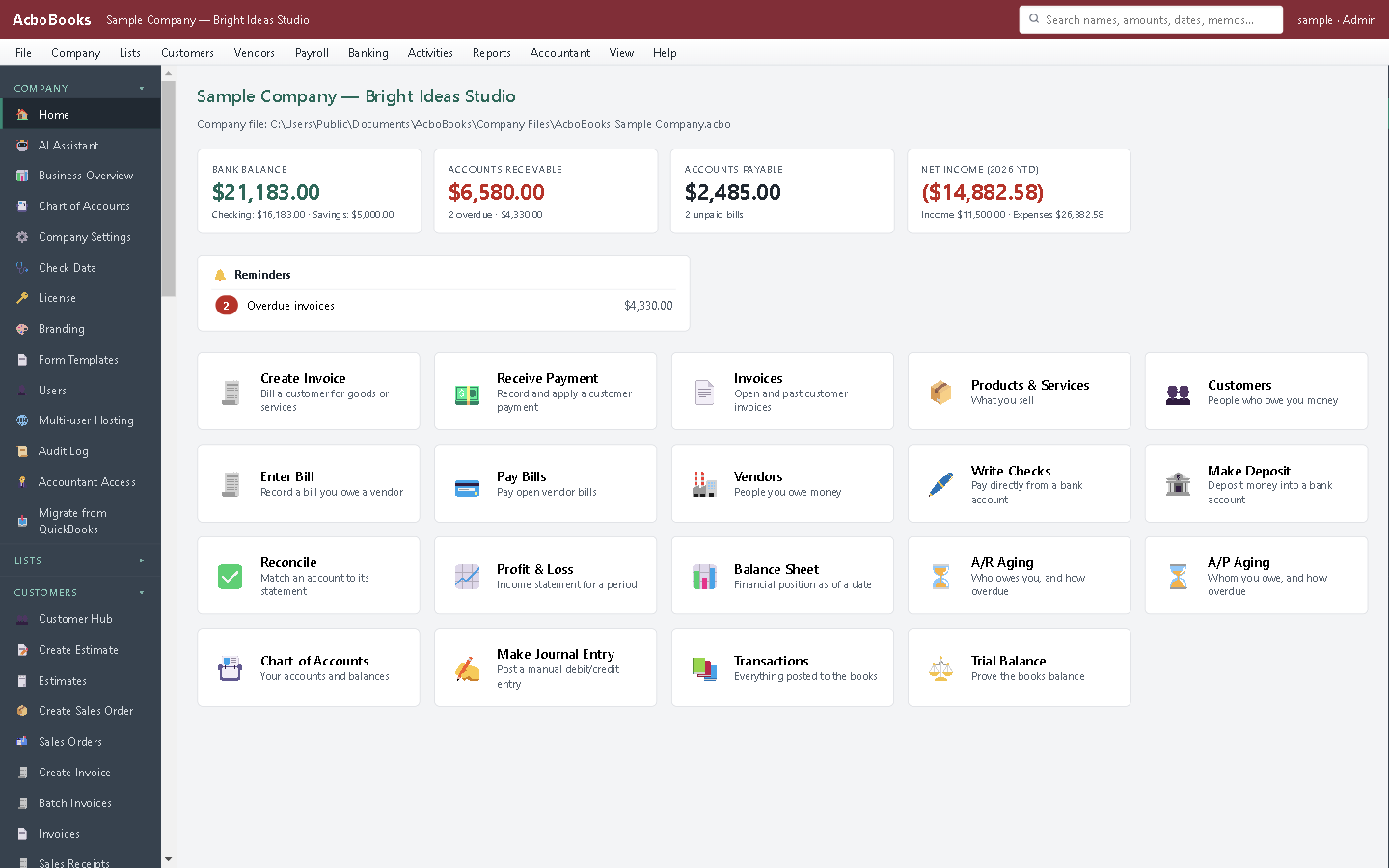
Payroll in the same file as GST/HST, invoices and bills.
What it does not do
· It does not file with the CRA or remit for you: you remit and file, or your accountant does.
· No Quebec RL-1 slips yet.
· Windows 10 and 11 for now (a Mac version is coming soon); no phone app.
· One company per file; open as many files as you have businesses.
Questions people ask
Before you download
Is it accurate enough to use instead of the CRA calculator?
It uses the same T4127 formulas the CRA publishes. Compare your first paycheque with the CRA's Payroll Deductions Online Calculator; differences of a few cents can come from rounding.
Does it handle Quebec?
Yes for payroll deductions: QPP, QPIP, EI at the Quebec rate, and Quebec income tax. RL-1 slips are not produced yet.
How do I file T4 slips?
AcboBooks totals the year's pays into T4 slips and the T4 Summary. File them through the CRA's Web Forms or your accountant's software; businesses filing more than five slips must file electronically.
Do I need GST/HST set up too?
Only if you charge it. The Canadian company setup includes GST/HST and PST rates by province, with input tax credits on purchases.
Is there a free calculator?
Yes: the Canadian payroll calculator on this site runs the same code as the program.
Coming from something else?
How it compares to what you use now
Get started
Canadian payroll, bought once.
Run a full pay in the trial, then keep it.
No card. No account. Nothing to cancel.