
In this lesson you will
- Enter the province, BN and payroll program account
- Choose your CRA remitter type
- Fill in the T4 contact person and box 45 dental code
Before you start
- A company file open in the Canadian edition (Company → Company Settings shows Country: Canada)
Company details
Step 1: Fill in the Business section
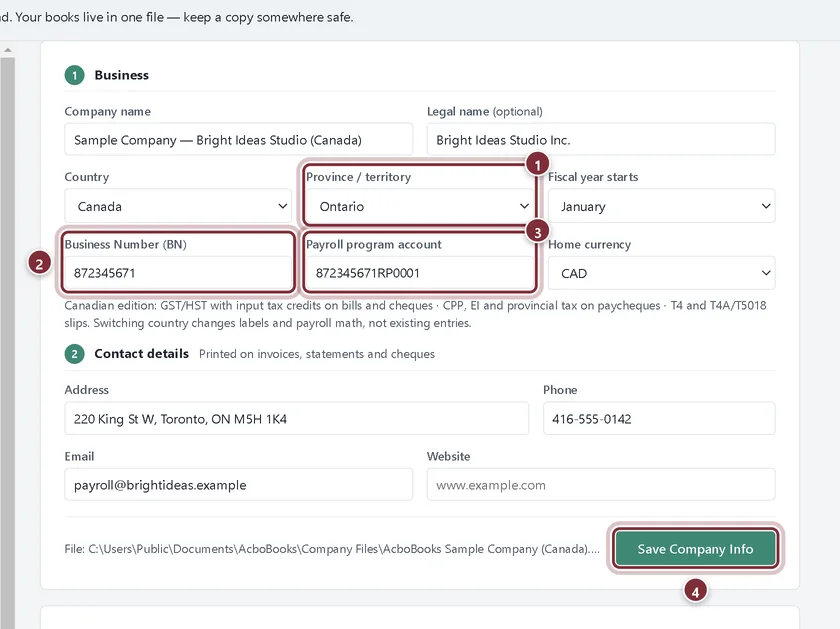
Open Company → Company Settings. Check the Province / territory, type your Business Number (BN) and your Payroll program account (the BN followed by RP and four digits). Add the address and phone under Contact details, then click Save Company Info.
- Province / territory: where the business is.
- Business Number (BN): the 9-digit number from the CRA.
- Payroll program account: for example 123456789RP0001. It goes on T4s and the T4 XML.
- Save Company Info stores the changes.
Remittances and year-end filing
Step 2: Set the remitter type and T4 details
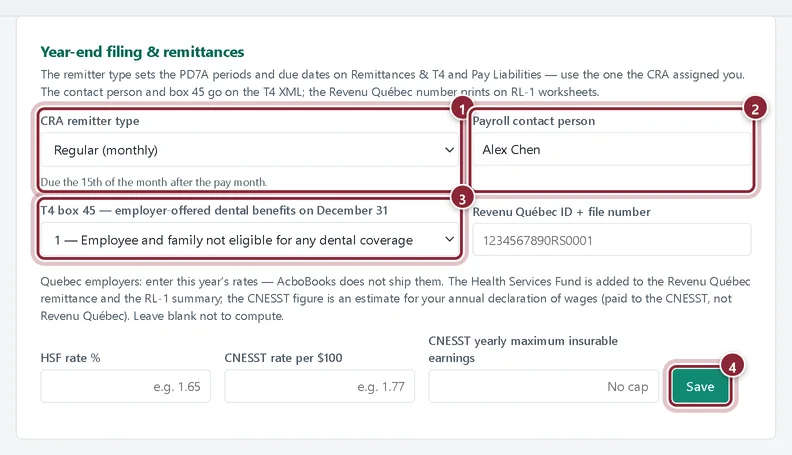
Scroll down to Year-end filing & remittances. Choose the CRA remitter type the CRA assigned you; the rule under it shows when remittances are due. Type the Payroll contact person and choose the T4 box 45 dental benefits code. Click Save.
- CRA remitter type: Regular (monthly), Quarterly, or Accelerated threshold 1 or 2.
- Payroll contact person: goes on the T4 XML and the ROE.
- T4 box 45: whether you offered dental coverage on December 31.
- Save stores the filing settings.
Recap
- Your BN and payroll program account are set.
- The remitter type drives the PD7A periods and due dates.
- The T4 contact person and box 45 are ready for year-end.
Questions
Does AcboBooks remit to the CRA for me?
No. It works out what to remit and when. You pay through CRA My Business Account or your bank, then record the payment in Pay Liabilities.
What about the Revenu Québec fields?
They are only needed if you have employees in Quebec. See Quebec employees.
Screenshots from AcboBooks 0.2.2 with the built-in sample company. Updated October 25, 2026. Your screens may differ slightly with another version or window size.