
W-2, 1099, T4 and T4A
Year-end slips from the books you already keep
W-2s and the SSA's EFW2 file, 1099-NEC for contractors, and in Canada T4, T4A and T5018 slips: totalled from the year's paychecks and payments, checked for missing details, ready to file or hand to your accountant.
Included in AcboBooks for $399.99 once, with no per-form fee.
No card, no account. Windows 10 and 11. United States and Canada.

What it means
In practice
Totals you don't retype
Slips are built from the paychecks and vendor payments already in your books, so the figures match your payroll reports and ledger.
Missing details fixed in place
The wizard lists every contractor paid over the reporting threshold, and lets you fill in a missing tax ID or address right there. Employees without an SSN or SIN are marked on the slip list.
Filed the way you prefer
The EFW2 file uploads to the SSA's Business Services Online. T4 and T4A figures go into the CRA's Web Forms. Or give the reports to your accountant.
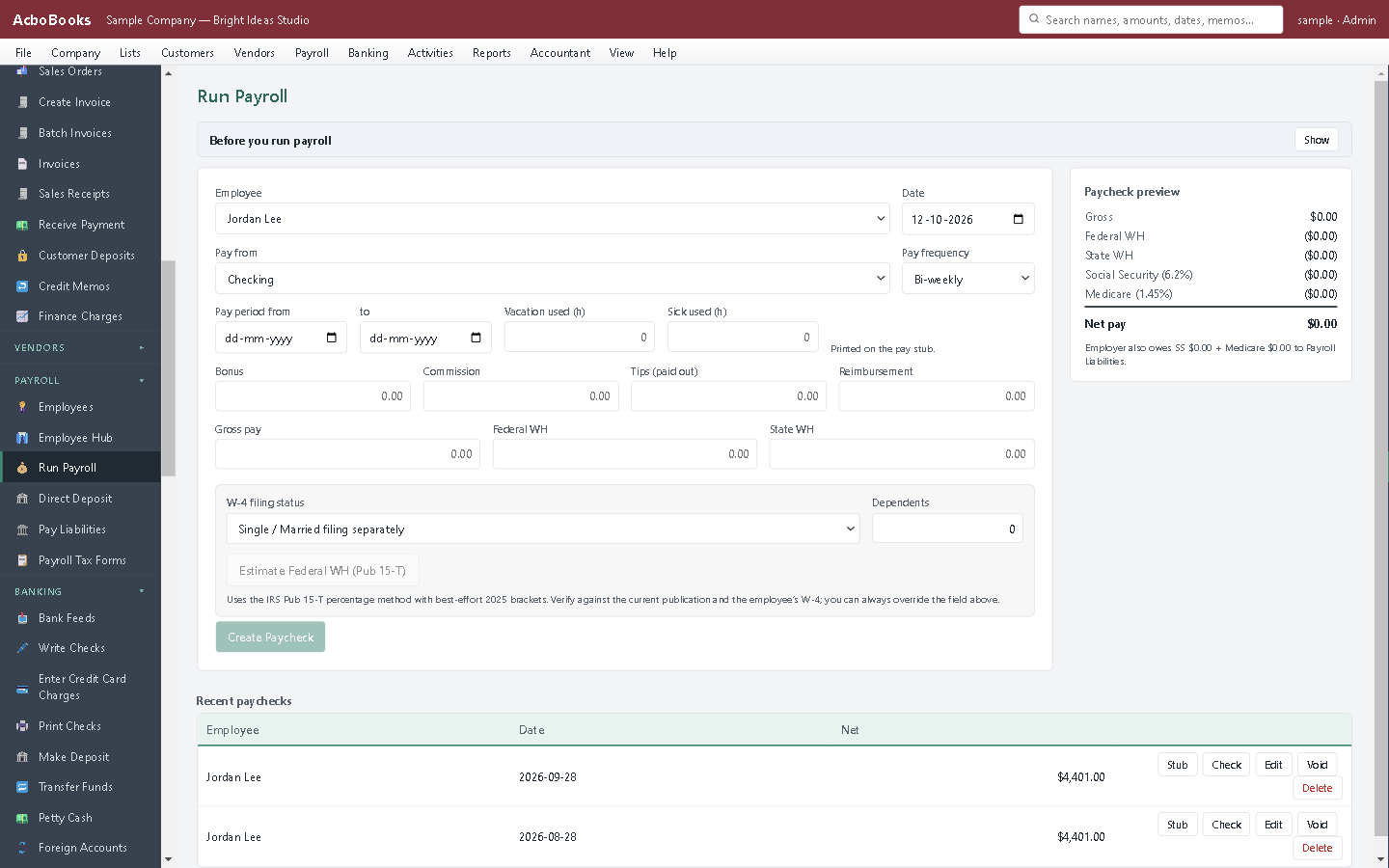
The year's paychecks become the W-2s and T4s.
January is a checklist, not a scramble
Run the 1099 wizard, review the vendors it found, add the one missing tax ID, and print. Then the W-2s from the payroll you ran all year.
In Canada the same morning gives you the T4 Summary and each slip, and T5018 for construction subcontractors.
What is in the licence
The whole job, in one price
United States
Canada
Checks
All year
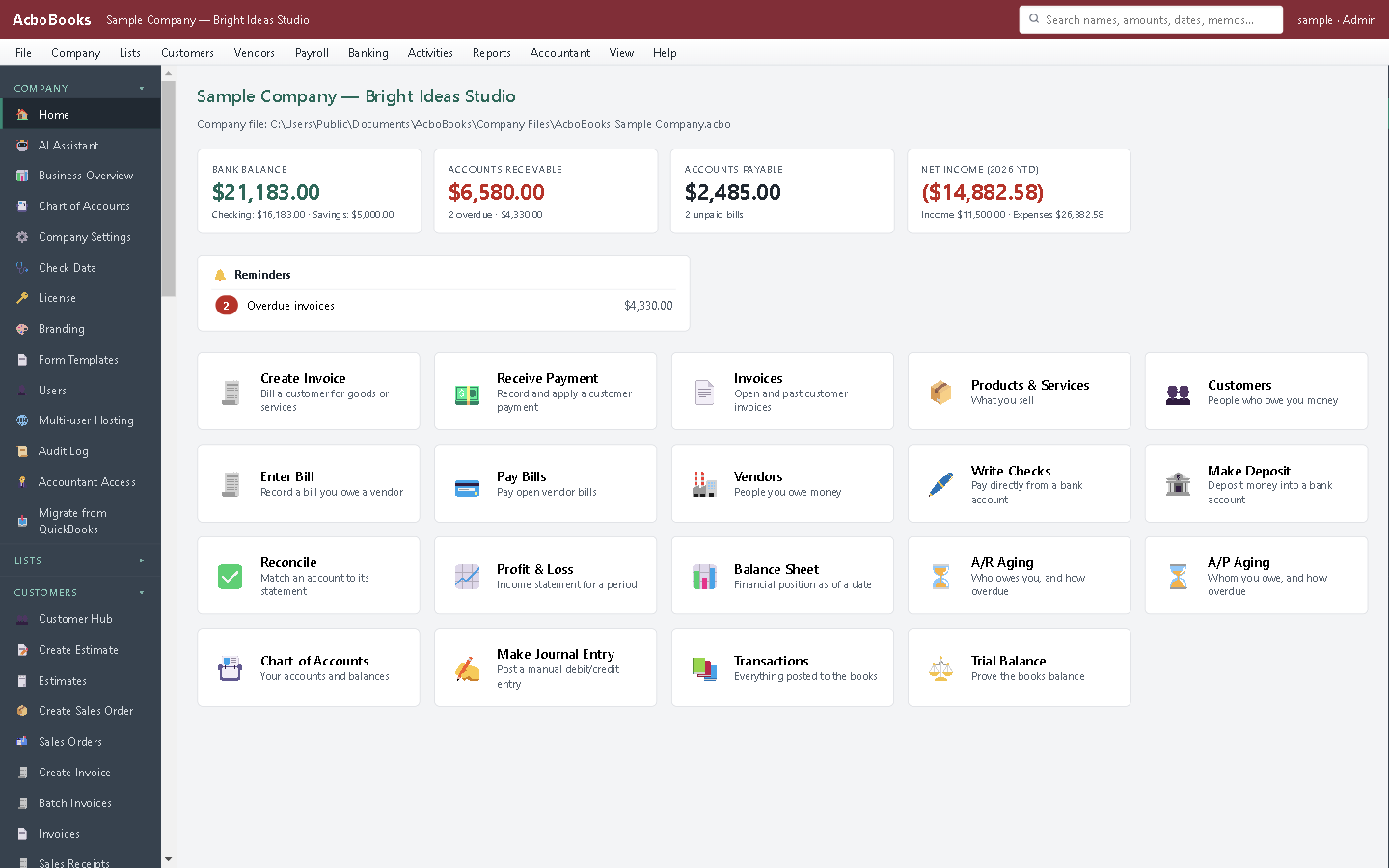
Year-end tasks from the same menus you use all year.
What it does not do
· It does not e-file with the IRS, SSA or CRA for you; it produces the file and figures to submit.
· No 1099-MISC, 1099-INT or Quebec RL-1 slips yet.
· Windows 10 and 11 for now (a Mac version is coming soon); no phone app.
· One company per file; open as many files as you have businesses.
Questions people ask
Before you download
Can I e-file W-2s with it?
AcboBooks writes the EFW2 file the Social Security Administration accepts; you upload it through the SSA's Business Services Online. Businesses filing 10 or more information returns in total must file electronically.
Which 1099 forms does it produce?
1099-NEC for nonemployee compensation, the form most small businesses need for contractors. Other 1099 types are not produced.
When are the slips due?
W-2 and 1099-NEC are due to employees, contractors and the government by January 31. Canadian T4 and T4A slips are due by the last day of February. See our blog for this year's dates.
Does it work for Canadian construction?
Yes. T5018 slips report payments to subcontractors for construction services, from the vendor payments in your books.
Coming from something else?
How it compares to what you use now
Get started
Year-end from your own books.
Run payroll and pay a contractor in the trial; the slips follow.
No card. No account. Nothing to cancel.