
How-to · Customers and sales
How to record a sales return
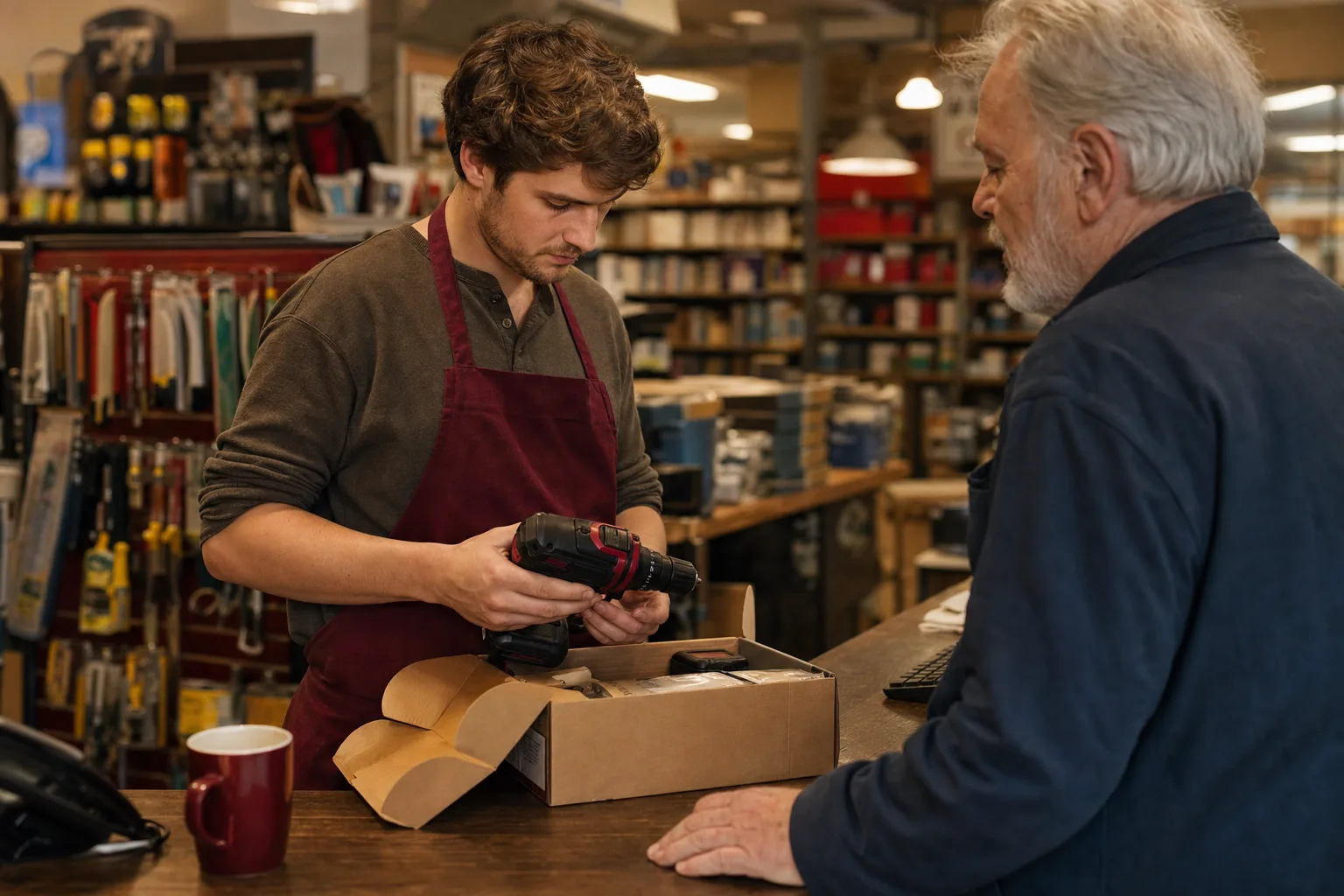
A sales return reverses the sale and puts the goods back on the shelf. Record a credit memo for the returned items, which reduces sales and sales tax, and move their cost from Cost of Goods Sold back into Inventory. Then refund the customer or leave the credit on their account.
How-to guides / Sales return
The accounting behind it
A sale of stock posts two pairs of lines: income and tax against the customer, and the item's cost from inventory into cost of goods sold. A return has to undo both, or your margin and stock count will be wrong.
The income side uses the selling price. The inventory side uses cost, not price, so the two halves of the entry have different amounts.
Damaged returns that you can't resell shouldn't go back into sellable stock at full cost. Put them back and write them down, or record the loss straight away (see inventory shrinkage).
| Account | Debit | Credit |
|---|---|---|
| Sales income | Price | |
| Sales tax payable | Tax | |
| Accounts Receivable (customer) | Price + tax |
| Account | Debit | Credit |
|---|---|---|
| Inventory Asset | Cost | |
| Cost of Goods Sold | Cost |
Worked example: two lamps come back
You sold three lamps at $80.00 each plus 8% sales tax. Each cost you $45.00. The customer returns two. The credit memo is $160.00 plus $12.80 tax, and $90.00 of cost goes back into inventory.
Gross profit on the sale drops from $105.00 to $35.00, which is right: only one lamp is sold now.
| Account | Debit | Credit |
|---|---|---|
| Sales Income | $160.00 | |
| Sales Tax Payable | $12.80 | |
| Accounts Receivable | $172.80 | |
| Inventory Asset | $90.00 | |
| Cost of Goods Sold | $90.00 |
Common mistakes
- Using Adjust Inventory to put the items back. That fixes the count but leaves the sale and the tax in place.
- Restocking at selling price instead of cost, which inflates inventory.
- Restocking damaged goods at full value.
- Taking a return after a long time without checking your return policy and the tax time limits for adjusting the return.
In the US and in Canada
United States
States generally let you take refunded sales off taxable sales when you have refunded the tax to the customer, but the method and time limits are set by each state.
Canada
Issue a credit note showing the GST/HST adjusted; the CRA's rules on credit notes apply (four years to make the adjustment in most cases). If you charge a restocking fee, that fee is a taxable supply in its own right.
In AcboBooks
In AcboBooks 0.2.1 a credit memo with inventory items does both halves: it reverses the income and tax and restocks the items at their current average cost.
- Open Credit Memos. Go to Customers → Credit Memos and choose the Customer, Date and Ref #.
- Add the returned items. Add each returned item with the quantity returned and the price you charged, and pick the same tax rate as the sale.
- Save. Click Save Credit Memo. The items go back into stock and the customer has a credit.
- Refund or apply. In Recent credit memos, click Refund to pay the customer back, or Apply to set the credit against an open invoice.
Check the result under Reports → Stock Status or Inventory Valuation.
Menu names are from AcboBooks 0.2.1. Not using it yet? Try it free for 15 days, with the sample company to practise on.
Questions
What cost goes back into inventory?
The item's cost, not its selling price. AcboBooks uses average cost, so returns go back at the item's current average cost.
What if the returned item is damaged?
Record the return so the sale and tax are reversed, then use Adjust Inventory to write the item down or off to an expense or cost of goods sold account.
Can I charge a restocking fee?
If your policy says so. Credit the customer for the price less the fee; the fee stays as income. In Canada the fee is generally subject to GST/HST.
Related how-to guides
Terms used here
- FIFO vs average cost inventory
- Inventory in AcboBooks
- Markup and margin calculator
- Accounting software for retail
Sources
Updated October 25, 2026. General bookkeeping information, not tax, legal or accounting advice. Rules differ by state and province and change over time; check with the IRS, the CRA or your accountant for your own situation.
Get started
Entries like this, done in the right screen.
AcboBooks is desktop accounting for US and Canadian small businesses, bought once and kept on your own PC.
No card. No account. Nothing to cancel.